
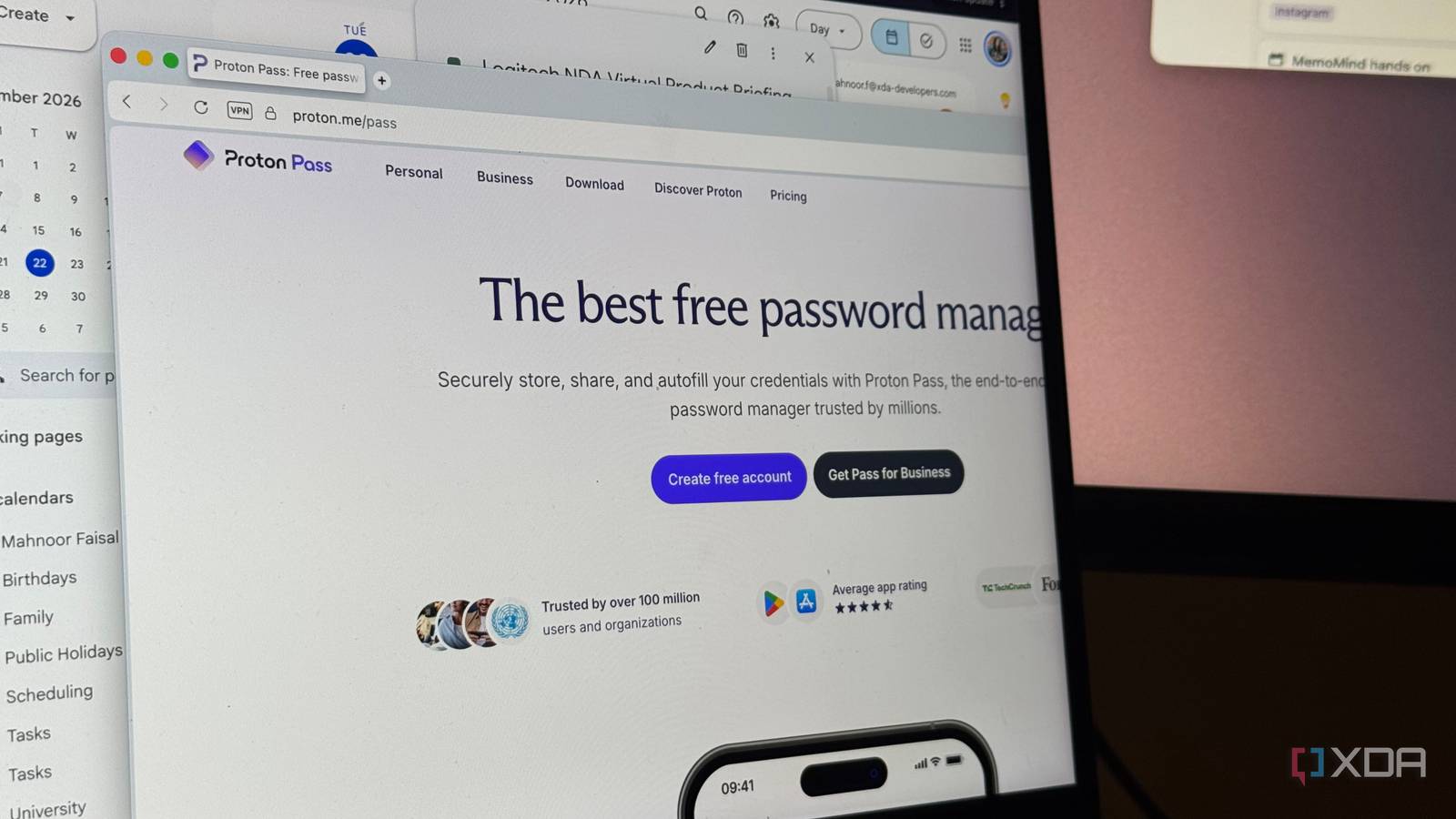
Published Sep 24, 2026, 6:00 AM EDT Mahnoor Faisal is a tech journalist covering AI and productivity tools with bylines at XDA, SlashGear, MakeUseOf, Laptop Mag, and Android Police. She's been writing professionally since she was sixteen, and has since penned hundreds of articles. This includes in-depth coverage of AI tools like NotebookLM to breaking news across the AI space. Her passion for technology started when she received her first iPod Touch (4th generation) on her 8th birthday, and she's been deep in the tech world ever since. Currently pursuing a degree in computer science, Mahnoor brings both a journalist's eye and a technical foundation to her coverage of how AI is reshaping the way we work and learn. My biggest fear isn’t spiders, heights, cockroaches, or even the faintest sight of blood. It’s needing to log into an account while someone watches me cycle through every password I’ve ever used, hoping one of them magically works. It’s no fun confidently typing a password, getting told it’s wrong, trying three more variations of it, and eventually surrendering to the Forgot password? button. Despite having the terrible habit of either reusing the same password across multiple accounts or making tiny variations of one I already know, I still somehow manage to forget which version I used where. It’s a habit I’m actively trying to unlearn, but with or without it, a password manager is one utility I can’t imagine surviving without. While I’ve relied on Chrome’s password manager (and Apple's Passwords app on my iPhone) for far too long, I recently started wondering whether convenience was the only reason I was still using them. So, I finally went looking for something better, and ended up switching to Proton Pass. I can finally use the same password manager everywhere Proton Pass works wherever I do If you go through my XDA author page, you’ll notice that I am always switching between browsers. Though a lot of the browsers I’ve tested before are Chromium-based, I’ve also spent plenty of time with Firefox-based alternatives, including Zen Browser, which is currently my daily driver. I also currently use an iPhone, and that means my passwords have historically been split across ecosystems. Some end up saved to my Google account, while most make their way into Apple’s Passwords app. It works, but it also means I have to remember where I saved a login before I can even worry about remembering the login itself! Proton Pass gets rid of that problem. Instead of choosing a password manager based on whichever browser or device I happen to be using, I can use the same vault everywhere. There’s an extension for Firefox and Chromium-based browsers, a Safari extension, and dedicated apps for iOS, macOS, Windows, Android, and Linux. On my iPhone, I can also set Proton Pass as an AutoFill provider, so my saved logins show up in apps and websites just like they would with Apple’s built-in solution. Proton Pass actually lets me manage my passwords This is what a real password manager feels like When I hear the word “password manager,” I’d expect to be able to do a little more than just save passwords and scroll through one massive list of them. If you’ve used Chrome’s password manager, that’s all it really lets you do. When you’re signing into an app or website, it asks if you’d like to save the password, and from there, that login simply joins everything else you’ve saved over the years. You can search through those passwords when you need one, but there’s no real way to organize them into folders or separate vaults. Whether it’s my real or digital life, I have a terrible hoarding habit. I’ve never thrown away a flower I’ve gotten from someone, and the same largely applies to my online accounts. If I signed up for some random website seven years ago and haven’t touched it since, there’s a very good chance its login is still sitting somewhere in my password manager. Once you've accumulated hundreds of logins like that, one giant list gets messy extremely quickly. My life is currently spread across work, college, and personal stuff, and I use completely different tools for each. My work accounts have nothing to do with my university portals, and neither really belongs mixed in with streaming services, shopping accounts, social media, and everything else I’ve signed up for over the years. Proton Pass handles this much better by letting me split everything into separate vaults. I can keep work, college, and personal logins apart instead of treating every password I own as part of one giant pile. Proton Pass’s aliases feature is a lifesaver Every random website gets a fake email now My work involves a lot of testing random apps, and of course, there are very few apps that let you get far without creating an account first. This means I'm constantly handing my email address over to services I might use once for some testing and never open again. Now, a lot of the apps I try are fairly niche, and I don’t necessarily know much about the company behind them before signing up. Giving every single one my actual email address has never sat particularly well with me, especially when there’s a good chance I’ll delete the app 20 minutes later. Proton Pass’s aliases give me a much better option. Whenever I’m signing up for something new, I can generate a unique email address instead of handing over my real one. These aliases are essentially forwarding addresses. Anything sent to them still lands in my regular inbox, but the service I signed up for never sees the actual email address behind them. That means I still get confirmation emails, password resets, and anything else I need without maintaining a completely separate inbox. If an app starts spamming me, or I simply stop using it, I can disable that specific alias without affecting my real email address or any of my other accounts. On Proton's free tier, you get up to ten aliases pointing to a single email address. If you upgrade to the paid account, you get an unlimited number of aliases and custom domains as well. Proton Pass has an incredibly capable free tier I don’t particularly like the idea of needing to pay to store my passwords safely, and the good thing about Proton Pass is that I don’t have to. Its free plan lets me store unlimited logins and notes, sync them across unlimited devices, use passkeys, generate passwords, and access Proton Pass through its browser, desktop, and mobile apps. There are still reasons to pay. Proton reserves features like unlimited aliases, additional vaults, its built-in 2FA authenticator, file attachments, and more advanced security features for its paid plans. But none of those restrictions stop the free version from doing the most important job of a password manager!
I ditched Chrome's password manager for this open-source app and I'm never going back
Full Article
Original Source
Read the full article at Xda-developers →KhanList aggregates and links to publicly available news content. We do not host full articles from third-party sources. Always verify important information with original sources.