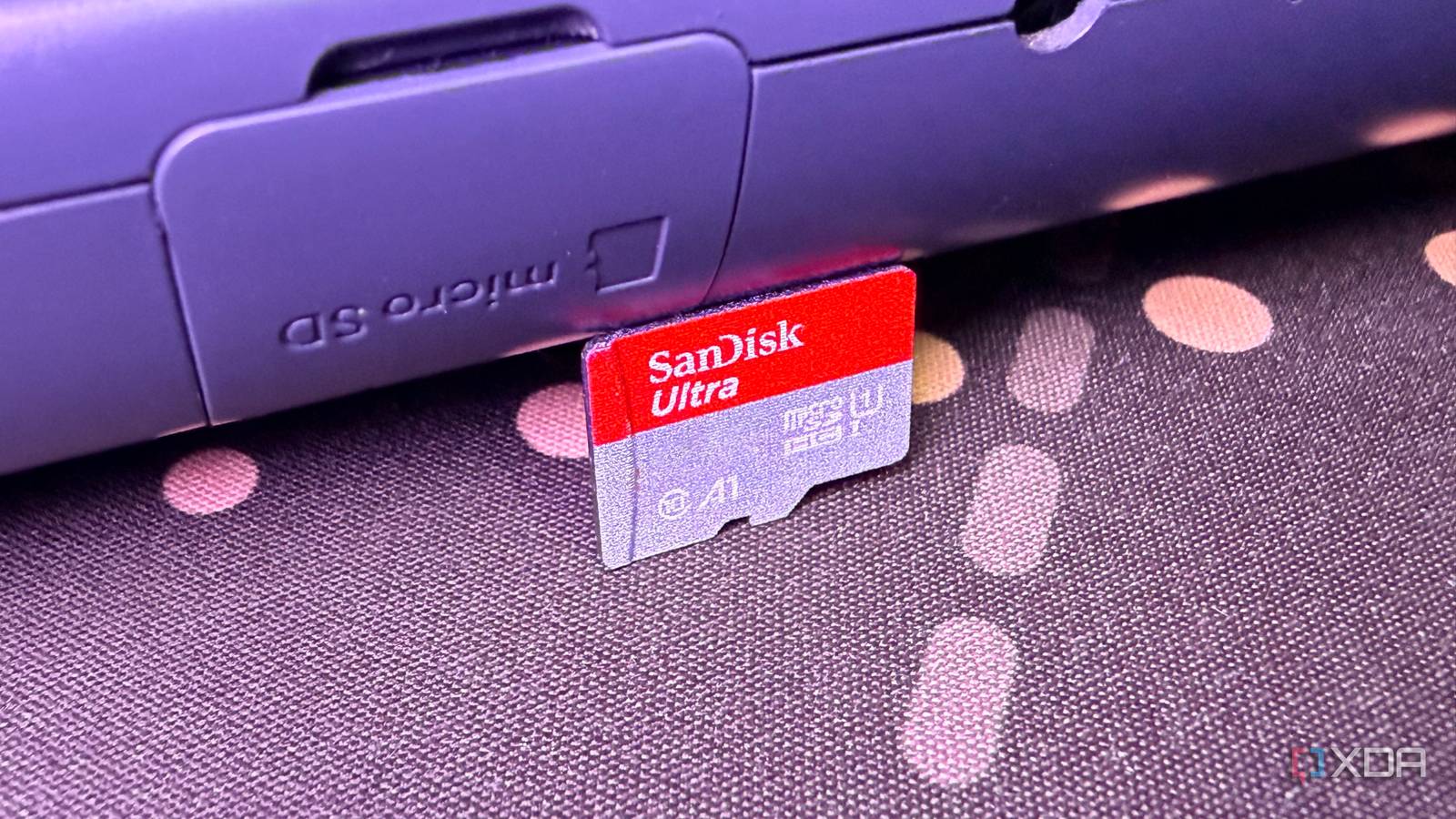
Published Aug 12, 2026, 4:30 PM EDT Abid covers consumer hardware, gaming, and platform updates with an emphasis on accuracy, clarity, and reader-first context. He holds a BSc in Computer Science and Engineering, and his work can be found in multiple publications, including Notebookcheck. Outside of work, he enjoys exploring new gaming hardware, testing system performance, and keeping up with developments across the broader tech landscape. A secondary SSD has been on my list for a while now, as the 1TB drive that I have can't really fit more than three or four games these days. Of course, if I didn't use my PC as a media server, my storage issue wouldn't seem as big as it is right now, but I don't have much of a choice. So, a 2TB SSD stood as a reasonable upgrade for me, but the current prices made me rethink. Drives that would've been easy recommendations not too long ago have become considerably more expensive, and I wasn't willing to pay the current premium just because I was running low on space. My laptop had an empty SD card slot, so I decided to put it to use and got a 1TB microSD card instead. I don't actually need SSD speeds for everything Most of the files eating up my storage aren't performance-sensitive Before making a purchase decision, I took a closer look at what files are actually taking up space on my primary drive. Games were certainly part of the problem, as newer titles like Forza Horizon 6 require 167GB of free space, but they aren't the only culprit. Given that I also use my PC as a media server, a good chunk of the available storage was being taken up by TV shows and movies. There are plenty of other personal files that I don't access regularly, but they are still eating up a decent amount of storage. Considering the current situation, moving files that aren't performance-sensitive to a slower storage device made more sense. However, I didn't want to get an external hard disk, which is more affordable than an SSD but has also seen some price bumps. It's also worth considering that I wouldn't be able to keep an external drive connected to my laptop all the time. A microSD card, on the other hand, can stay inside the laptop without a cable and keep the stored files ready to access at any time. The microSD card also buys me time before a proper SSD upgrade I only needed enough storage to take the pressure off my primary SSD It goes without saying that I'm getting less storage by switching from the planned 2TB SSD to a 1TB microSD card. However, I don't need to solve all my storage problems at once. I realized that I needed just enough additional capacity to offload the not-so-frequently accessed files from the primary drive. For instance, after getting the 1TB microSD card, I moved some of my media library to it and transferred some indie games to it. These aren't performance-sensitive, and moving these freed up a sizable chunk of space from my SSD. What's more important is that I didn't need to spend nearly as much upfront just to get some breathing room. I'm still planning to get that second SSD eventually, but the microSD card slot gave me more reasons to wait until prices come down. SanDisk 1TB microSDXC-Card The SanDisk 1TB microSDXC card gives you up to 1TB of additional storage capacity on any device with a microSDXC card reader. There's a notable speed difference, but it matters less than I expected It's slow next to an NVMe SSD, but it's fast enough for what I'm storing There's no debate that an NVMe drive is faster than a microSD card. Even a low-end SSD can move gigabytes of files in a fraction of the time required by a high-end memory card. However, this speed difference didn't matter nearly as much as I thought it would for the files I stored on the microSD card. To illustrate, media files without a high bitrate don't require anything close to NVMe-level transfer speeds. The same goes for the images and videos that I backed up on my laptop. For reference, UHS-I cards can offer write speeds of up to 160MB/s, while read speeds can reach up to 200MB/s. A Gen 4 SSD, on the contrary, can deliver up to 7,000MB/s of writing speed, while the reading speed can go up to 7,500MB/s. This microSD card won't replace my SSD upgrade plans, but it doesn't need to My 2TB SSD upgrade can wait a bit longer No matter how well this microSD card has worked for my needs, I wouldn't consider it a replacement for a secondary SSD drive. The difference doesn't just end at sequential read and write speeds. SSDs can handle sustained transfers and heavy workloads much better than any microSD card. So, I still plan to add that 2TB SSD eventually. For now, though, the 1TB microSD card will have to offload the less frequently used files from my primary drive, and the slow transfer speeds aren't a problem for me.
I ditched 2TB SSD upgrade plan for a 1TB microSD card, and the speed difference matters way less than I expected
Full Article
Original Source
Read the full article at Xda-developers →KhanList aggregates and links to publicly available news content. We do not host full articles from third-party sources. Always verify important information with original sources.