
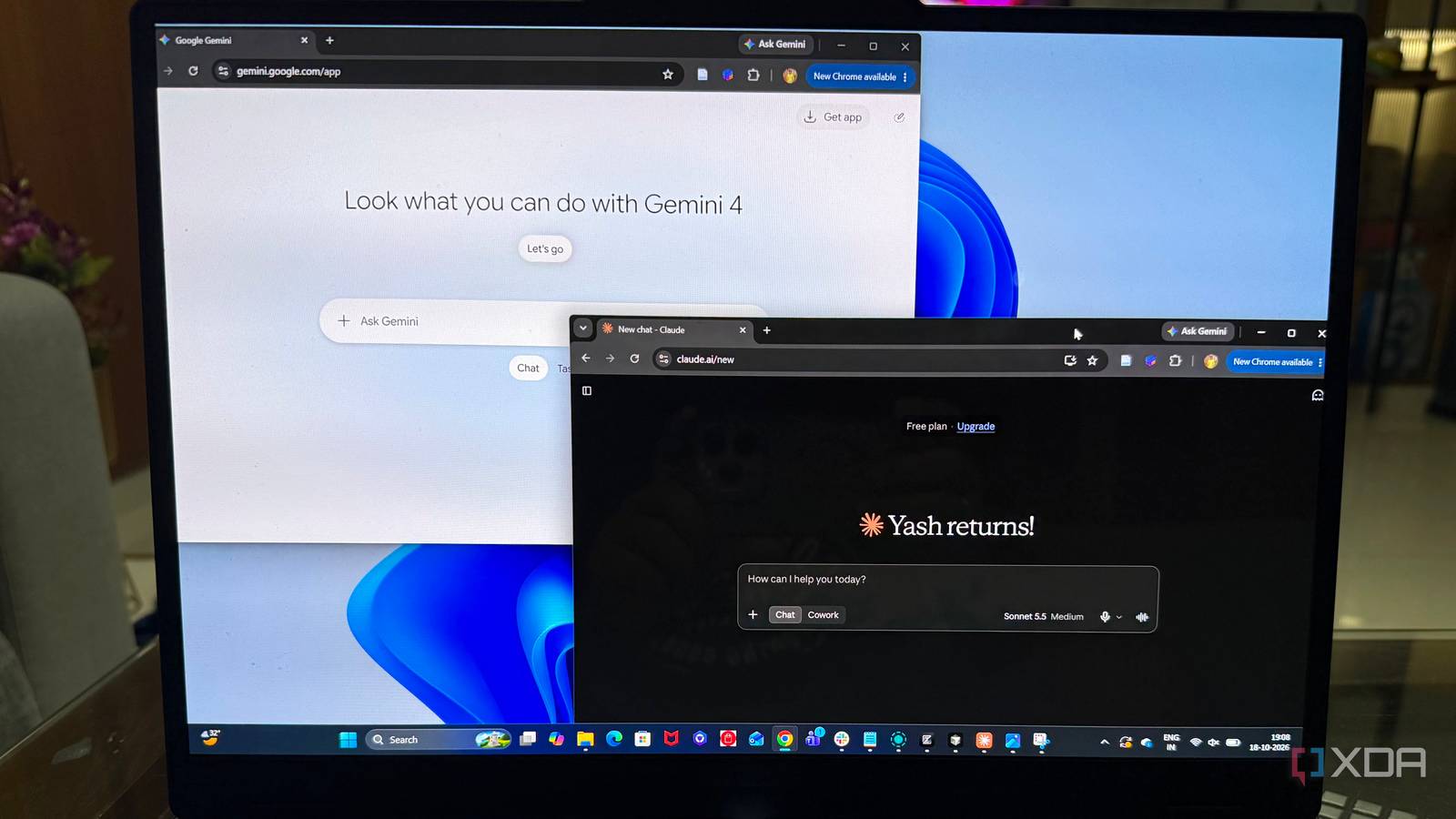
Published Oct 19, 2026, 10:00 AM EDT Beginning his professional journey in the tech industry in 2018, Yash spent over three years as a Software Engineer. After that, he shifted his focus to empowering readers through informative and engaging content on his tech blog – DiGiTAL BiRYANi. He has also published tech articles for MakeTechEasier. He loves to explore new tech gadgets and platforms. When he is not writing, you’ll find him exploring food. He is known as Digital Chef Yash among his readers because of his love for Technology and Food. I was paying $20 a month for ChatGPT, but I started wondering if I really needed to rely on a single AI tool for everything. Instead of sticking with one chatbot, I decided to experiment with Claude and Gemini together. The idea was simple: use both models to get better results without spending more on subscriptions. What surprised me was how useful this approach became for my work. Rather than accepting the first answer an AI gave me, I started treating the models as collaborators. One could help improve the process, while the other could bring a fresh perspective to the task. I didn't expect this simple change to make such a difference, but it gave me a new way to approach AI-assisted work without depending on a single tool. Claude turns my rough idea into a serious prompt I let Claude do the prompt engineering I don't spend too much time trying to write the perfect prompt from scratch. I start with a rough idea of what I want, even if the instructions aren't particularly detailed. Then, I ask Claude to help me turn that idea into a clearer, more useful prompt. I want Claude to look for missing context, vague instructions, and anything that could lead to a poor response. I also ask it to make the requirements more specific and organize the instructions, so the other model can understand exactly what I'm looking for. What I like about this approach is that I can focus on explaining my actual goal instead of worrying about every little detail in the prompt. Claude helps me refine the instructions before I move forward. I still review the improved prompt to make sure it reflects what I want, but I don't have to spend as much time figuring out how to phrase everything myself. Once I'm happy with it, I move to the next step. I give Claude's prompt to Gemini Gemini takes over from here Once I'm satisfied with Claude's revised prompt, I copy it into Gemini and let it handle the actual task. I use Gemini 3.1 Pro for this step because I want to see what it can produce when given clear instructions instead of a quick, loosely written request. I include any relevant context or reference material the task needs, then let Gemini generate its response. At this point, I don't interfere too much with the process. I want to see how well it follows the instructions and what kind of output it produces. The difference I notice is that I have a more structured starting point. Gemini has a clear objective, specific requirements, and a defined direction to follow. I don't have to keep adding instructions or correcting the same misunderstandings through multiple follow-up messages. Of course, a detailed prompt doesn't guarantee a perfect answer. Gemini can still miss important points or make mistakes. That's why I don't treat its first response as the finished product. I use it as the starting point for the next stage of my workflow. Gemini gets Claude's criticism One AI reviews another AI's work After Gemini generates its response, I copy the entire output back into Claude for a review. This time, I don't ask Claude to rewrite everything or make the content sound better. I want it to act as a critic and point out what needs improvement. I ask Claude to look for gaps in the reasoning, overlooked details, unclear explanations, and anything that doesn't meet the original requirements. I also want it to flag claims that need verification rather than simply assuming everything Gemini writes is correct. Once Claude finishes its review, I take its feedback back to Gemini. I ask Gemini to address the valid criticisms, correct the weaknesses, and improve the original response without losing useful information. I find this step useful because it gives the output another round of scrutiny before I consider it ready. However, I don't blindly accept every suggestion Claude makes. I review the feedback myself and let Gemini work with the points that genuinely improve the result. The final version still needs my own judgment before I use it. This works better than asking one chatbot I've also realized that an AI response's quality isn't just about which model I choose. The way I structure the task and review the output matters just as much. A strong first draft helps, but having another model challenge it can reveal weaknesses I might otherwise overlook. Of course, I still need to check important facts and make the final decisions myself. AI models can also agree on something incorrect. For me, the real benefit is having a workflow that encourages better results instead of simply accepting the first answer that sounds convincing.
I ditched $20 ChatGPT subscription and made Claude and Gemini work together for better results
Full Article
Original Source
Read the full article at Xda-developers →KhanList aggregates and links to publicly available news content. We do not host full articles from third-party sources. Always verify important information with original sources.