
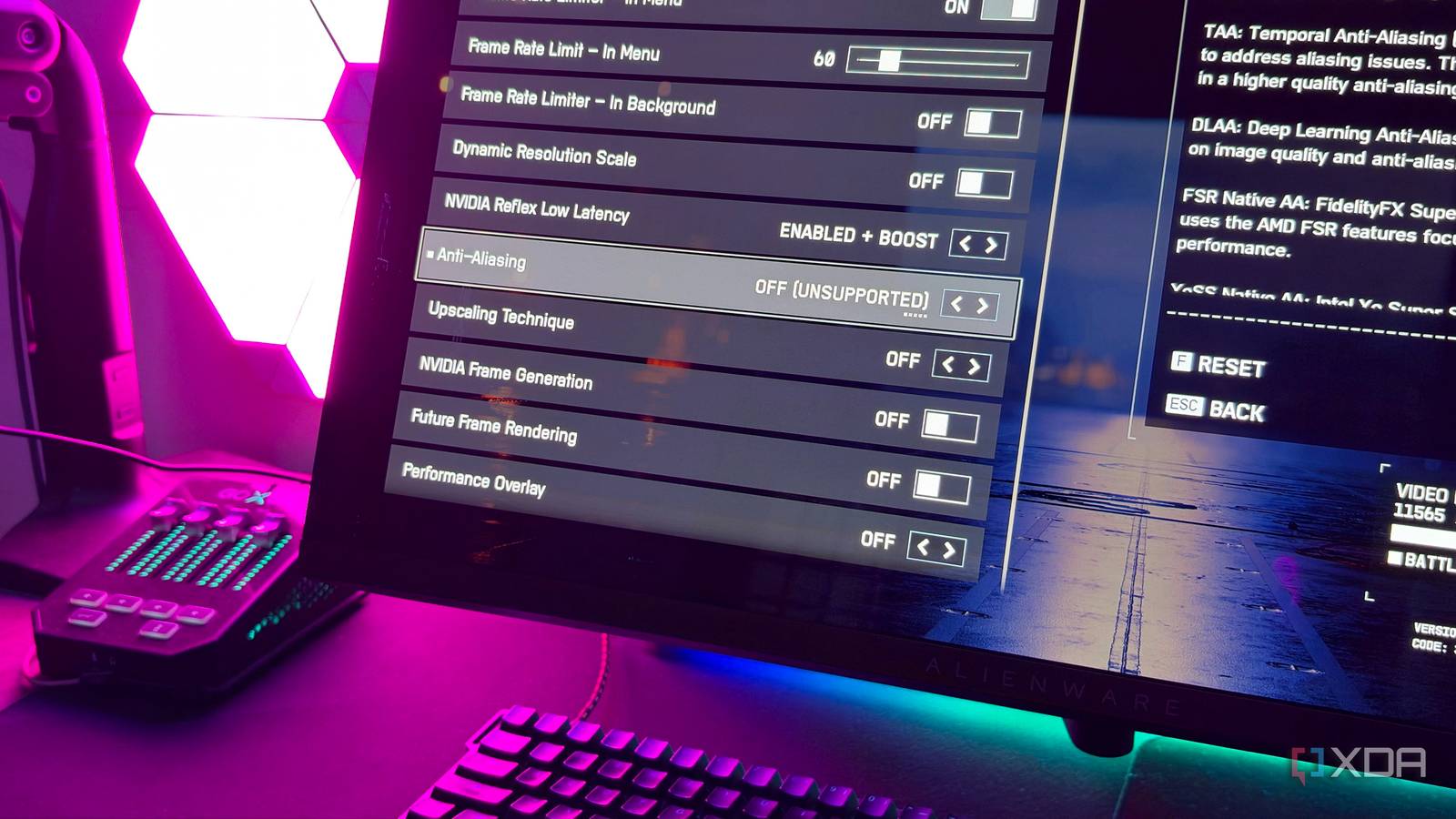
Published Nov 29, 2026, 11:00 AM EST Hamlin has been in the tech field for over nine years. Since 2017, his work has appeared on MakeUseOf, Android Police, OSXDaily, Beebom, and more. He served as the Senior Editor at Valnet's MakeUseOf for over two years before joining XDA. He uses a high-end gaming rig for desktop use and a MacBook for traveling, but dislikes some of the quirks of macOS. You're more likely to catch him at the gym or on a flight than anywhere else. One of the perks of using a flagship graphics card like the RTX 4090 to game at 1440p is that I don't necessarily have to rely on upscaling to get the frame rates I want in most games. Unless I'm using path tracing in newer AAA releases like 007 First Light or Black Myth: Wukong, I can comfortably hit 60FPS without DLSS. But what's funny is that I still enable DLSS in just about every AAA title I play these days, even when I'm perfectly happy with my frame rates. On a 1440p monitor, enabling DLSS Quality means games internally render at 960p, so you'd think I'd be taking an image quality hit. But no, the upscaled image generally looks just as good as native 1440p, maybe even slightly better in some scenarios. This mostly has to do with temporal anti-aliasing (TAA) and how an increasing number of games force you to use it when rendering at native resolution. In these cases, the only way to get around the game's TAA implementation is by switching to DLSS, FSR, or DLAA. TAA ruins the clarity of native rendering And many of the biggest AAA games don't let you turn it off either Ever heard of TAA blur? It's the main reason why PC gamers, including myself at this point, just can't stand temporal anti-aliasing. While the severity of it usually comes down to how well the developers have implemented TAA in their games, the loss in image clarity is more apparent as soon as you start moving the camera around. That's because TAA blends previous frames with the current one to get rid of jagged edges and shimmering, so it ends up smoothing over some of the finer details. You don't have to be moving to notice the slightly softer image, either. Look at the tree leaves in my screenshots from 007 First Light, for example. You can almost make out every individual leaf on some of those palm trees with DLSS Quality, whereas they seem to blend together with TAA. Unfortunately, games rely on it to clean up noise from screen space reflections, ambient occlusion, and global illumination. Without it, lighting and shadows in those games can look downright broken. So it's sort of like a necessary evil. DLSS is the easy way out Because it's an anti-aliasing solution as much as it's an upscaler We associate DLSS with upscaling because that's what Nvidia has largely marketed it as over the years. But during the image reconstruction process, DLSS also takes care of anti-aliasing. Now, just like TAA, it's a form of temporal anti-aliasing, but Nvidia uses a trained neural network that generally does a much better job than conventional TAA algorithms. Remember when one of the biggest complaints about older versions of DLSS was how soft the image looked? That's precisely what we hate about TAA today. Ever since Nvidia switched from convolutional neural networks (CNNs) to a transformer model with DLSS 4, I've always preferred its look. Look at the metal mesh covering the rear windshield of the police car in my Cyberpunk 2077 screenshots. The mesh pattern is more defined with DLSS Quality. Even the lettering on the back of the car is richer and easier to read. And let's not forget that it's running at 85FPS compared to 50FPS at native with TAA. That's a roughly 70% jump in performance for an image that looks clearer. DLSS without the upscaling looks even better But when it's more demanding than native rendering with TAA, is it really worth it? Now, if you're hell-bent on playing games at native resolution because you have an RTX 5090, you can always use DLAA, which is just the anti-aliasing component of DLSS. And as you probably expect, it looks even better because it has a lot more pixel data to work with compared to DLSS Quality, which upscales from 960p on a 1440p screen. Not only are you avoiding TAA blur, but you're also less likely to run into some of the artifacts that come with upscaling. So if image quality is all you care about, DLAA is your best bet. But from what I've seen so far, the DLSS Quality preset already gets you 90% of the way there. You're giving up a lot for that last bit of image quality because the FPS tax is usually around 5-10% compared to native rendering with TAA. And the performance hit when switching from DLSS Quality to DLAA can be anywhere between 20 and 40%, depending on the game and how GPU-bound you are. Unless you're CPU-bottlenecked and have a lot of GPU headroom, I think you have to be pretty obsessed with image quality to justify it. It's not like we have much of a choice I'd honestly love to play with anti-aliasing turned off. That's something I used to do until I upgraded to the RTX 3090 for Cyberpunk 2077. In fact, there was a common perception among gamers that you didn't really need anti-aliasing when gaming at 4K. But considering how current-gen games can look terrible without TAA, I get why developers force it instead of giving us a bunch of AA options to choose from, like SMAA and MSAA. If I have to put up with some form of anti-aliasing, it may as well be DLSS because there's virtually no downside besides the occasional artifact. At this point, I'd use DLSS for its anti-aliasing alone and treat any FPS improvement as a bonus.
I disabled TAA in my favorite games, and it reminded me that DLSS is more than just upscaling
Full Article
Original Source
Read the full article at Xda-developers →KhanList aggregates and links to publicly available news content. We do not host full articles from third-party sources. Always verify important information with original sources.