
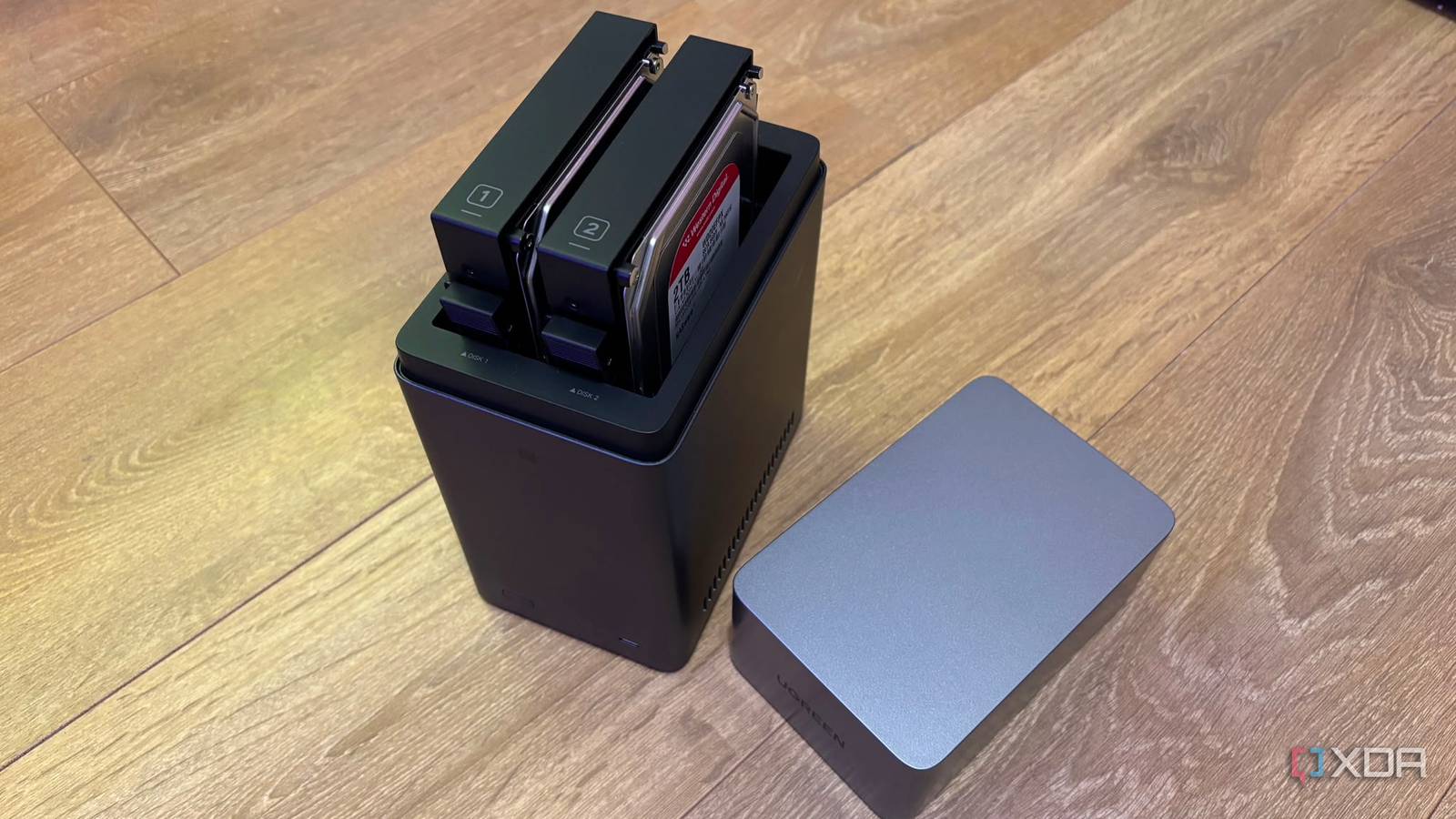
Published Sep 4, 2026, 5:00 PM EDT Jasmine is Software and PC Hardware Author at XDA with years of tech reporting experience ranging from AI chatbots right down to gaming hardware, she's covered just about everything. Whether it's breaking news about the latest AMD NPUs or creating video tutorials on social media platforms, Jasmine has contributed to the world of AI and tech in a variety of ways including interviewing the CEO of Razer, AMD's Director of Product Marketing and the VP of Lenovo. Passionate about gaming and PC technology, she has built countless computers, keyboards and other peripherals - knowing them inside and out. When you set up a new NAS system, you might notice it constantly humming and drawing a lot of wattage, so you switch it to standby mode after 15 to 30 minutes of inactivity. This might feel like an energy-conscious decision, and you might notice your room get quieter, temperatures falling, and your annual electric bill dropping by up to $40. However, 18 months later, a drive will drop from the pool with I/O errors. You pull the S.M.A.R.T telemetry logs and discover a horror show. The start-stop count and the load-unload cycle count have ballooned from a few hundred into the tens of thousands, accompanied by spindle spin retry errors and missing reallocated sectors. Hard drive spin down is designed for single-drive desktop PCs, not multi-drive, container-dense home servers. The thermodynamic and mechanical stress of frequent spin-up cycles degrades spindle motors, head actuator ramps, and solder joints far faster than continuous rotation ever would. The money you've saved on electricity is quickly erased when you replace a $200 enterprise drive years ahead of its design life. The physics behind the problem The spinning plates cause some issues Credit: Unfortunately, this issue is down to physics. When a 7,200 RPM mechanical drive is asleep, its platters are completely stationary. Switching it back on accelerates the high-density aluminum/glass platters to 7,200 RPM in just 8 to 15 seconds, which requires an initial inrush current surge of 1.5A to 2.5A on the 12V rail. This can be around 20 to 30W peak per drive. This creates extreme instantaneous torque stress on the fluid-dynamic spindle bearings and power-delivery components. Essentially, the spin-up surge is causing a mechanical shock to your hard drives. Also, modern drives park their read/write heads on an external physical ramp off the edge of the platters when entering standby. Enterprise and NAS drives are rated for roughly 300,000 to 600,000 load/unload cycles; however, aggressive spin-down in a system triggered by frequent background tasks can blow through hundreds of cycles a week, essentially shortening the lifespan of your drive. Thermal cycling can play a major role in the degradation of your drive too. Steady-state heat like 35 to 40°C is not what kills electronics. It's actually down to thermal delta: repeatedly cooling a drive down to an ambient 22°C during sleep and then rapidly heating it back up to 42°C during spin-up can cause microscopic expansion and contraction across the printed circuit board, solder joints, and drive casing, accelerating fatigue failures. The worst are those who are running home labs Home lab set-ups spin up more often than you think An issue with a home lab drive is that I might not actually even be able to go to sleep. This is because of a constant wave of background pings. Even if you aren't actively streaming a movie or transferring a file, modern home servers are never truly idle. Plex/Jellyfin may run scheduled library metadata sweeps, Docker containers may write tiny log lines to shared storage pools, Home Assistant may record historical sensor states, or other status pings may keep your NAS constantly switching on and off. This means that your drive can go to sleep after 20 minutes, but then 10 minutes later, an OS telemetry log or SMB broadcast wakes it up. It spins up for 90 seconds and then goes back to sleep. This thrashing loop causes issues with your drive's health. Instead of spinning down once or twice a night, the drives thrash through 15 to 30 spin-up cycles every single day. The real-world annoyance of waiting 10 to 15 seconds with a frozen File Explorer or spinning client wheel, while storage already spins up from cold to standby, can also be an issue. You take a latency hit waiting for the drives to wake from sleep mode. There might be a solution for you And it likely isn't sleep mode You can make a few compromises that let you save power without actually killing the disks. Decouple Docker and app data onto flash storage like an NVMe or SATA SSD. Never let application data, container configurations, or OS system logs reside on your mechanical spinning array. Keep Home Assistant databases, Plex app data, and Docker configs strictly on dedicated cheap SSDs. That way you don't have to have your hard drive spin up so often. Undergo the Unraid hybrid approach. In systems like Unraid, files are written directly to an NVMe cache pool and only flushed to spinning rust once a day in a single bulk batch at an allocated time, normally in the AM. This allows mechanical drives to sleep for 20+ hours uninterrupted, avoiding that thrashing. Activate a 24/7 enterprise role if the other two options aren't for you. If you're running ZFS or traditional RAID, then it might be better for you to disable APM/spin down entirely. Disable drive standby in your GUI and let the drives spin continuously in a temperature-controlled chassis with adequate airflow. That way you don't have to worry about the health of your drives degrading from constant sleep cycles. Your hard drives need to be cared for This should save you from having to replace them prematurely Hard drives are mechanical engines with spinning fluid bearings, voice coils, and floating heads. Like an automobile engine on a highway, hard drives are the happiest running at steady operating temperatures and constant speeds. Starting and stopping them 20 times a day to pinch pennies on power is textbook false economy. Go into your NAS settings today and audit your S.M.A.R.T load cycle counts. Turn off aggressive sleep timers, keep your drives spinning, and make your enterprise hardware do the job it was built to do.
I disabled NAS drive sleep mode after watching the load-unload cycles destroy a $200 drive
Full Article
Original Source
Read the full article at Xda-developers →KhanList aggregates and links to publicly available news content. We do not host full articles from third-party sources. Always verify important information with original sources.