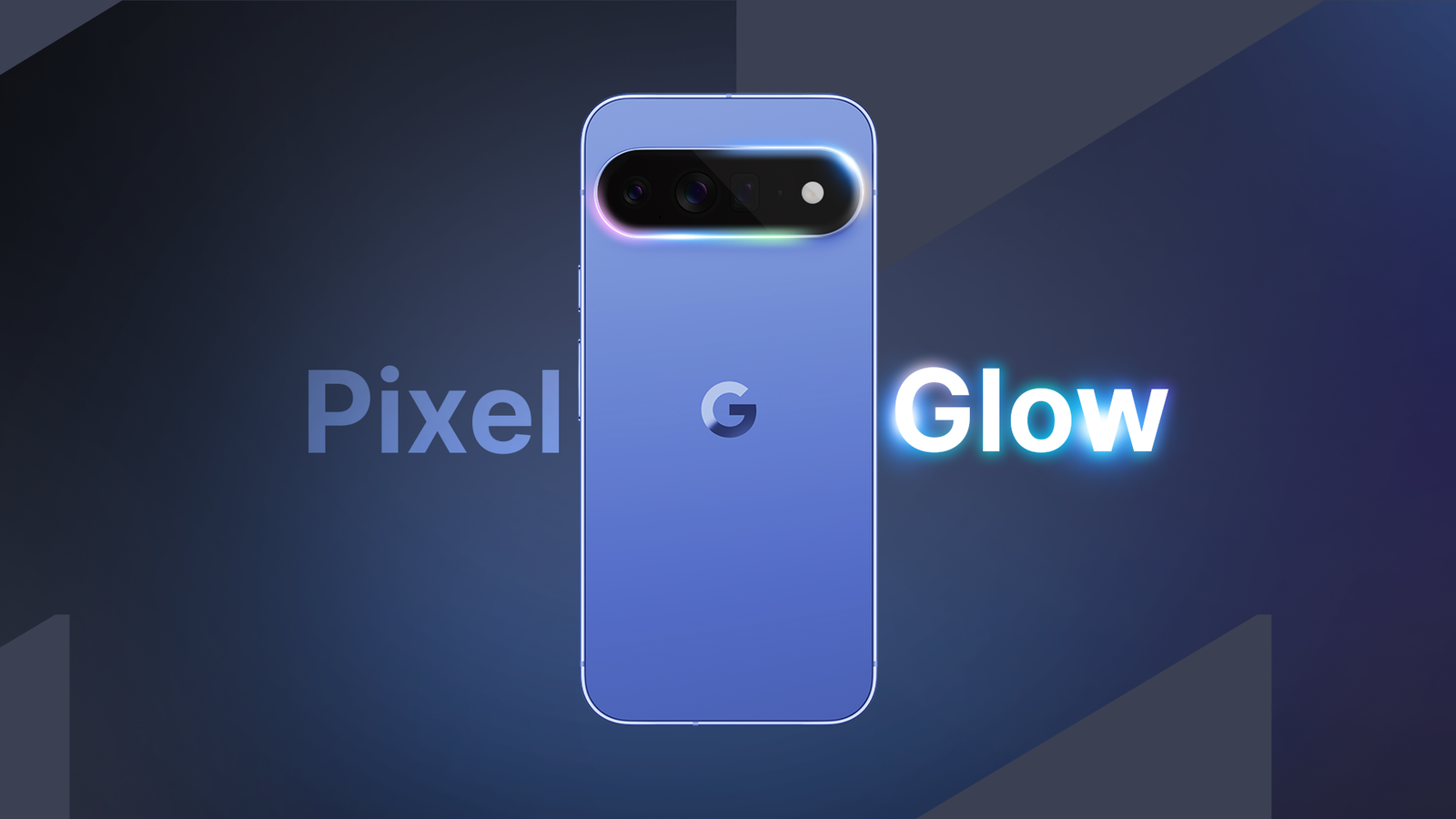
Published Jul 17, 2026, 6:00 AM EDT Jon Gilbert is a Features Writer for Android Police. I've covered Android since 2021, focusing on writing features and guides about Android apps and features that directly affect users. I've attended CES to uncover powerful hardware that isn't dominated by Google like the Mudita Kompakt. I trawl through Android news daily, hunting for stories that have real-world consequences. I hold a BA in History & Classics. Earlier this year, Google announced the Googlebook, a Gemini-powered laptop that signals the end of Chromebooks. Leaks also indicated that the upcoming Google Pixel 11 will feature a mysterious Pixel Glow lighting effect. The lightbar on the Googlebook appears to be identical in purpose, but details are sparse. Nevertheless, the Pixel community is abuzz with talk about this mysterious lighting system. But what if you don't want to buy a Pixel 11 and think the Googlebook is a joke? There's still a nifty way to get the Pixel Glow experience on any Android phone. Glowbar is an unsubtle attempt to capture the excitement around Pixel Glow Fortunately, Google didn't copyright the name The official Pixel Glow feature is built at the hardware level, so older Pixel phones and Chromebooks will never offer it. While I'm not convinced that the feature will be worth upgrading for, this app is a clever reconstruction at the software level. We don't know exactly how Pixel Glow will look and act on the Pixel 11, but Google has given us a good look at the glowbar on the Googlebook (apparently there's no official name for it). Credit: Google Glowbar has transported the Googlebook's glowbar straight to Android. By default, it shows a pulsating, multicolored bar just underneath the camera hole. By default, this bar does nothing except indicate that you're a fan of the official glowbar (Glowfans? Glowers? Glowfolks?). However, for $1, Glowbar gets actual functionality. Glowbar is a fun way to represent information Although one optional setting is really not optional The premium version of Glowbar unlocks a variety of genuinely useful tools. It can display battery levels, indicate when notifications arrive, and track downloads and other data transfer actions. There's also the option to turn Glowbar into a ring (for some reason, this option is not called Glowring), which feels much less intrusive than the bar. Glowbar has various options to move, resize, and auto-hide the bar, but no matter how much I fiddled with these settings, it always felt in the way. But as there's already a hole in my Pixel's screen, adding a glowing ring doesn't inconvenience me. I appreciate the developer's attempt to represent the glowbar accurately on the software level, but the cutout display feels much more appropriate for Android phones. Ironically, Glowbar isn't best paired with the Pixel Launcher Glowbar is your minimalist launcher's friend Initially, I considered Glowbar to be a fun gimmick at best. I don't need it to show the charging level when my battery indicator is right there, and the notification alert is redundant when it's less obvious than the actual notifications. But while I was testing Glowbar, I was also testing Comfy Launcher, a minimalist tool that has the option to remove the status bar. Glowbar thus neatly stepped in to show the information I was missing in my status bar. In cutout mode, it's unobtrusive and doesn't detract from the launcher's minimalist design. In this way, it's easy to see how the official Pixel Glow and glowbar tools will work alongside their respective devices. But while the Glowbar app is fun, it's made me better understand the need for the official feature. But sometimes fun can be just as important as utility According to leaked code, Pixel Glow will inform you of important activity when your phone is face down. All in all, it sounds like the design philosophy behind Nothing's Glyph Lights, which were fun and useful. Do I think Pixel Glow/the glowbar will be the Pixel 11 and Googlebook's flagship feature? No. But I've been enjoying using Pixel Glow for days now, and I realize that the attraction goes beyond utility. I don't need Glowbar on my Pixel phone. It's just another way to convey information that is already easy to access. But I am enjoying using it. I love features that visually represent actions in a fun way. Notifications are boring, but the flash of Glowbar adds a spark of color to my day. Progress indicators are somehow rendered more lively with the pulsating color bar (or ring). None of this is necessary. But neither is fun, and yet I still hunt it out. Glowbar helped me forget about the hunt for utility again I've pontificated extensively on this site about how practical features often take a backseat to flashy new features. I'm always looking for apps that improve the functionality of my Android phone, and I rarely hunt for something fun. Is a dollar too much to pay for Glowbar? Yes (locking every useful tool behind a paywall is a particularly cheeky move from the developer). Do I regret buying it? No. So while I certainly won't be buying a Pixel 11 on launch, I understand the appeal of Pixel Glow and the glowbar a little more now. Now I just have to wait and see if the broken Magic Cursor tool is fixed at launch.
I didn't think I needed Pixel Glow until I tried this $1 app
Full Article
Original Source
Read the full article at Androidpolice →KhanList aggregates and links to publicly available news content. We do not host full articles from third-party sources. Always verify important information with original sources.