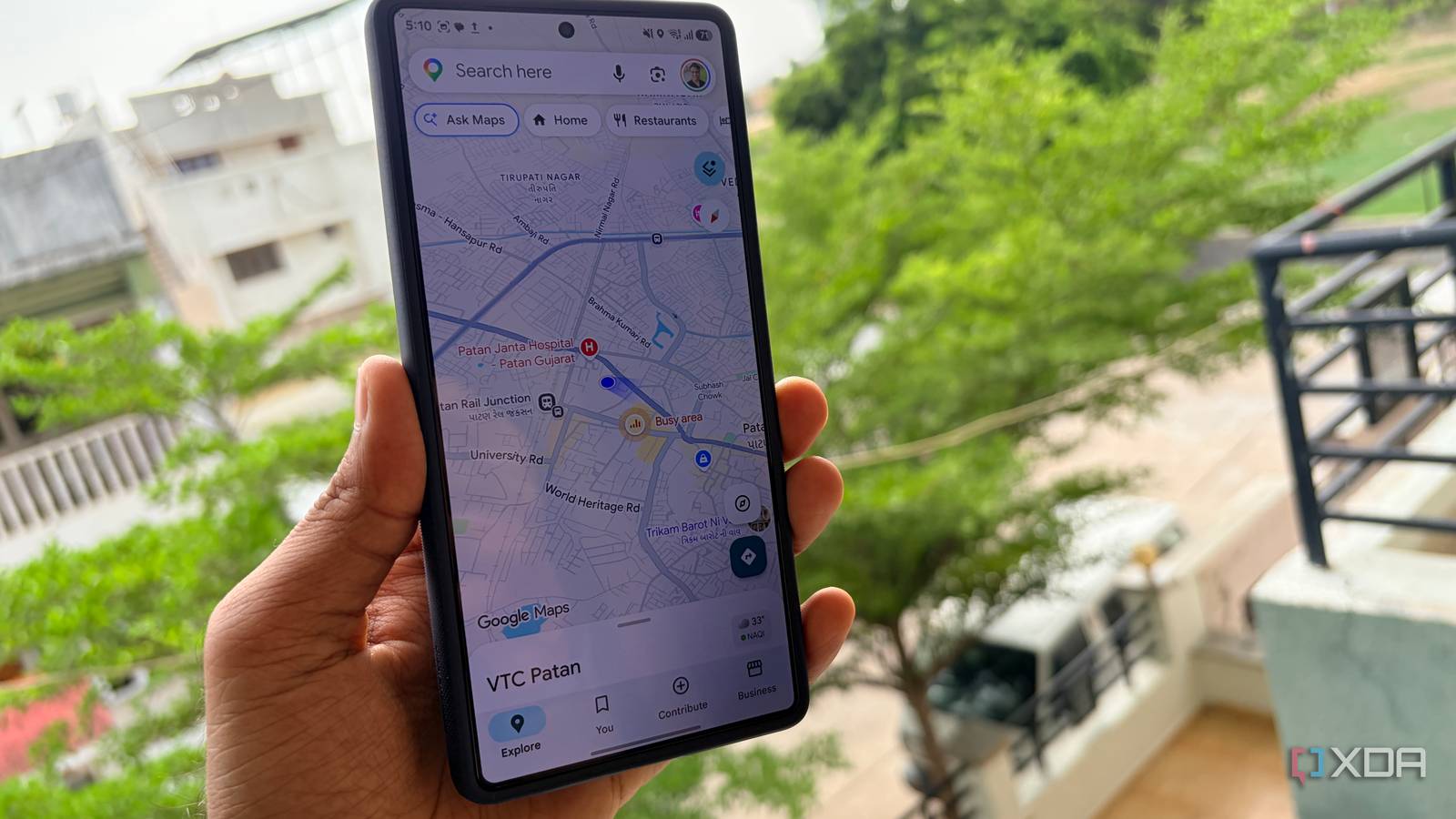
Published Jul 23, 2026, 7:30 AM EDT Parth, a seasoned tech writer, wields the keyboard (or pen) with finesse to unravel the intricacies of both Windows and Mac operating systems. He has covered evergreen content on mobile devices and computers for multiple publications over the last six years. You can find his work on AndroidPolice, GuidingTech and TechWiser. Whether it’s demystifying system updates, deciphering error codes, or exploring hidden features, Parth’s prose guides readers through the binary maze. When not immersed in tech jargon, you’ll find him sipping chai, pondering the next software review, and occasionally indulging in a friendly debate about mechanical keyboards. I use Google Maps for almost everything, from restaurants I want to revisit to cafés, hotels, hospitals, and useful stops around my city. Since these places appeared under my personal Google account, I naturally assumed nobody else could see them. That assumption fell apart when I opened the sharing options for an old list and realized it was still accessible through a link I had shared months ago. One small setting was exposing far more of my routine than I was comfortable with. I treated Google Maps lists like private folders Dumped all my favorite spots into them I treated Google Maps lists like private folders because they lived inside my account and looked no different from any other personal collection. Whenever I found a restaurant I wanted to try, a café worth visiting, or a hotel for an upcoming trip, I saved it without thinking about who else might see it. I also used lists for more practical places, such as my regular pharmacy, a nearby hospital, my preferred fuel station, and stores close to home. During trips, I would save airports, rental locations, attractions, and restaurants in one place so I could access everything quickly. Over time, these lists became a detailed record of my habits and plans. Since I was the one creating and updating them, I naturally assumed they were visible only to me. I never stopped to check whether an old list I had shared with someone was still accessible. My harmless list slowly became personal The problem started with a perfectly normal use case. I created a Google Maps list while planning a trip to Vietnam. I shared the link, so everyone could add restaurants, cafés, attractions, and other places worth visiting. At the time, sharing made complete sense because it saved us from sending dozens of individual links in a group chat. Once the trip ended, however, I stopped thinking about the list’s sharing status. I continued using it simply because it was already there and organized. Months later, I was still adding new places without realizing that the old link remained active. I remembered sharing the list, but I had assumed that access would somehow stop mattering once the trip was over. Google Maps did not remind me that the list was still shared, and I never thought to check until I accidentally opened its sharing options. The list originally contained nothing sensitive. Over time, though, its purpose quietly changed. I started adding places I visited regularly, including my preferred pharmacy, a nearby hospital, my usual fuel station, and stores close to home. None of these locations looked particularly revealing on their own, but together they started painting a detailed picture of my routine. Someone looking through the list could make reasonable guesses about where I lived, which areas I visited frequently, and where I planned to travel next. What began as a harmless shared travel collection had slowly turned into a personal location archive, and I hadn't noticed the transition. The sharing setting was easy to overlook I changed the list back to private Google Maps did not make the list’s sharing status obvious while I was using it. The list appeared alongside all my other saved collections, and nothing on the main screen reminded me that an old link was still active. I had to open the list, tap the three-dot menu, and dig into its sharing options before I could see what was happening. From there, I removed the old sharing access and made sure the list was visible only to me. I did not need to delete the list or rebuild it from scratch. I simply corrected a sharing decision. Fixing one list was not enough because I had created and shared several collections over the years. So I went through every custom list individually. Some were still useful, so I changed them back to private. Others had served their purpose long ago, so I deleted them instead of leaving forgotten links active. Even use Incognito mode in Maps My mistake was using the same Google Maps list for two completely different purposes. A shared restaurant collection gradually became the place where I stored locations connected to my daily routine. To prevent that from happening again, I now keep shared and personal lists separate. When I plan a trip with friends, I create a dedicated list containing only hotels, restaurants, attractions, and other places relevant to that trip. I give it an obvious name, such as ‘Goa trip with friends,’ so I know it is meant for collaboration. Once the trip ends, I either make the list private or delete it. I also use Google Maps’ Incognito mode when I need to search for or navigate to a place without adding that activity to my Google account. I simply tap my profile picture in the top-right corner and select Turn on Incognito mode. One forgotten toggle can expose plenty Google Maps lists are useful, but they can become more personal than they first appear. My mistake was continuing to use that same list long after I had forgotten who could still access it. Changing it back to private took only a few taps, but auditing my older lists was the real wake-up call.
I didn't know Google Maps was sharing my personal spots until I turned off this hidden setting
Full Article
Original Source
Read the full article at Xda-developers →KhanList aggregates and links to publicly available news content. We do not host full articles from third-party sources. Always verify important information with original sources.