
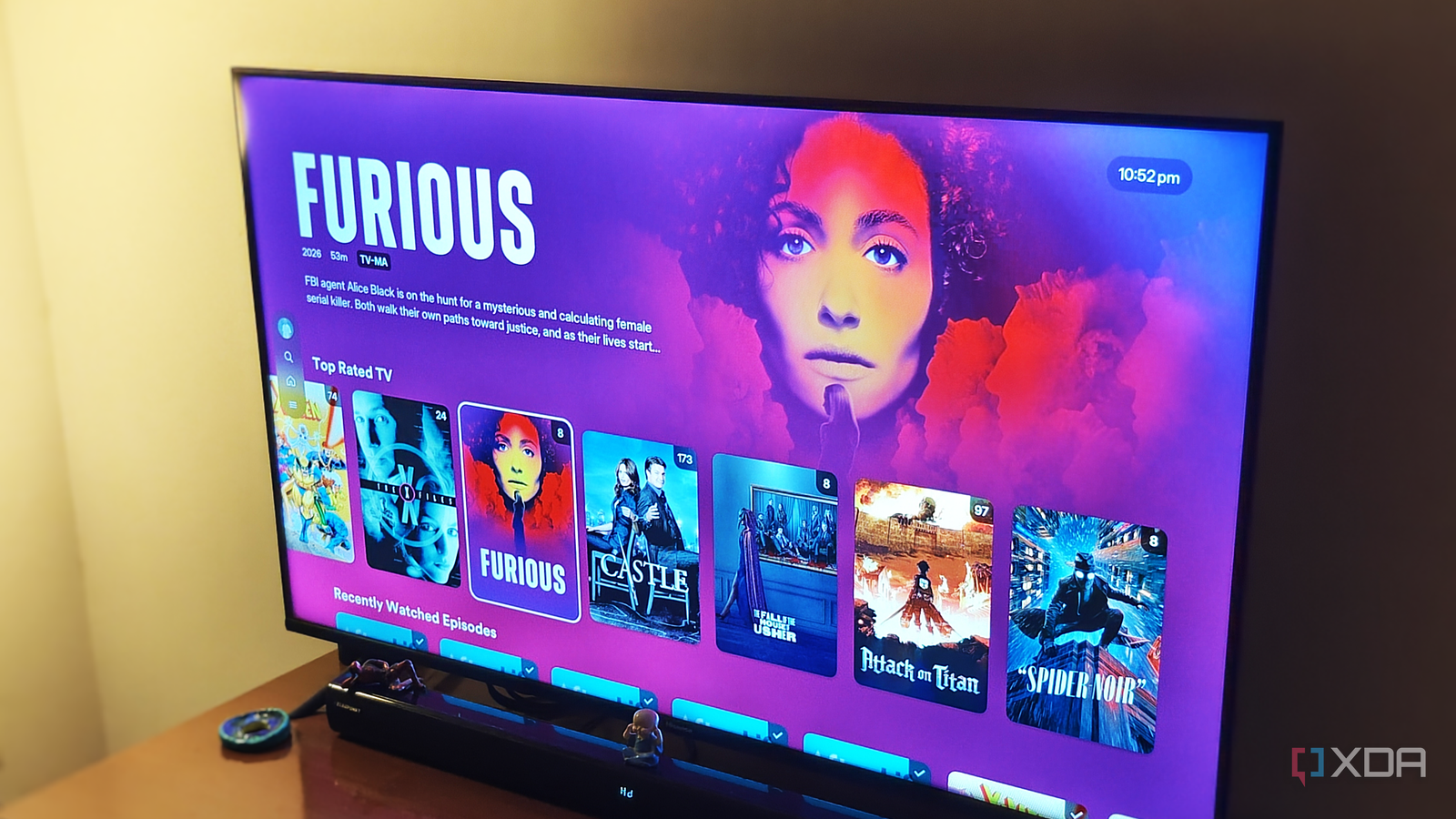
Published Oct 10, 2026, 10:00 AM EDT After a 7-year corporate stint, Tanveer found his love for writing and tech too much to resist. An MBA in Marketing and the owner of a PC building business, he writes on PC hardware, technology, and Windows. When not scouring the web for ideas, he can be found building PCs, watching anime, or playing Smash Karts on his RTX 3080 (sigh). There was a time, not too long ago, when I was a stickler for running Ethernet cables to every room of the house. Whether it was the living room, entertainment room, or the PC room, I just had to have cables at the ready, whether I needed them right away or not. I couldn't leave things to chance by trusting my Wi-Fi network. Ethernet eliminates the uncertainty associated with Wi-Fi interference, range, and speed. Fast-forward to 2026, and only one room in my house has Ethernet. The others are powered by my relatively new Wi-Fi 6 router, and I don't have any dead zones, speed issues, or latency complaints. Ethernet still has its place, but Wi-Fi has gotten good enough that I don't need the hassle of routing cables everywhere. Wi-Fi has mostly solved speed, latency, and congestion It's improved so much that you don't even notice the cracks There used to be three primary downsides to using a wireless connection instead of a wired one: speed, latency, and congestion. Wi-Fi rarely gives you the same throughput as Ethernet, owing to signal loss due to distance, interference, and other devices. With faster internet plans becoming more and more affordable and newer Wi-Fi standards breaking speed records, multi-gig speeds are more common than ever. Even Gigabit and sub-Gigabit internet is more than sufficient to drive most home networks. The more pressing issues are latency and congestion, but modern Wi-Fi has all but eliminated them. Bidirectional MU-MIMO on Wi-Fi 6 and 6E allows your router to transmit data to and from multiple devices at the same time. Wi-Fi adds Multi-Link Operation (MLO) to the mix, which enables compatible devices to transmit across more than one band simultaneously. These features have made conventional Wi-Fi latency a thing of the past. As for congestion, features like OFDMA, which splits channels into sub-channels, and Target Wake Time (TWT), which schedules specific communication intervals for every device, now power crowded home networks. Wi-Fi 7 adds Restricted Target Wake Time (r-TWT) to the mix, providing contention-free service periods for real-time applications. Finally, advanced Quality of Service (QoS) and Smart Queue Management (SQM) prioritize your high-priority traffic and "shape" network traffic to prevent bufferbloat. All of this combined has made modern home Wi-Fi distinct from the unstable and unreliable networks of the past. My smart TV is just fine on Wi-Fi 6 Ethernet won't change my experience After years of staying on a Wi-Fi 5 router, I upgraded to a Wi-Fi 6 model a while back. It brought new features like OFDMA, MU-MIMO, and TWT to my network in addition to making 160 MHz channel width accessible. The biggest practical impact on my wireless devices was a noticeable improvement in latency. Opening webpages, uploading videos, and browsing social media apps got snappier. I even got rid of a chronic dead zone in a room away from the router. Unlike my previous house where my smart TV was wired directly to the router, I've been using it on Wi-Fi for years now. My TV gets the full 200 Mbps bandwidth of my internet plan, and I haven't experienced slow loading times or streaming quality drops. Switching to Ethernet on your smart TV boosts your connection's reliability, but Wi-Fi 6 and newer versions are reliable enough for what most people do on a TV. I could invest the time and effort into routing a second Ethernet cable to my TV room, but it seems like a pointless exercise. If my existing wireless connection is powerful and stable enough for my needs, then needlessly moving away from it doesn't make sense. My PC will always stay on Ethernet And my home server or NAS when I get one Some things should never change, such as hardwiring your gaming PC. And I'm not doing it for online gaming; the bulk of my desktop gaming happens locally. It's because some devices simply work better on a wired connection. Wi-Fi has come a long way for smartphones, laptops, tablets, and smart TVs, but gaming PCs, consoles, and home servers make full use of an Ethernet connection. It has to do with saturating your download speeds and enjoying a dedicated line to the router that's not dependent on other devices in the house hogging bandwidth. Wi-Fi works when I'm streaming Netflix or Plex on my TV, but not when I want to download a game as fast as possible on my PC. Ethernet has also been a fixture on my PC for as long as I can remember, so there's a fair bit of bias involved, too. To be honest, I could technically do almost everything on Wi-Fi that I do on my PC's wired connection. If I relocated again and had to think about routing new Ethernet cables, I'd definitely consider switching to Wi-Fi on the PC, if only to give it a fair shot. Of course, if I built a home server or NAS in the future, it would be hardwired, too. I won't pretend that Wi-Fi can compete with Ethernet on a system dependent on peak throughput and reliability. Ethernet has its perks, but Wi-Fi can replace it almost everywhere If you're being honest with yourself, most devices in your house can function perfectly on Wi-Fi. Unless fractions of a second matter for your online gaming sessions, even your gaming PC is fair game for a modern Wi-Fi 6E or 7 network. It comes down to personal preference and judging which of your devices truly need a wired connection.
I decided I didn't need Ethernet everywhere, and my home network didn't fall apart
Full Article
Original Source
Read the full article at Xda-developers →KhanList aggregates and links to publicly available news content. We do not host full articles from third-party sources. Always verify important information with original sources.