
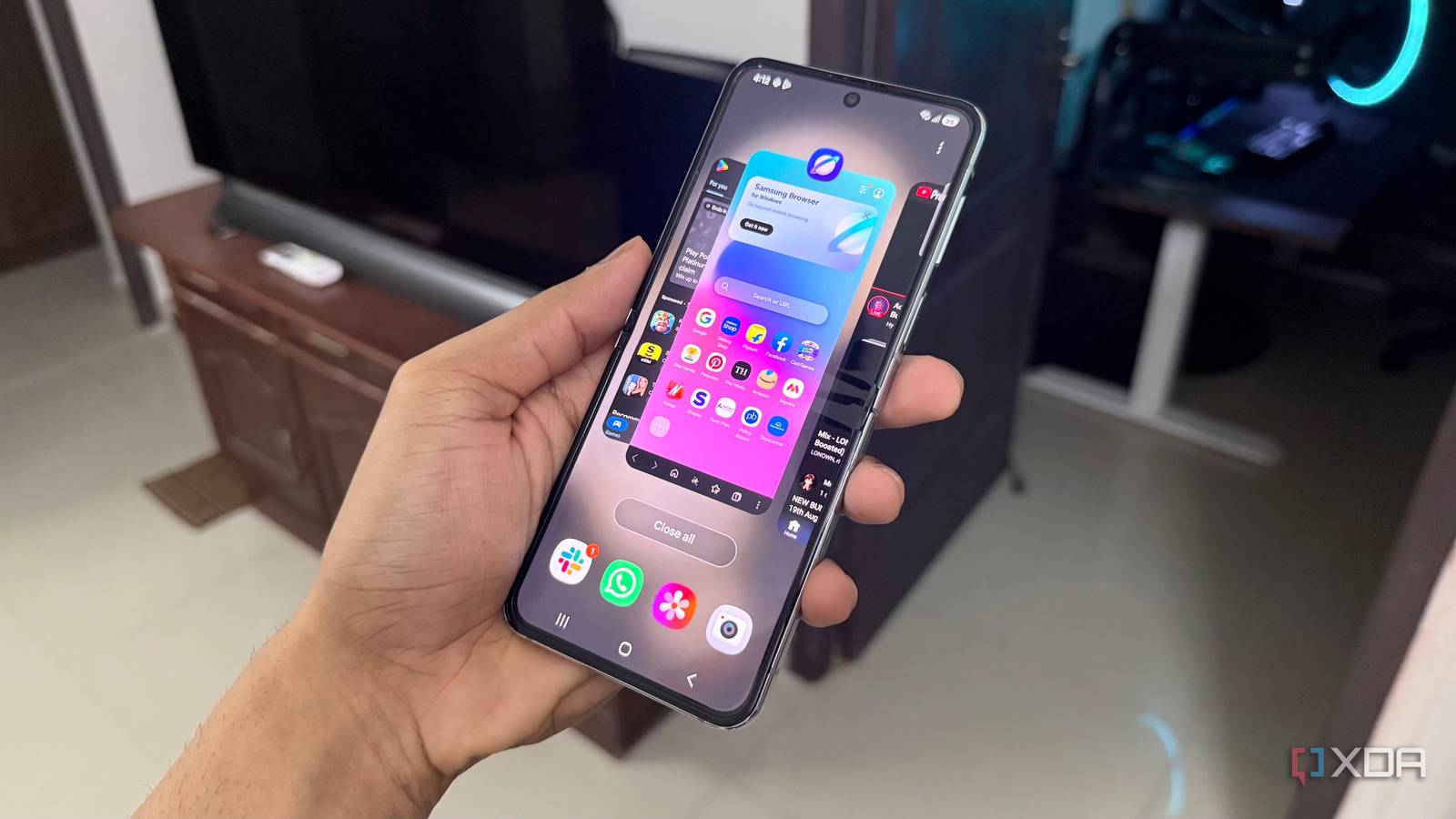
Published Aug 23, 2026, 3:30 PM EDT Hamlin has been in the tech field for over nine years. Since 2017, his work has appeared on MakeUseOf, Android Police, OSXDaily, Beebom, and more. He served as the Senior Editor at Valnet's MakeUseOf for over two years before joining XDA. He uses a high-end gaming rig for desktop use and a MacBook for traveling, but dislikes some of the quirks of macOS. You're more likely to catch him at the gym or on a flight than anywhere else. I've been using my Galaxy Z Flip 5 for about three years now, so it's easy to blame its age whenever it feels a little slower than it used to. But there's a difference between a phone actually taking longer to do something and Android simply taking its sweet time showing you that it did it. I was recently reminded of that when I started messing around with the animation scale settings in Developer options. By default, Android sets its window, transition, and animator duration scales to 1x, which is where you want them if you enjoy the fluid animations you get as you navigate the UI and open apps. But if you want your phone to feel quicker, that's not the setting I'd settle for. Sure, those animations do look nice, but when you use your phone as often as I do, the time you spend waiting for transitions to play out starts to add up. In fact, cutting down on those animations can even make a slower phone "feel" faster. Android hides its animation settings You'll need Developer options to get granular control The only animation-related setting you'll find on your phone out of the box is the Reduce animations toggle in Settings -> Accessibility -> Vision enhancements. As the name suggests, it's easy to assume that its goal is to reduce some of the animations you see as you navigate around the OS. But in my experience with One UI, toggling it on completely disabled most of the animations on my Z Flip 5. Opening an app or the Recent apps screen, for example, had no transition animation at all. While this does make the interface feel quicker, it takes away some of the fluidity that makes navigating One UI feel so polished in the first place. That's why I'd rather use the settings hidden in the Developer options menu, which you can enable by going to Settings -> About Phone -> Software information and tapping the Build number seven times. Go to Settings -> Developer options, scroll down to the Drawing section, and set Window animation scale, Transition animation scale, and Animator duration scale all to 0.5x. This essentially makes these animations play out twice as fast without getting rid of them completely. The problem with Android's default animation scales Even the fastest phones can feel slower because of animations Before I changed anything on my phone permanently, I wanted to figure out what these three settings actually did. Window animation scale controlled how quickly individual windows and pop-ups animated as they showed up and disappeared from my screen. Transition animation scale was something I only noticed when navigating between pages in Settings. I expected to see a difference while opening and closing apps, but on my Z Flip 5, Animator duration scale was the setting that actually controlled those animations. At the 1x default setting, these animations play out normally, but if you have a high-end phone, you'd want it to feel snappier. I mean, what's the point of having faster hardware if you're waiting just as long for animations to finish? Of course, changing these scales to 0.5x isn't going to make your apps load faster, but you're cutting down on that split-second waiting period every time you do something. Even if the app is ready to respond the moment you tap it, that animation can still make it seem like it's taking longer to load. You're trading fluidity for perceived speed But that's why 0.5x strikes the right balance If you want your phone to feel instant, you could just turn all three animation scales off and call it a day. In fact, the Reduce animations setting I mentioned earlier gets you pretty close to that without even touching Developer options. I did like how responsive everything was for a minute, but I quickly started missing those animations that made me feel like I was using a polished OS. Fluidity is something we don't appreciate until it's no longer there. Especially with 120Hz displays being the norm these days, getting rid of animations almost feels like a waste of all that smoothness. That's exactly why I recommended setting animation scales to 0.5x right from the start. You're still cutting the duration of animations in half, but you're not missing out on much of what makes Android feel fluid either. You still see all those effects, except they get out of your way a lot quicker. I'll admit it's not as smooth as the default 1x setting, but that's a tradeoff I'm willing to make for how much snappier 0.5x feels in everyday use. And if you don't mind certain animations taking their time, you can always leave those particular scales at 1x. Sometimes, your phone just needs to "feel" faster Increasing the animation speed isn't going to make an old phone faster than it really is, but perceived speed can still make a difference in day-to-day use. When animations don't take as long, you feel like you're using a snappier phone even though things aren't actually loading any quicker. Going back to 1x now on my Z Flip 5 makes One UI feel slower for the sake of fluidity, so 0.5x is my go-to setting for now. At this point, I just wish Android gave me a 0.25x to play around with to see how much faster my phone can feel.
I cut my phone's animation speed in half, and now it feels twice as fast
Full Article
Original Source
Read the full article at Xda-developers →KhanList aggregates and links to publicly available news content. We do not host full articles from third-party sources. Always verify important information with original sources.