
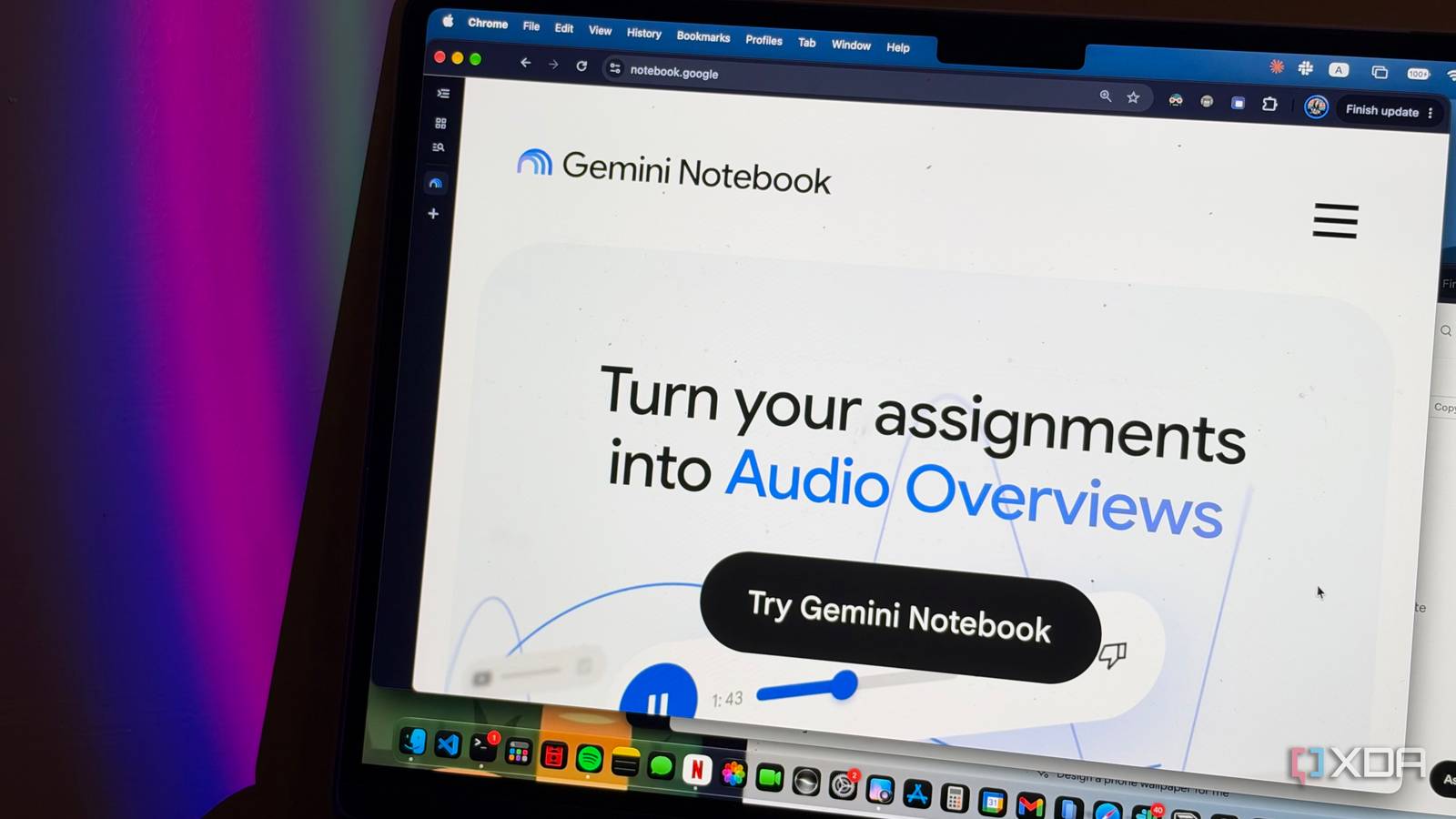
Published Nov 16, 2026, 2:00 PM EST Mahnoor Faisal is a tech journalist covering AI and productivity tools with bylines at XDA, SlashGear, MakeUseOf, Laptop Mag, and Android Police. She's been writing professionally since she was sixteen, and has since penned hundreds of articles. This includes in-depth coverage of AI tools like NotebookLM to breaking news across the AI space. Her passion for technology started when she received her first iPod Touch (4th generation) on her 8th birthday, and she's been deep in the tech world ever since. Currently pursuing a degree in computer science, Mahnoor brings both a journalist's eye and a technical foundation to her coverage of how AI is reshaping the way we work and learn. “Hey, can you write me an 800-page essay on the Declaration of Independence?” “Hey, please solve all 80 math questions in the PDF my professor just gave me.” “Hi, can you brainstorm 10 ideas for my final-term project and randomly pick one for me? (Easiest preferred, obviously.)” Sound familiar? I think prompts like these are a massive part of why AI has earned such a negative reputation in academia. We're so used to hearing about students using AI to get out of doing their work that we often overlook how useful it can be and often overlook how useful it can be when the goal is to actually learn something. As a student myself, I've been experimenting with ways to make AI a part of my studying routine without letting it do the actual learning for me since before ChatGPT became a household name. Thanks to all this experimenting, I've ended up with an AI-powered learning stack I rely on daily, and it doesn't include any of the usual suspects. Not ChatGPT, Claude, Gemini, or even my personal favorite, NotebookLM. Gistr is hands-down the best NotebookLM alternative Giving my favorite AI tool a run for its money It wouldn't take you too long to figure out which AI tool I've constantly praised. It's NotebookLM, now Gemini Notebook, and I've recommended it endlessly. From its Audio Overviews that are perfect for passive learners and interactive Mind Maps to its source-grounded responses, it's been a permanent part of my studying routine for some time now. The last bit is what I personally think is most important for students, since accuracy is something you can't really compromise on when studying, and the chances of getting hallucinated responses with NotebookLM are relatively low thanks to its source-grounded approach. Instead of pulling information out of thin air, it bases its answers on the material you provide and backs up its claims with citations you can verify yourself. Of course, that doesn't mean it's completely immune to making mistakes, but it does make it a lot easier to catch them. However, it's not without its flaws, and the intense Gemini-fication has been something that's been getting on my nerves. Gistr, a tool I've been using for some time now, has been the best NotebookLM alternative I've tried so far. Like NotebookLM, Gistr lets you upload your study materials, including PDFs, web articles, and YouTube videos, and then ask AI questions about them. Its responses are similarly grounded in the sources you provide, with references that let you verify where the information came from. What really sets Gistr apart, though, is that it feels like a proper note-taking app rather than just an AI research assistant. You can organize your materials into Threads and Collections, highlight passages directly within PDFs, and keep your own notes alongside AI-generated explanations. It even has a dedicated toolkit for students, with prompts for generating practice quizzes, breaking down complicated concepts, and creating last-minute revision summaries. It's also great at handling YouTube videos (which NotebookLM isn't nearly as good at). While I've written about that in detail in a separate article, I actually have another tool in my learning stack specifically for this purpose, so I'll get to that in a bit. Clicky is my favorite way to learn by showing A picture is worth a thousand prompts The way you are likely to use AI right now to learn new material is by feeding it a prompt and getting a response in return. While that works, there's one major limitation: you're still relying on the AI to explain everything through text. Sometimes reading a lengthy explanation just isn't enough, especially when you're trying to learn how to use unfamiliar software or figure out something complicated. Besides, what happens if you're a visual learner and learn best through demonstrations? That's where Clicky comes in. Instead of having to explain what you're looking at or constantly upload screenshots, Clicky can see what's on your screen and guide you through it visually. It can draw directly on your screen, circle buttons, highlight specific areas, and walk you through processes step by step. Think of it as having a tutor sitting right next to you, showing you exactly what to do instead of just telling you. For instance, if I'm studying for my database exam and struggling to figure out how to create a table, I can simply open my database management software and ask Clicky to walk me through it. Instead of giving me a wall of text explaining what to click and where, it can point out the relevant buttons, highlight the areas I need to focus on, and guide me through the process while I do the actual work myself. I think this is a perfect demonstration of exactly how AI should be used in the learning process. There's no outsourcing what you're learning to the AI, and you're still the one doing the actual work. Instead of handing you the answer, it's guiding you through the process and helping you understand how to get there yourself. Ultimately, isn't that what learning is supposed to be all about? Wispr Flow makes the blurting method a whole lot easier My mouth moves faster than my fingers As someone who writes for a living, you'd probably expect me to be pretty comfortable with typing. I am! In fact, I really enjoy it. However, when it comes to studying, I've found that sometimes the easiest way to figure out how much I've actually learned is to simply talk about it. There's actually a studying technique called the blurting method, which essentially involves studying a topic, putting your notes away, and writing down everything you can remember about it. You then compare what you've written against your original material to figure out what you've understood and where the gaps in your knowledge are. I've been using Wispr Flow to do something similar, except instead of manually typing out everything I remember, I just speak my thoughts aloud. Wispr Flow is an AI-powered dictation tool that transcribes what you say, removes filler words and unnecessary repetitions, and formats everything into readable text. So, after studying a particularly complicated topic, I'll open a blank document and start explaining everything I remember, almost like I'm teaching someone else. I don't have to worry about organizing my thoughts perfectly or making sure every sentence sounds good. I can just focus on recalling what I've learned and let Wispr Flow handle the transcription and formatting. Once I'm done, I have a written record of everything I could remember, which I can compare against my study materials, turn into more organized notes, or even feed into another AI tool to help me identify concepts I might have missed. LongCut lets me skip the fluff without skipping the learning Skipping ahead without missing out In the section about Gistr, I mentioned that it's also great at handling YouTube videos, but I have another tool in my learning stack specifically for that purpose. That tool is LongCut, an open-source AI tool that makes watching lengthy YouTube lectures and tutorials a whole lot easier. Unlike most AI tools that simply turn videos into text-based summaries, LongCut takes a different approach. It identifies the most important parts of a video and turns them into highlight reels that you can actually watch. This means you can skip the fluff without missing out on the creator's explanations, visuals, or delivery, which I think are often just as important as the information itself. What I particularly appreciate about LongCut is that it doesn't assume everyone watching a video is interested in the same things. For instance, say I'm watching a three-hour-long programming tutorial, but I'm only struggling with one particular concept. Instead of sitting through the entire video or manually scrubbing through it to find the relevant explanation, I can use LongCut's Your Topic feature to specify exactly what I'm looking for. It'll then identify the moments that are most relevant to my topic, and I can jump straight to those parts of the actual video. It also has a built-in AI chat that lets you ask questions about the video, with answers grounded in its transcript. So, if I come across a term I don't understand, I can highlight it and ask LongCut to explain it in the context of what the creator is discussing. You can also take notes as you watch and attach timestamps to them, which is always a plus point.
I created an AI-powered learning stack without NotebookLM, Claude, ChatGPT, and Gemini
Full Article
Original Source
Read the full article at Xda-developers →KhanList aggregates and links to publicly available news content. We do not host full articles from third-party sources. Always verify important information with original sources.