
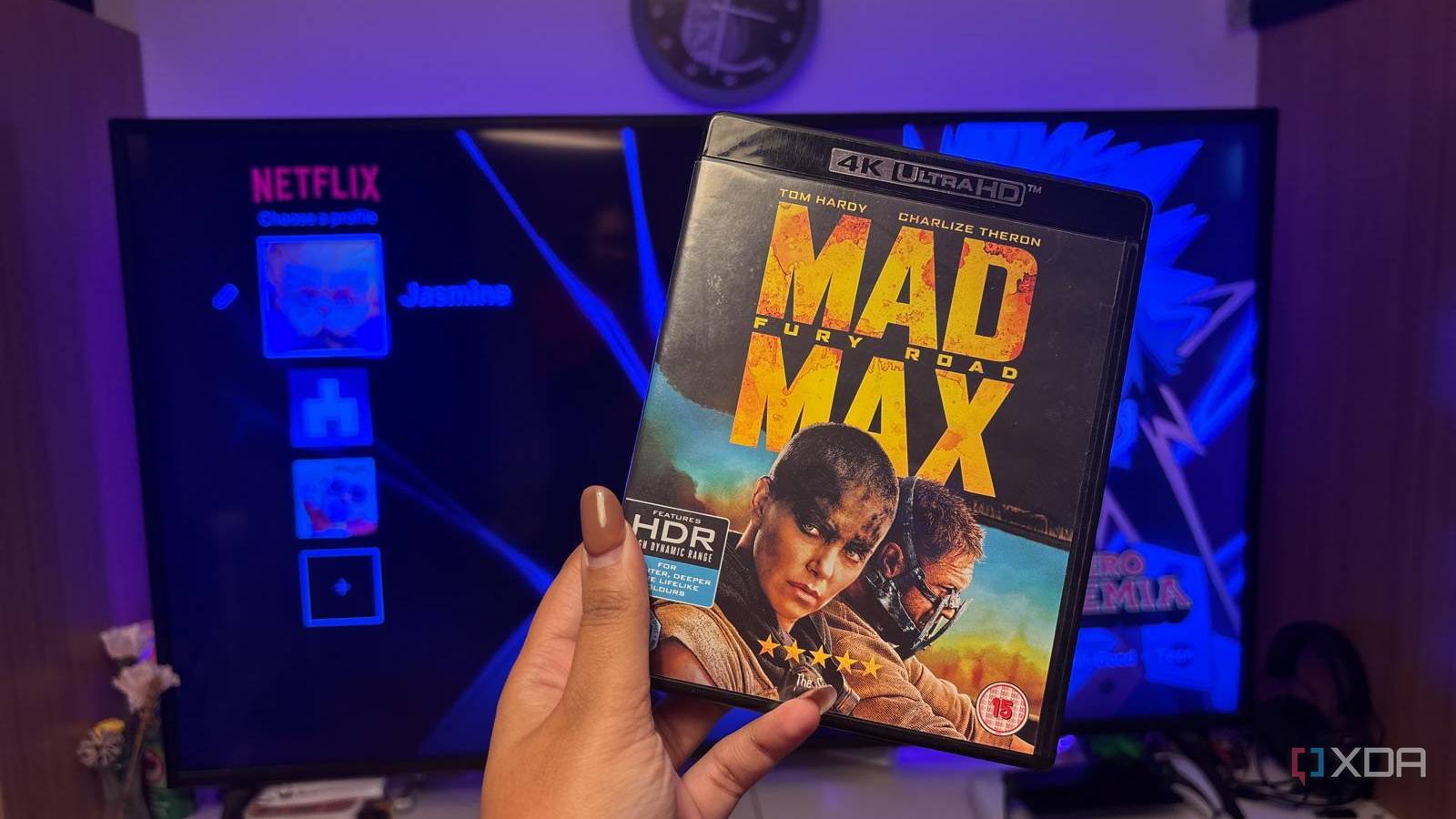
Published Nov 21, 2026, 8:30 AM EST Jasmine is Software and PC Hardware Author at XDA with years of tech reporting experience ranging from AI chatbots right down to gaming hardware, she's covered just about everything. Whether it's breaking news about the latest AMD NPUs or creating video tutorials on social media platforms, Jasmine has contributed to the world of AI and tech in a variety of ways including interviewing the CEO of Razer, AMD's Director of Product Marketing and the VP of Lenovo. Passionate about gaming and PC technology, she has built countless computers, keyboards and other peripherals - knowing them inside and out. I have a large physical media collection, but I often don't reach for it because the movies I want to watch are available on streaming services. I decided to compare a physical 4K Ultra HD Blu-ray disc and Netflix's premium 4K tier when watching a film on the exact same display and audio hardware. There's an assumption that 4K is a uniform standard, since both the disc and the stream output the same pixel dimensions: 3840x2160. However, there was a major difference. While pixel sharpness in bright static scenes is surprisingly close, the noticeable changes aren't spatial resolution but data throughput in the form of bitrate, shadow detail retention, and uncompressed audio dynamics. The visual differences Outside of resolution, I noticed several other issues Physical 4K UHD Blu-ray discs adhere to the Blu-ray Disc Association specification, supporting maximum video bitrates between 72Mbps and 144 Mbps, depending on disc capacity. You can choose from 50GB, 66GB, or 100GB triple-layer discs. While this is the maximum, they typically do average between 40 Mbps and 80 Mbps in practice. This is a major bandwidth gap when compared to Netflix's 4K streams, which typically cap out at around 15Mbps to 25Mbps. Sometimes they can even dip to 11-18Mbps when using newer codecs like AV1 or dynamic per-title encoding to ensure smooth playback over variable residential broadband connections. Alongside this, Netflix uses modern high-efficiency compression, specifically HEVC (H.265) and AV1, which accounts for roughly 30% of Netflix streams, alongside per-shot/per-title optimization in order to maximize the visual quality at lower bitrates. Netflix is doing what it can to deliver decent quality at these lower bitrates, but the efficiency doesn't fully close that 3-5x data gap. Aggressive compression often discards high-frequency spatial information and temporal frame data to keep file sizes small. This shows up visually: on discs, fine film grain or digital sensor texture remains intact and natural. However, on Netflix, aggressive bitrate ceilings cause encoders to scrub out fine grain, resulting in a slightly waxy or overly smoothed appearance on skin textures and foliage, especially in high-complexity scenes (heavy particle density, like rain, snow, confetti, sparks, or fast-moving water). The Netflix stream exhibits minor macroblocking where you can see visible square pixel clusters. This is because the encoder runs out of budget to track rapid frame-to-frame changes. Color was vastly different between the two From gradients to deep blacks It feels like a color is extremely different between the two as well. Video encoders naturally allocate fewer bits to dark regions of a frame because human vision is theoretically less sensitive to luminance variations in shadows. This means on a 4K stream, if there is a lot of heavy compression, particularly in dark scenes, it can cause black crush (where subtle dark grays collapse into a uniform black) and visible blocking artifacts in dimly lit backgrounds. Even though both formats support 10-bit color depth and HDR, whether that's Dolby Vision or HDR10, lower bitrates can sometimes struggle to render smooth, gradual transitions in color and luminance. This was particularly noticeable in scenes featuring foggy backdrops, underwater shots, or gradual sunset gradients, where the stream displayed subtle color banding, which is visible as rings or steps between shades. For me personally, the 4K Blu-ray rendered those exact same gradients as continuous, streamless transitions. However, do keep in mind that Blu-ray discs can also exhibit color banding. It's not exclusive to streaming. While peak brightness targets are governed by the master and the display's tone mapping capabilities, the higher data headroom on disks preserves fine specular detail inside bright highlights (such as clouds, neon signage, or reflections on the water) without clipping or artifacting around high-contrast edges. The largest gap wasn't image at all It actually ended up being audio Personally, I found that the larger gap didn't come from the visuals at all; it came from the audio. This is because of the difference between lossless and lossy codecs. With a 4K Blu-ray disc it delivers studio-master-identical lossless audio via Dolby TrueHD and is often paired with Dolby Atmos metadata or DTS-HD HD Master Audio. Dolby TrueHD operates at variable bit rates, typically averaging 3 to 6 Mbps and sometimes peaking at 18 Mbps. DTS-HD MA can even peak at 24.5 Mbps. Compare this to Netflix, which delivers 5.1 and Dolby Atmos audio using Dolby Digital Plus (E-AC-3), a lossy perceptual codec which is capped at 640 kbps to 768 kbps. That represents roughly a 6x to 24x reduction in audio bitrate compared to physical media. I found it was so much easier to notice the changes in audio. Streaming audio mixes frequently exhibit narrower dynamic range, meaning the gap between quiet dialogue and loud environmental effects feels flattened. On a disc quiet ambient details with things like footsteps, room tone, or even distant rain sit cleanly in the mix without requiring any volume adjustments. Sudden transients like explosions, gunfire, or orchestral swells hit with noticeably greater headroom and clarity. Alongside this on the Netflix stream, deep sub-basses like those below 30 to 40 Hz feel slightly rolled off or less tactile. Busy multi-channel action scenes lose some spatial separation as the lossy encoder prioritizes dominant frequencies. On the 4K Blu-ray, object-based Atmos effects pan across channels with sharper localization and cleaner decay. When it comes to audio this is a gap that is heavily dependent on playback equipment. With built-in TV speakers or compact entry-level soundbars, the difference between Dolby Digital Plus and Dolby True HD will probably feel quite minimal. Whereas if you're using a dedicated AVR with discrete speakers or a high-end multi-channel system, it is definitely the single most obvious upgrade in my experience. I won't be canceling my Netflix subscription But I will be thinking twice about streaming my favorite movie 4K streaming has matured quite significantly to a point where, in well-lit scenes viewed on mid-sized TVs from standard living room distances, casual viewers may not be able to spot a difference in raw sharpness. However, physical media still holds an objective edge. The advantage of 4K Blu-ray lies in consistency and headroom: eliminating macroblocking in dark scenes, preventing gradient banding, preserving film grain, and delivering uncompromised lossless audio. My takeaway from this experience isn't that streaming is broken, but instead, it makes me think a little bit deeper about the trade-off for convenience. Streaming is more than adequate for everyday viewing, but 4K Blu-ray remains the benchmark for films with dense cinematography, dark color palettes, or reference-grade sound design, especially when paired with an OLED display and a dedicated sound system.
I compared a 4K Blu-ray with the same movie on Netflix, and the biggest difference wasn't resolution
Full Article
Original Source
Read the full article at Xda-developers →KhanList aggregates and links to publicly available news content. We do not host full articles from third-party sources. Always verify important information with original sources.