
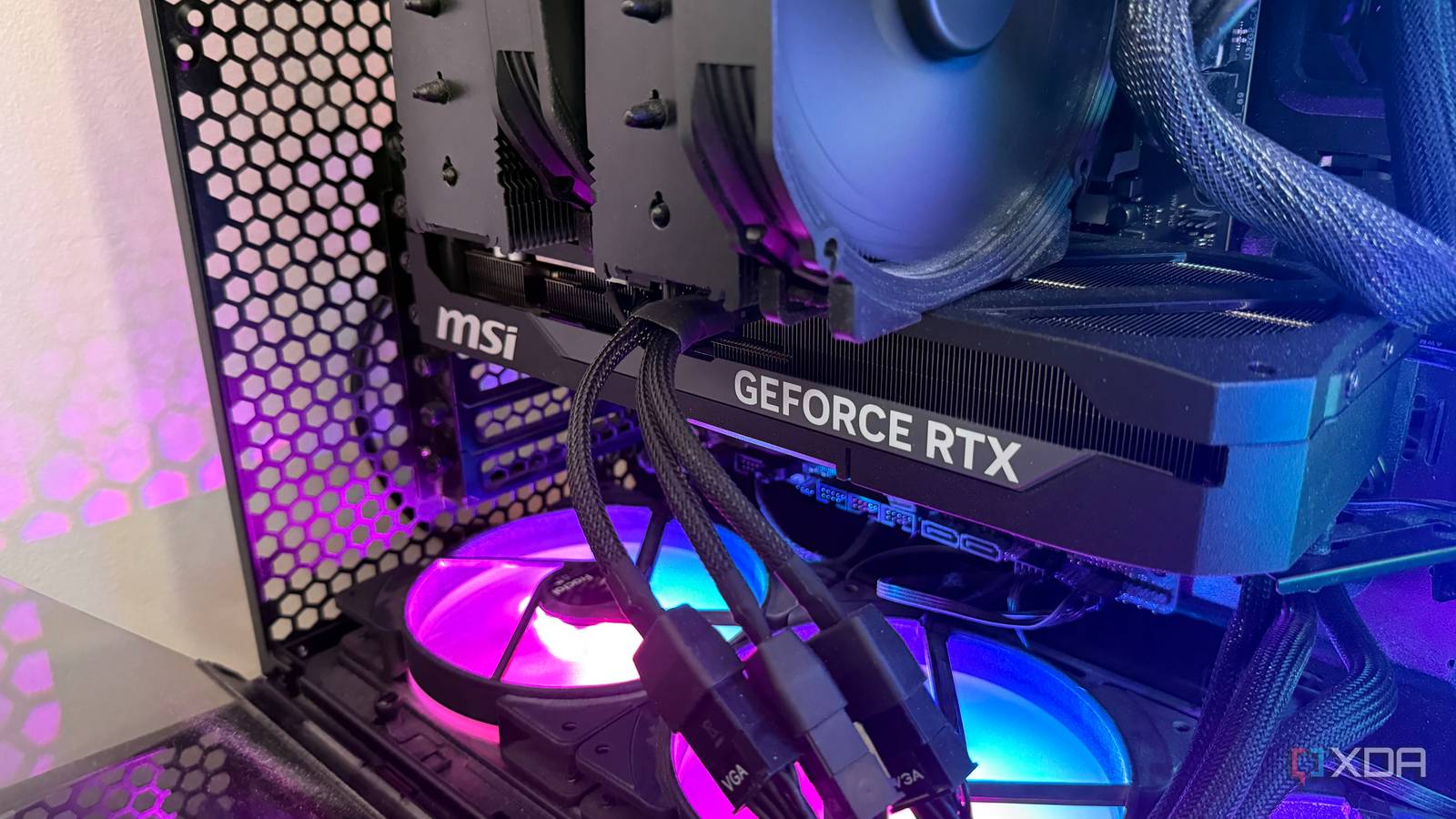
Published Sep 20, 2026, 12:00 PM EDT His love of PCs and their components was born out of trying to squeeze every ounce of performance out of the family computer. Tinkering with his own build at age 10 turned into building PCs for friends and family, fostering a passion that would ultimately take shape as a career path. Besides being the first call for tech support for those close to him, Ty is a computer science student, with his focus being cloud computing and networking. He also competed in semi-pro Counter-Strike for 8 years, making him intimately familiar with everything to do with peripherals. In most modern games, your GPU bears the brunt of the load when it comes to running them. Even in situations where you're CPU-bound, your GPU is still pulling significant wattage from the wall, and for high-end cards, this can easily reach well over 300 watts. In the case of my RTX 5080, the rated TDP is 360 watts. The conventional advice for gamers is to raise the power limit, usually by 10% or however high the software will go, in order to enable the card to boost to slightly higher clocks, allowing it to squeeze out that extra bit of performance. I've run most of my GPUs like this, but I decided to see what would happen if I did the opposite. I forced my 5080 to run at 70% of its normal power limit, and the result was a gaming experience hardly any different from the default. Power limit in GPUs controls more than you think Boost algorithms rely on it A modern GeForce card doesn't run at a fixed clock. GPU Boost walks the card up its voltage-frequency curve and settles at the highest point it can sustain within whichever constraint binds first: power, temperature, or voltage. Under a normal gaming load with adequate cooling, the constraint it usually hits first is power. This is why the power limit slider matters more than the core clock offset in most instances. Raising the limit doesn't create performance on its own, it just removes a ceiling that was preventing your card from holding higher clocks. Lowering it does the reverse. The card doesn't drop to some fixed lower frequency, it simply hits the power wall sooner and falls back to a nearby point on the curve. The reason why the trade-off is a bit lopsided is the shape of the curve. Power scales superlinearly with voltage and frequency once you reach the top of that curve, and so the last hundred megahertz or so costs disproportionately more watts than the hundred below it. When you cut the power budget, the clocks you lose come off the most expensive, least efficient part of the curve. You give up what are the "worst value" frames on the card. Setting your power limit to its lowest value with the 5080 is surprising Not that noticeable during gameplay I tested two different titles that I've been particularly enjoying recently. Red Dead Redemption 2 and Battlefield 6, two triple-A games from different eras of PC hardware, but both show something interesting about lowering the power limit on an RTX 5080. In Battlefield 6 at 4K Ultra, the stock configuration averaged 120 FPS while pulling 311 W of board power. At 70%, it averaged 117 FPS at 252 W. That's three frames for 59 W, and it moves performance per watt from 0.39 to 0.47, which is a 20% efficiency gain. Red Dead Redemption 2 was a little more surprising. Stock averaged 81 FPS at 263 W, and the capped run averaged 75 FPS at 225 W. That's a 7.4% drop, which is not nothing, for a 14% reduction in power. Battlefield 6 was actually saturating the card's power limit fully when set to 100%, so cutting it forced a very real clock reduction. Red Dead was averaging around 263 W at stock, which is nowhere near its limit, but despite that, the cut to 252 W still cost it some frames. The 0.1% lows do drop significantly The lower-end of the average FPS spectrum does suffer The averages held up, but the 0.1% lows really fell off. In Battlefield 6 they fell from 98 to 82, a 16% drop, while the average moved by 2.5%. In Red Dead they went from 60 to 53. The 1% lows barely budged in either game, which means that the damage is really only felt in the deepest of frame time spikes, which are the ones you happen to feel the most during gameplay. This also makes complete sense, since the transient spikes in render load is exactly when the card will suddenly want to pull peak power. If there's a cap in place, it can't handle those spikes as gracefully. The power and thermal savings are significant here Especially if combined with an undervolt With that said, the loss in 0.1% lows were actually not that noticeable over the course of a gameplay session. Battlefield stayed above 115 average at 4K, which still feels excellent. If I turned off my FPS counter, I don't think I'd be able to tell the difference between the two. What you receive in exchange for a lower power limit is less heat dumped into the case, which in turn means less work for the GPU cooler, its fans, and less warm air for the case to deal with overall. As someone who's trying to keep his office relatively cool, it's a pretty big help. A lower power limit might be a good idea, depending on the games you play The conventional wisdom of raising your power limit for extra performance is by no means a bad idea, but it's often a poorer trade than you might realize. If performance is literally the only part of the equation you care about, then raising the limit is a good exchange. Going the other way costs a few percent and saves a great deal, and which side you want depends on whether you're optimizing for a number or for a machine that's quieter and cooler to sit beside.
I capped my GPU at 70% power, and lost almost nothing I would actually notice in a game
Full Article
Original Source
Read the full article at Xda-developers →KhanList aggregates and links to publicly available news content. We do not host full articles from third-party sources. Always verify important information with original sources.