
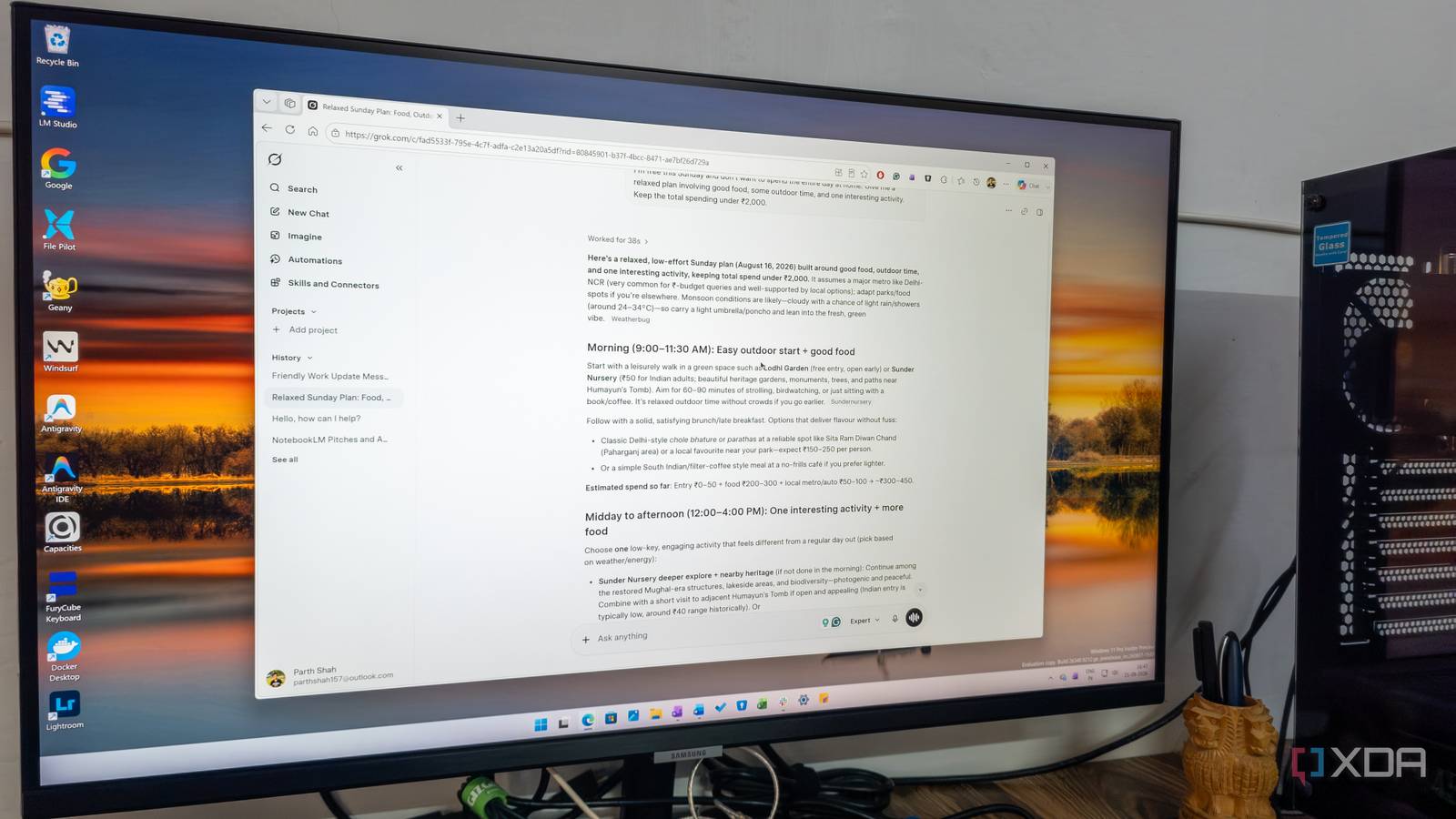
Published Aug 29, 2026, 10:30 AM EDT Parth, a seasoned tech writer, wields the keyboard (or pen) with finesse to unravel the intricacies of both Windows and Mac operating systems. He has covered evergreen content on mobile devices and computers for multiple publications over the last six years. You can find his work on AndroidPolice, GuidingTech and TechWiser. Whether it’s demystifying system updates, deciphering error codes, or exploring hidden features, Parth’s prose guides readers through the binary maze. When not immersed in tech jargon, you’ll find him sipping chai, pondering the next software review, and occasionally indulging in a friendly debate about mechanical keyboards. Paying for multiple AI subscriptions started to feel ridiculous. I had ChatGPT for everyday work, Claude for coding, and Gemini for its tight Android integration, but I was constantly jumping between apps and wondering whether I really needed all three. When Grok started making headlines again with the 4.5 model, I decided to give it another shot. After a month, it has started covering more than enough of my daily workflow that keeping three separate subscriptions no longer makes much sense. Grok had changed while I wasn’t looking It’s fast and efficient I had used Grok before, but I never really saw it as the AI assistant that could replace everything else in my workflow. It was fast and fun to use, but I still found myself opening ChatGPT for general work, Claude for deeper writing, and Gemini whenever I needed something tied closely to Google services. Somewhere along the way, though, Grok became a much more serious product. When I returned to it (after the Grok 4.5 update), the difference was noticeable. It felt more polished, capable, and better suited to the kind of everyday work I know an AI assistant can do. Grok 4.6 is where that change really clicked for me. For example, I might ask it for five talking points for my next presentation on why financial planning is a must in your 20s. I don’t want a long lecture on money fundamentals. I just need five useful angles I can start writing about. Grok usually understands immediately. Some AI assistants (looking at you, Gemini) tend to over-format everything. Ask a simple comparison, and suddenly I am looking at a massive table with ten categories, a long explanation under every row, several caveats, and a final verdict that repeats what I already read. The same applies to everyday prompts. If I ask for a three-day vegetarian meal plan, I want breakfast, lunch, and dinner ideas. I don’t need an introduction about balanced nutrition, a comparison table of calories, and six paragraphs explaining why meal planning is useful. Coding is no longer a side feature Cursor comes into play I use Cursor regularly, and Grok 4.6 has become one of the models I reach for when I want to move quickly without burning through tokens. It feels more efficient than its rivals. I can give it a feature request, ask it to clean up a component, fix a bug, or make a UI change, and it usually gets there without turning a simple task into a huge reasoning exercise. That matters when I am iterating on a project and making dozens of small changes throughout the day. I don’t want every edit to consume a massive chunk of my usage allowance. That combination of speed and lower token usage makes it useful inside Cursor. I still wouldn’t say it beats Claude Code everywhere. For complex debugging, large architectural changes, or situations where I want careful reasoning across a codebase, I can still prefer Claude Code. But those aren’t most of my tasks. For the kind of development work I do, Grok 4.6 hits a very practical sweet spot. Check out my dedicated post to see how it performs on an actual coding project. App integrations surprised me Works with my preferred apps and services Another reason Grok works well for me is that it connects with most of the services I already use. Gmail, Google Calendar, Outlook, Figma, and Canva are all part of my regular workflow, so I don’t have to keep jumping between apps to find information or keep working on something. I can stay in the same Grok interface and ask it to find a specific email in Gmail or Outlook, check my schedule for next week, or pull up information for an upcoming meeting. The Figma integration is useful when I am working on a design. I can ask Grok about a file, get suggestions on what to improve, or discuss specific design changes without manually explaining every little detail from scratch. The only missing piece in my routine is Asana. I hope Grok adds Asana integration soon. Automation and image generation are neat add-ons Very handy in my workflow Automations aren’t the main reason I switched back to Grok, but they make the overall package much more compelling. I can set up a job once and have Grok run it on a schedule, which is handy for repetitive tasks such as preparing a morning briefing, checking specific topics, or pulling together information I regularly need. Image generation falls into a similar category for me. Grok Imagine has become more capable for graphics, layouts, typography, and image editing. However, I still prefer Gemini’s Nano Banana models when image quality and instruction-following really matter. Grok is good enough when I need a quick flyer, a social media graphic, a concept image for a post, or something to visualize an idea. I also want to have a word about the Grok Android app. It’s neatly designed, and more importantly, I like how it uses device haptics when answering a question. It’s a neat, thoughtful touch. My AI subscription cleanup ended here I don’t think ChatGPT, Claude, or Gemini suddenly became bad choices. Each of them still has its own strengths, and I can see why someone would prefer one over others depending on their workflow. My decision was more about simplifying my setup. Grok 4.6 now covers enough of what I do every day, from writing and research to coding and creative tasks, that paying for different tools started to feel unnecessary. It may not win every single comparison, but it doesn’t need to. I wanted a simpler AI setup without giving up too much capability, and right now, Grok 4.6 comes closest to that situation. Grok Grok is an AI tool that rivals ChatGPT and Claude.
I canceled Claude, ChatGPT, and Gemini subscriptions just to go back to this powerful AI tool
Full Article
Original Source
Read the full article at Xda-developers →KhanList aggregates and links to publicly available news content. We do not host full articles from third-party sources. Always verify important information with original sources.