
Published Aug 27, 2026, 1:30 PM EDT Former radio and TV guy (I Heart Radio and PBS). Now a writer, researcher, and musician who writes about the absurdity of our modern world and other offbeat topics. Specializes in weird music, the old web, retro video games and tech, and researching strange, yet interesting things. His work has appeared in Vice, Tedium, Star Trek.com, Today I Found Out, Typebar, SyFy Wire, and How To Geek. Currently working on a variety of music, web, and writing projects. Visit him on the web at https://djbuckfreelance.neocities.org/. Working with note-taking apps and Markdown has worked out well for me over the years. I've been doing it for a while now, and I can't say I miss using GUI word processors. Obsidian is the app I use the most, so I created a general knowledge vault in the app. And I did it without typing a single word in the Obsidian editor. Setting up a General Knowledge Obsidian Vault keeps me organized Building a comprehensive knowledge base for all my hobbies and interests Credit: Dibakar Ghosh | How-To Geek I am interested in just about everything. I like to code, experiment with tech, run TTRPGs, play guitar, paint, build models, make websites, read comics, and, well, you get the point. The idea is to make something I can use for work, hobbies, and reference quickly and within a self-contained vault. I write almost everything in Markdown and rather than print everything out, I think keeping things organized in Obsidian is the best way to go. I want to have something that's easy to index, search, and interact with that I can access across the devices I use. I add photos of important documents to my vault Saving my schematics, pictures, reminders, and charts A surprisingly effective way to add information to my vault is by taking pictures (or scanning) documents I might need to find quickly. This can be something as simple as the schematics for a Raspberry Pi board to the instructions for a tower fan I bought from Walmart. Rather than save a bunch of manuals and papers in a box somewhere, I can keep them in my vault for quick access or reference. I usually put them in a folder labeled reference photos. This way, I can just take a quick peek at the folder itself, find the image I'm looking for, use it for whatever I'm working on, and get on with my day. It's a small thing, but it's very handy. Since I name all my photos descriptively, importing them into Obsidian automatically retains their naming conventions, so I don't have to touch the editor at all, aside from importing them into a single Untitled note. The Obsidian Web Clipper saves a ton of time A simple method for saving important information To start building my knowledge base, I installed the Obsidian Web Clipper extension. The plugin is available for many different browsers, including most of the ones I use. I chose to install it on Firefox since that's where I do most of my research and browsing. I use it on my phone and desktop, since Firefox on Android allows users to install extensions. Plus, having it available on mobile makes information gathering easier. I started my knowledge base by visiting a few reference sites and saving info I use often. Then I grabbed some chord charts and lyrics for some songs I want to learn. Hey, I'll arrange that acoustic single-guitar version of Radar Love one of these days. I spent some more time adding long-form articles (I like to read them and take handwritten notes). The web clipper came in handy for building the bulk of the knowledge base. But I also found using a few other methods to be worthwhile. Credit: David J. Buck / How-To Geek I also use handwritten notes and outlines to expand my knowledge Pen and paper have tremendous value even in our tech-based world I like to take notes. My handwriting is atrocious, but that doesn't stop me from hideously scrawling anything of minor importance in one of my many, many notebooks. Obsidian happens to allow you to add images to your vaults. So, if there's something vital that I catch in passing or can't save the entire source for some reason, I can snap a quick photo and upload it to my vault. I set up a dedicated folder for each set of notes I take by hand. It helps keep me organized, and I can make better sense of my notes, which is very helpful when I'm studying for certifications or different courses. Adding Markdown notes from the Linux terminal Configuring a simple TUI app to integrate with my Vault Credit: David J. Buck / How-To Geek I'm a big advocate for using and working within the terminal. Command lines are clean, organized, and give me more control over what I do on my system. I watch/stream video, listen to music, navigate around my file system, code, and launch software from the terminal whenever possible. It's just my preferred interface. Most of the time, I'd rather write Markdown inside a terminal app rather than launch the full Obsidian app. I use micro for most of my notes and initial drafts. The cool thing about micro is I can use it with Termux on my phone or through the terminal on my desktop. I write my drafts or scribble notes (typos and all), then just save or sync (with Syncthing) them into the Vault's folder. Building my Obsidian knowledge base has been one of the most useful projects I've worked on in a while A knowledge base can be as detailed and expansive as the user wants to get. Some people like to incorporate LLMs into their knowledge bases while others take advantage of various plugins. I'll pass on both of those, because what I'm doing works for me. It's something I'll continue to do, just to help keep my accumulated knowledge, references charts, chaotic thoughts, and half-baked ideas all in one place.
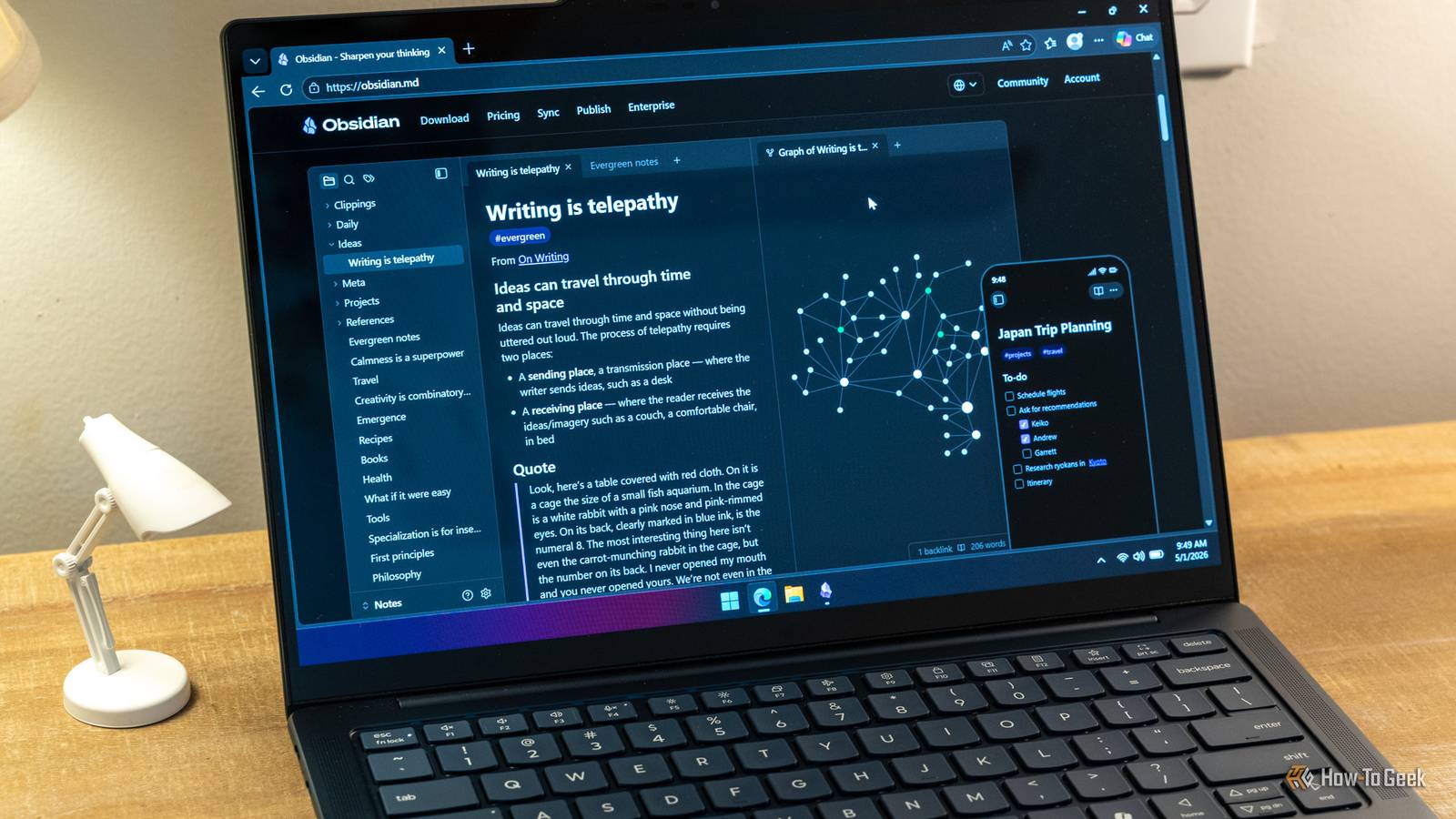
I built an Obsidian knowledge base without writing a single word in the Obsidian editor
Full Article
Original Source
Read the full article at Howtogeek →KhanList aggregates and links to publicly available news content. We do not host full articles from third-party sources. Always verify important information with original sources.