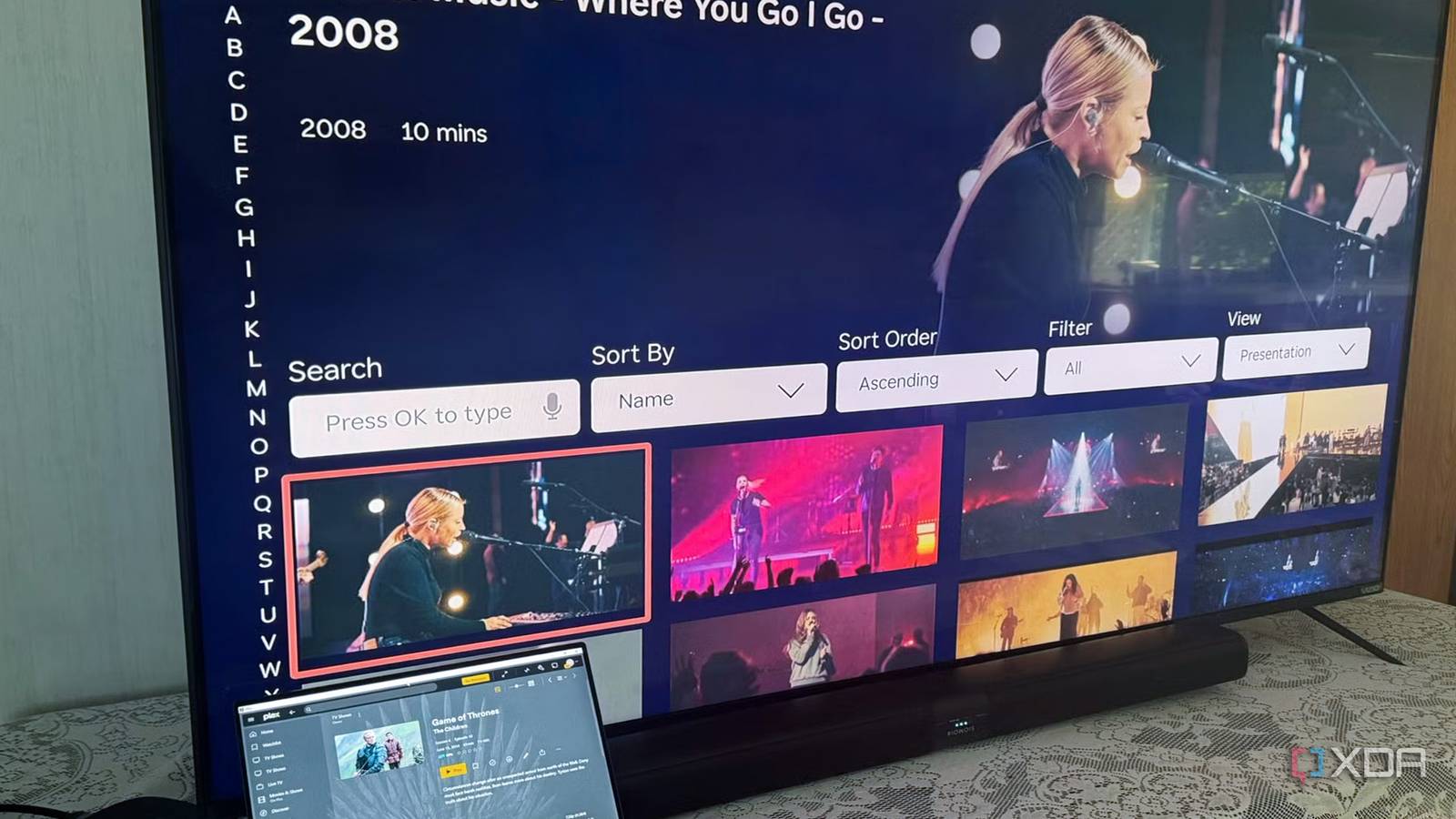
Published Aug 10, 2026, 11:30 AM EDT Based in rural Minnesota, Brian Burgess worked in IT for 10 years before finding his passion for writing about consumer technology. Brian earned his degree in computer and network technology in 2000. He held various IT positions, including help desk support, router installations for IBM, database administration, and other associate network administration roles. He's been a personal technology journalist for 18 years and has written thousands of articles about Microsoft products and services, Android, iOS, streaming, and more. He has written for notable tech sites including XDA, InformationWeek, How-To Geek, Byte, groovyPost, and others. When he is away from the keyboard, you will hear him playing guitar, working outdoors, and watching Star Trek. In the quest to find the best self-hosted media setup, there are many differing opinions in the community. I decided to ignore forum noise and get down to business for myself. I installed three of the most popular platforms, but one ended up being the best solution for me. While I tried three platforms, including Plex, Jellyfin, and Emby, it doesn't mean I stopped using each one. Sometimes I find that I really like a feature one has that another doesn't offer. However, there is one I use 90 percent of the time. I used Plex, Jellyfin, and Emby I tried three of the more popular options when creating my server — top popular brands. I actually started using Plex when it first rolled out years ago. So, I'm already familiar with how it works and what it can do. It was (and can still be) a perfect solution, especially for users creating their self-hosted Netflix for the first time. Setup is a snap; point it to where your media files live, and it populates quickly. Unfortunately, many of the best features are stuck behind Plex Pass, which costs a fair amount of cash ($749.99/lifetime), and they are capabilities I don't even use daily. For example, things like offline downloads, Live TV/DVR functions, and Plexamp features while listening to my music collection. However, it is nice to have access to those and other features when I want them. Emby is similar; it is a self-hosted media platform aimed at dedicated media servers and has solid library management capabilities. It's cheaper than Plex Pass for the extras included with Emby Premiere ($119.99/lifetime), but it has a smaller community of users and, in my experience, is less user-friendly than Plex or Jellyfin. Still, it costs money for the fully functional version, which is a turnoff. Jellyfin, on the other hand, is free and nothing is behind a paywall. To get the premium functionality of Plex or Emby, you need additional configurations and proper client use, but it's a fun project — especially for enthusiasts who want full control over their media and platform functionality. Jellyfin iOS compatible Yes Android compatible Yes Free and open-source self-hosted fit Jellyfin fits my situation the best Sure, Plex is easy to use, set up, and maintain, but since the company put all the cool features behind the PlexPass paywall, I can't help but be annoyed. Emby does a fine job of hosting media, but it isn't fully open-source, and I'm not exactly fond of setting it up. Luckily, the free and open-source Jellyfin option is available. It provides easy setup for my media, a rewritten and improved version 12 on the horizon, and a group of clients that I can run on any device. Unlike Plex or Emby, which require a subscription for advanced capabilities, Jellyfin keeps all of its major features free on the base platform. Sometimes Jellyfin requires installing plugins or additional server configuration to fine-tune everything, so I have all the features I want, but that's OK, as it usually doesn't take much. I can also ensure Jellyfin doesn't touch the internet, and it doesn't use a third-party account system — creating a private, in-house, self-hosted Netflix experience. Plex does have a more polished UI and remote access capabilities, and it is easier for beginners to set up. Still, after being nickel-and-dimed for Plex Pass for years, and the outrageous price it costs now for features I can build myself, I have to say goodbye to the old friend. Emby seemed to reach a sort of "middle-ground" with a commercial feel but with fewer options than Plex or Jellyfin. Emby Watching my own Netflix Clients galore I tried the official clients to watch my content, and they all did an acceptable job. However, I found that using an alternative client typically worked out best in the end. My favorite is Moonfin because of its features and theming capability through its included theme store. It also works with Emby. I also found Findroid for my Pixel, which makes me forget about using Plex. Other clients include the Jellyfin Media Player for desktop, JellyCon (Kodi add-on), Fladder, Jellyflix, Wholphin (Android and Fire TV), Jellyrock for Roku, and the official Jellyfin client that works on most other devices. I am sure there are a handful of others I am forgetting or haven't tried, but you get the idea. If there is a specific device or feature I need from a Jellyfin client, I will likely find one I need — usually an alternative third-party option. OS Windows, macOS, Linux Individual pricing Free, $6.99/month, $250/lifetime Picking the right self-hosted media platform In the end, it is personal preference when it comes to picking a self-hosted media platform. I have had the best results with Jellyfin, and the recent version 12 rewrite is fixing many of its issues. Still, some users stick with Plex even if it costs more for a reliable, user-friendly interface. Emby sits between the two, but overall, I prefer not to pay anything to watch and manage my media. While Plex is more user-friendly for beginners, Jellyfin isn't too difficult to get the hang of.
I built a self‑hosted Netflix with Jellyfin, Emby, and Plex, and this platform was clearly the best fit
Full Article
Original Source
Read the full article at Xda-developers →KhanList aggregates and links to publicly available news content. We do not host full articles from third-party sources. Always verify important information with original sources.