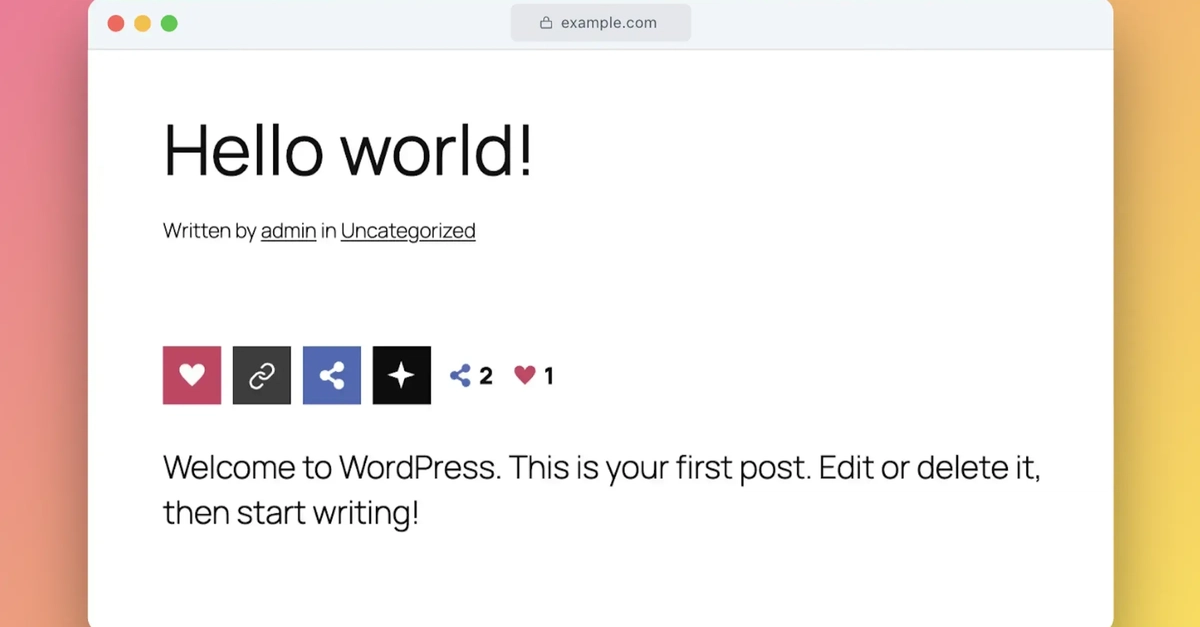
Most social share plugins do too much. They load jQuery, pull in external fonts, inject tracking scripts, and phone home to somebody's server just to put a few icons under your post. I wanted something simpler. So I built one. SmartShare (formerly Social Share WP) is a free, lightweight WordPress plugin that handles sharing, like counts, and AI hand-off without any third-party dependencies. No jQuery. No external assets. No data leaving your server. Landing page and live demo | GitHub repo What it does 11 buttons across four groups: Always visible: Like (with its own count) and Copy Link Under Share: Facebook, X, Pinterest, LinkedIn, Reddit Under Ask AI: ChatGPT, Claude, Gemini, Grok The AI buttons send the current page URL to the chosen assistant with a customizable prompt. Opens in a new tab. No API calls, no tokens burned on your end. Two layouts You get a horizontal bar that sits inside your post content, or a vertical sticky bar that floats beside it. Both are compact by default. Hover "Share" to reveal social networks, hover "Ask AI" to reveal the assistants. No clutter until it's wanted. Why I built it this way Live counts that survive caching. This was the main technical problem. Most count systems break the moment you put a page cache or CDN in front of your site. SmartShare uses a POST-based endpoint that caches never serve stale. Your numbers stay current on fully cached pages without clearing anything. Local database, no external calls. All counts live in a wp_sswp_counts table in your own database. Nothing phones home. No third-party service sits between you and your data. Per-IP throttle. Server-side rate limiting stops scripted count inflation. Default 3-hour window per IP, page, and network. You can filter it or turn it off entirely. One CSS file, one JS file. Both small, both deferred, both loaded only where buttons appear. No icon libraries, no web fonts, no render-blocking resources. Works everywhere Counts work on posts, pages, the homepage, and archives. A subject-key model derives a stable key from the post ID or URL, so it handles every page type WordPress throws at it. You can also drop buttons anywhere with a shortcode: // Basic usage [social_share_wp] // Specific post, vertical layout [social_share_wp post_id="123" layout="V"] Enter fullscreen mode Exit fullscreen mode Settings, not code Everything is controlled from Settings > Social Share WP in your admin panel: Display layout (horizontal or vertical) Vertical container selector and top position Background card with auto-contrast text Show on scroll with configurable distance Automatic placement (top, bottom, or both) Post types, homepage, and archive toggles Toggle individual buttons on or off Button corner radius Show or hide per-button and total counts Custom AI prompt template No code required unless you want to hook into the filters. Requirements WordPress 5.8+ PHP 7.2+ That's it. Running in production I use it on two of my own sites: aiparabellum.com (an AI tools directory with 1,000+ listings) and vinish.dev (my personal blog and tools site). It handles real traffic without issues. Try it The landing page has a live interactive demo you can play with right in the browser. The plugin is free, open source, and available on GitHub. If you have questions or run into issues, drop a comment here or open an issue on the repo. Feedback is welcome.
I Built a Free WordPress Social Share Plugin with AI Buttons
Full Article
Original Source
Read the full article at Dev →KhanList aggregates and links to publicly available news content. We do not host full articles from third-party sources. Always verify important information with original sources.