
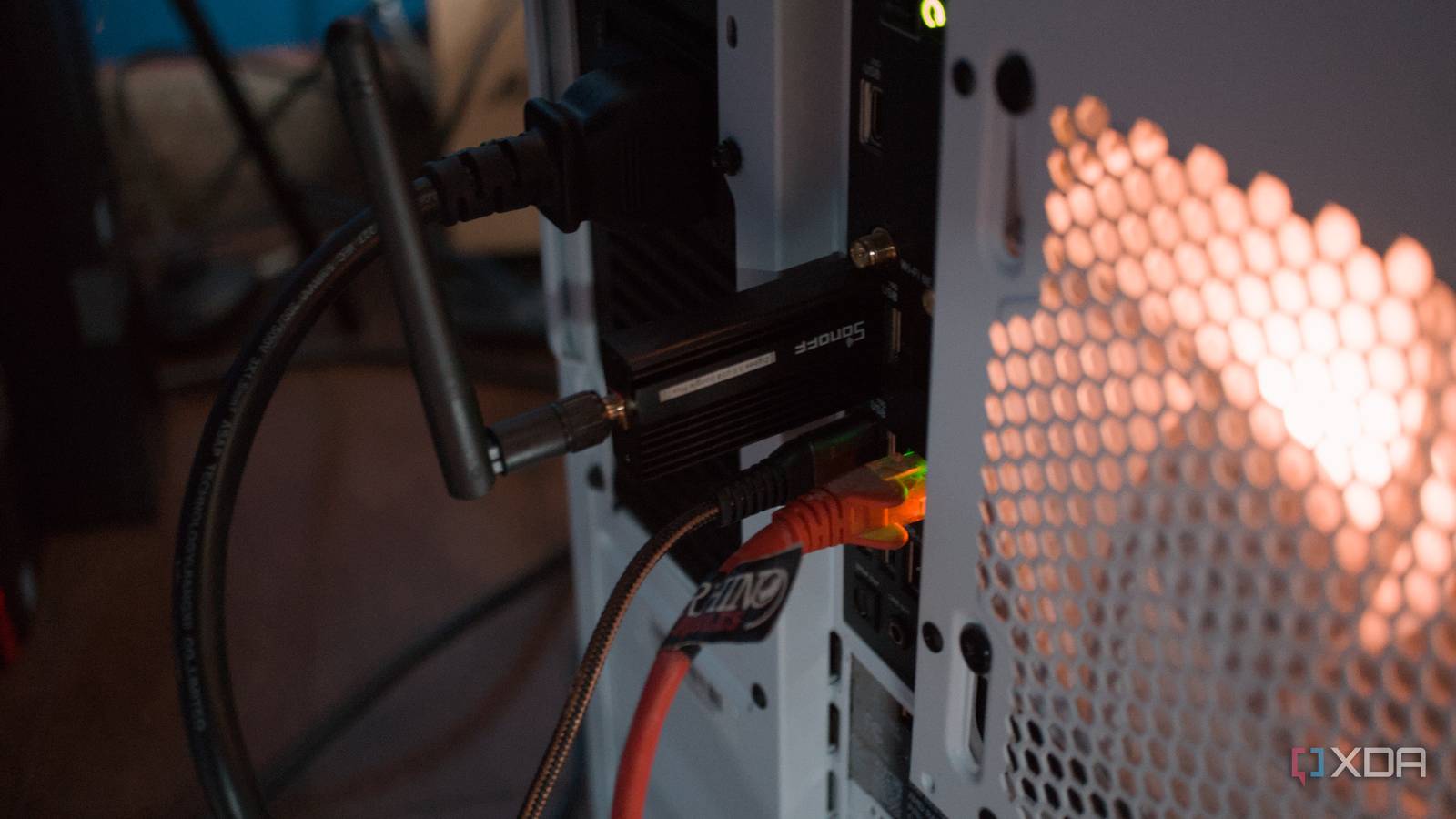
Published Aug 18, 2026, 2:30 PM EDT Richard is the PC Hardware Lead at XDA and has been covering the technology industry for almost two decades. He's been building PCs since young, and when not creating content, you can often find him inside a chassis somewhere. I've grown so accustomed to using the rear USB ports on my devices that I never consider anything that could interfere with the signal, and the same went for my Zigbee network. When I first set it up, the server the Sonoff Zigbee receiver was connected to was in one of the bedrooms of a modern family home. The walls were hollow, so the signal travelled far enough to be picked up and repeated by powered Zigbee hardware like smart plugs. But after moving to an old cottage, it became an issue that caused it to fail at times. A greater distance between nodes Even Zigbee can only be beamed so far The distance between the house and our external building where our home office is set up is around 25 meters. The dongle's range is actually up to 150 meters, but that's clear line of sight. To get the dongle to communicate with a device inside the house, it needs to pass through some objects inside the office as well as the outbuilding walls, head through the garden, and pass through more materials to eventually reach a powered smart socket. We're looking at around 30 meters between the two points in a straight measured line, but factoring in the obstacles, we're looking at reduced range. But one thing I didn't expect was that the office layout would cause the most problems. I thought it would still be able to reach the house, and it does, but the connection isn't reliable and stable enough for smooth, continuous operation. The Zigbee network would sometimes drop devices such as some of the light bulbs and smart plugs. This isn't a serious issue, but it does affect data pulled by Home Assistant from hardware. Sometimes I would see a drop in readings from a specific entity. The same goes for automations and manual control of hardware. If the Zigbee network drops, there's no way to control lighting and anything else connected to the DIY smart home hub. That was until I started to consider repositioning the dongle at long last, and once I moved it, it had an immediate effect. Using a USB extension cable fixed everything It's a cheap and cheerful solution I don't tend to use USB extensions for any of my devices, be it the mouse, keyboard, or gamepad. The adapters would always be directly plugged into the desktop or mini PC. Range and performance were both good enough to offer smooth gameplay. It wasn't until Zigbee came around that I actually started to take this seriously. It's a testament to how well all these wireless devices run that one doesn't have to think about them at all once up and running. But for the Sonoff Zigbee 3.0 adapter, this extension cable completely changed the game for me in terms of signal strength and availability of all our smart home products. The adapter is powerful, but our old cottage ensures there are ample obstacles in its way when connecting to all our devices. Our closest Zigbee device is a Sonoff smart outlet, which can also act as a repeater and bridge, providing the means for the Zigbee network to be beamed to other hardware, creating a mesh network of sorts. All I needed was a 2-meter USB extension. It's cheap, costing just $8 for a high-rated and premium option from a reputable brand, and it took a few seconds to set up. Proxmox detected the Zigbee device again, and all was well. The effect was immediate. Simply having the adapter better positioned within the office made all the difference for linking it to the Sonoff power outlet layover. What seems so obvious now was something I didn't even consider when looking at what was disconnecting from the smart home hub. Consider thinking outside the box When setting up a home lab or smart home, it's fairly easy to get lost in the sea of technical jargon, even if you're fairly experienced. Sometimes, the solution may be staring at you right in the face, requiring one to think outside the box slightly. Be it repositioning routers, actually checking to see if the antennas are pointed in the right direction, checking Ethernet and USB cabling, or seeing if the right driver is in use, there are plenty of scenarios where we can get easily stumped with simple problems. I had the same experience recently with the Framework Laptop 13, where I thought the embedded controller for handling charge somehow bricked itself through a firmware update, whereas the actual problem related to the USB cable I decided to start using. I thought it was powerful enough to handle 65W charging, but the Framework Laptop hated it and failed to handshake with the official Framework charger. The cable worked fine with another laptop, but this one experienced issues. The same went for my Zigbee network.
I blamed my cottage walls for Zigbee failures, but a successful fix cost just $8
Full Article
Original Source
Read the full article at Xda-developers →KhanList aggregates and links to publicly available news content. We do not host full articles from third-party sources. Always verify important information with original sources.