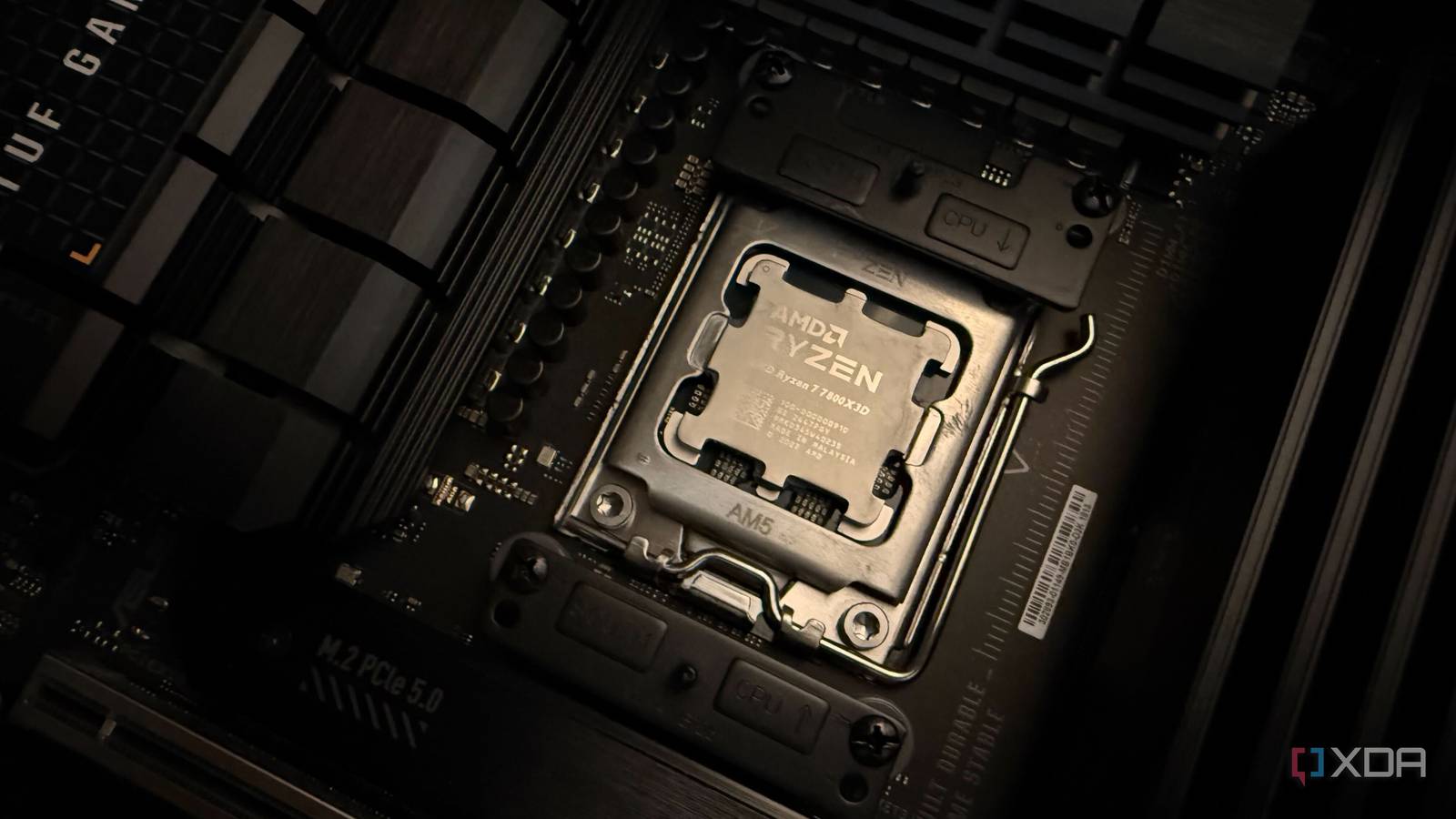
Published May 14, 2026, 2:00 PM EDT Abhinav pivoted from a career in banking to pursue his first love in writing. Even while working full-time, he continued contributing as an editor-at-large, a role he has held for more than 7 years. A lifelong tech enthusiast who has built three gaming and productivity powerhouse PCs since 2018, his passion for technology keeps him closely following the semiconductor industry, from NVIDIA and AMD to ARM. His MSc dissertation explored how artificial intelligence will reshape the future of work, reflecting his curiosity about the wider social impact of emerging technologies. Since the days of Windows XP desktops running on underpowered Pentium chips, the processor has always been the first suspect when a PC starts feeling slow. That mindset doesn't exist without reason, though, because back in the day, CPUs were central to almost every meaningful performance conversation. This perception, though, has outlasted its relevance. Modern PCs of the day are far more complex systems than the desktops from a decade ago, and performance is rarely the story of a single component anymore. Your new rig is better understood as an ecosystem, especially one wherein the CPU, memory, storage, and thermals are in constant communion with one another. Unlocking optimal performance, therefore, becomes a practice in understanding the intricacies of that ecosystem, rather than simply swapping old hardware for new. So, before you blame the processor and reach for your wallet, here are some things worth checking first. Related Your operating system might be holding you back A major miss when it comes to diagnosing bottlenecks Operating systems today are a lot smarter, and a lot more complex. If you consider the case of Windows 11, you'll come to realize that some configuration issues can look a lot like CPU problems, even when they aren't. For example, Microsoft's scheduling for hybrid processors can misallocate gaming overloads, and features like Virtualization-Based Security introduce measurable performance overhead that manifest as the kind of stutters and inconsistent frame times. To the unassuming, all of these can look like CPU issues, but they are strictly software-induced bottlenecks. Windows has also developed a reputation for software updates that frequently get in the way of performance. A large number of Windows 11 updates released just this year have broken something, and the list keeps growing. Perhaps one of the most notable is KB5074109 released in January 2026, which led to significant performance regressions on Nvidia GPUs and introduced black screens and a myriad other glitches alongside it. As such, it's always worth wondering if it's your CPU that's not performing as expected, or if it's just Patch Tuesday. Your BIOS might be poorly optimized 5 minutes worth of configuration is always worth it If you're running your PC based on BIOS defaults that shipped with the motherboard, you're almost certainly leaving a wealth of performance on the table, and my recent investigation into a variety of motherboard SKUs has revealed as such. A lot of useful, performance-enhancing features such as CPU overclocking, RAM timings, fan curves, and voltage-frequency curves are configured suboptimally to prioritize blanket stability, and are rarely tuned for maximum throughput. A number of "set-and-forget" toggles such as Resizable BAR are also helpful in improving your rig's performance. If you're interested in further granular tweaking of the CPU, many users have reported benefiting from undervolting their chip—which is the act of gradually lowering the chip's voltage while maintaining the same clock frequency. Since V/F curves are typically applied on a per-SKU basis, tuning it manually helps the CPU achieve performance and efficiency that can make it feel like a massive upgrade. Your GPU might have reached the performance limit In most cases, your budget CPU won't be the bottleneck you expect In the vast majority of gaming scenarios, the CPU isn't holding your performance back. The processor often ends up taking the blame because it always has, but modern game engines have been increasingly offloading heavy lifting to the GPU, which decides how the game experience feels like on gaming PCs. If your monitoring overlay shows constant 99% GPU utilization at a given resolution, it is safe to say that you have hit a hard graphics limit, and upgrading a CPU is unlikely to yield any returns on your investment. At higher resolutions like 1440p or 4K, the pixel-pushing workloads scale exponentially compared to the draw calls managed by your processor. In these situations, even a budget processor provides more than enough headroom to keep the pipeline full. So, unless you're pairing a Zen 2 chip with an RTX 5080, you're almost always better off upgrading your GPU over the CPU to boost your gaming performance. Your SSD might be in need of a firmware update And the performance uplift may surprise you Most desktop and laptop owners never bother to update their SSD firmware, and until recently, I was no different from them. It wasn't until after I finally decided to update the firmware of my own PCIe Gen 4 NVMe drive that I realized how much performance I was unwittingly leaving untapped. Like many, I had ignored the SSD maintenance aspect of my desktop since building the thing in 2024, but applying a late 2025 patch proved that neglect has a performance cost that's seldom talked about. The firmware update did what was expected by reducing my average game load times by 25%, but additionally, it did something I hadn't anticipated. I noticed that my CPU's idle temperature had gone from consistently hitting 55°C to a steady 49°C with no change in ambient conditions. This happened because the new firmware optimized I/O request handling and power state transitions, which in turn, significantly reduced the Ryzen 5 7600X's communication overhead. Modern budget CPUs are powerful enough for most workloads If you've purchased a budget CPU in the last four years with decent single-core performance, it is very likely that your chip is capable of supporting even the best mid-range and high-end GPUs on the market. This is a fact that becomes hard to believe, especially considering that consumers are conditioned to call their processors "outdated" and "ancient" when the marketing cycles end. Despite what manufacturers claim, you rarely need a massive L3 cache to enjoy AAA gaming at a reasonable performance or a jump to the AM5 platform to leverage the best of a 50-series GPU.
I blamed my budget CPU for poor performance until I checked these 4 things instead
Full Article
Original Source
Read the full article at Xda-developers →KhanList aggregates and links to publicly available news content. We do not host full articles from third-party sources. Always verify important information with original sources.