
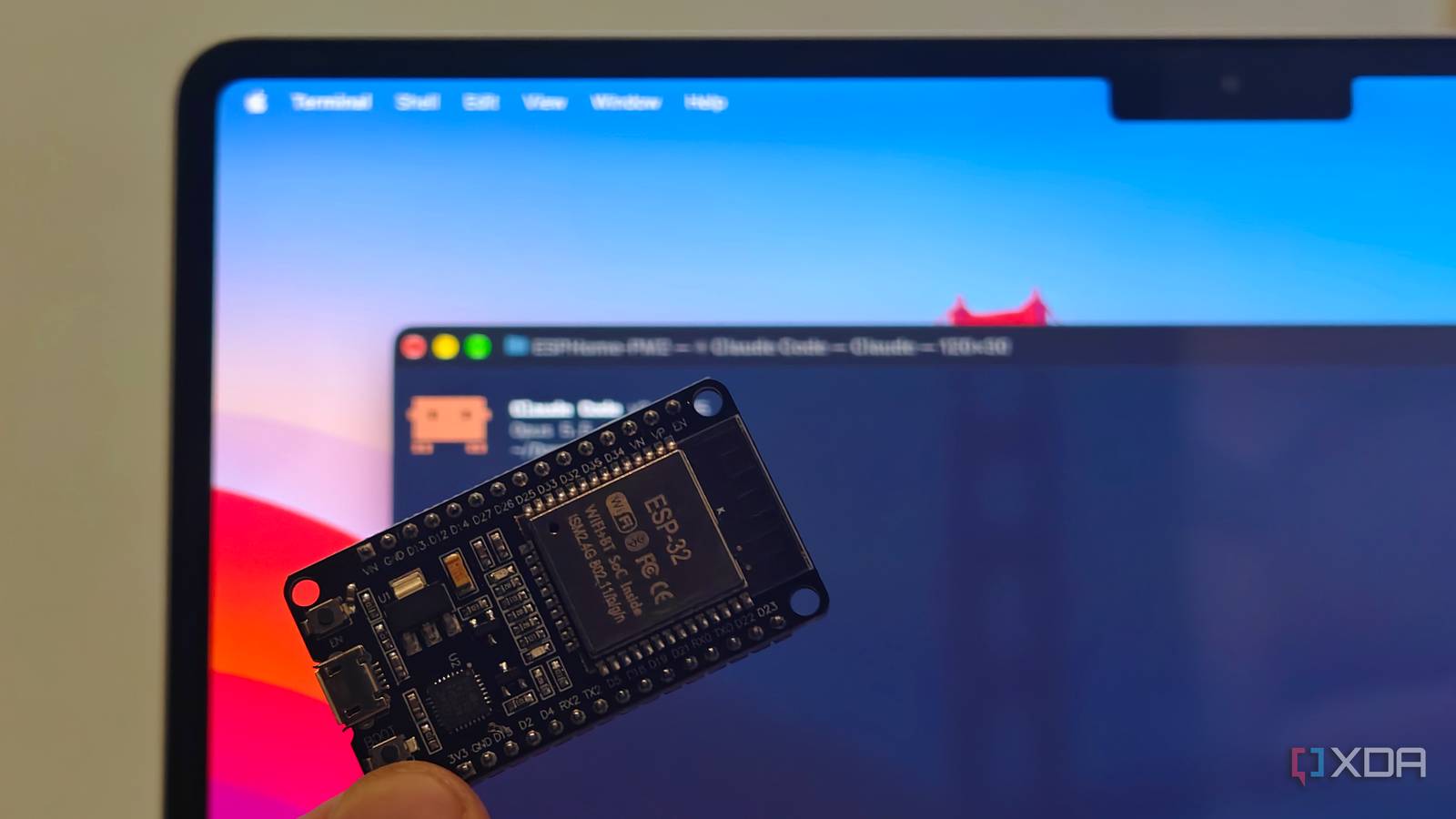
Published Nov 27, 2026, 2:30 PM EST Anurag is an experienced journalist and author who’s been covering tech for the past 5 years, with a focus on Windows, Android, and Apple. He’s written for sites like Android Police, Neowin, Dexerto, and MakeTechEasier. Anurag’s always pumped about tech and loves getting his hands on the latest gadgets. When he's not procrastinating, you’ll probably find him catching the newest movies in theaters or scrolling through Twitter from his bed. I've been experimenting with ESP32 boards for my Home Assistant setup, and I've increasingly been relying on coding agents to handle the firmware side of things. Claude Code has already helped me write ESPHome configurations, including one for a sensor that wasn't officially supported. That worked surprisingly well, which got me wondering whether other coding agents could handle similar projects just as easily. To find out, I gave Claude Code, OpenAI Codex, and Google's Antigravity the exact same task: write firmware for an ESP32 to control an RGB LED strip over Wi-Fi. I wanted a local web dashboard, color and brightness controls, a few lighting effects, and settings that survived a restart. I tested the firmware generated by all three agents on the same hardware, and the results were quite different. Only one agent managed to get everything working on the first flash. Three coding agents, one ESP32 I gave them identical instructions I picked a fairly common ESP32 project for this experiment – controlling a WS2812B RGB LED strip over Wi-Fi. These addressable LEDs are popular in DIY lighting projects because you can control their colors and create different lighting effects using a microcontroller. There are plenty of existing tutorials and libraries for working with them, so I wasn't asking the coding agents to figure out anything particularly new. I wanted the ESP32 to connect to my home Wi-Fi network and host a web dashboard that I could access from my phone or computer. The dashboard needed controls for changing the color and brightness of the LEDs, along with a few lighting effects such as rainbow, breathing, and fading. I also wanted the ESP32 to remember the last selected settings after a restart and automatically reconnect if the Wi-Fi connection dropped. I gave Claude Code, OpenAI Codex, and Google Antigravity the same instructions and used the same hardware to test their firmware. All three had to generate the necessary code and put together a working project. I then compiled and flashed their firmware onto the ESP32 to see how well they had handled the requirements. Claude Code got it right on the first try The firmware worked without any corrections Credit: Kindwhitedude Claude Code did the best of the three, and it was the only one whose firmware worked on the first flash. It generated a project that I could compile without making any changes to the code. Once I uploaded it to the ESP32, the board connected to my Wi-Fi network and started hosting the dashboard. I opened it in my browser and tried changing the LED colors. The strip responded immediately, and the rest of the controls worked just as well. I was especially interested in seeing how the firmware handled animations. These can be a little tricky on an ESP32 because the board still needs to process requests from the browser as the lights animate. If the code gets stuck running an effect, the dashboard can become unresponsive. Thankfully, Claude Code handled this properly. I could leave an animation running and still use the dashboard without any problems. I didn't need to send Claude Code a single follow-up prompt. I've used coding agents enough to know that getting something to compile doesn't necessarily mean it'll work once you run it, especially when there's hardware involved. I was genuinely surprised that I didn't have to fix anything. Codex and Antigravity needed more work Both ran into different problems Codex came pretty close to getting everything right. Its firmware compiled without any trouble, and the ESP32 connected to my Wi-Fi network after flashing. I could open the dashboard in my browser, and the LED strip turned on as expected. However, the moment I tried changing the color, I realized something was wrong. The dashboard responded to my input, but the LEDs didn't change. After looking into the code, I found that the dashboard was sending commands to a different endpoint from the one configured in the firmware. Basically, the web interface was trying to communicate with the ESP32 using the wrong address. I had to go back to Codex and ask it to fix the issue. Google Antigravity ran into a different problem. I could use its dashboard to change the LED colors, and everything seemed fine initially. However, things started going wrong when I switched to one of the animated effects. The LEDs kept running the animation, but the dashboard stopped responding. I couldn't change anything until the animation finished. From what I could tell, the problem was with how Antigravity had written the animation code. It was keeping the ESP32 busy for too long, leaving little time for the web server to handle requests. I had to go back and get Antigravity to make changes to the firmware as well. Claude Code earned the win For this experiment, Claude Code was the clear winner. It delivered working firmware without requiring another round of debugging, which neither Codex nor Antigravity managed. If you're interested in experimenting with microcontrollers yourself, I'd recommend starting with a simple ESP32 project you can actually put to use.
I asked Claude Code, Codex, and Google Antigravity to write the same ESP32 firmware, and only one worked on the first flash
Full Article
Original Source
Read the full article at Xda-developers →KhanList aggregates and links to publicly available news content. We do not host full articles from third-party sources. Always verify important information with original sources.