
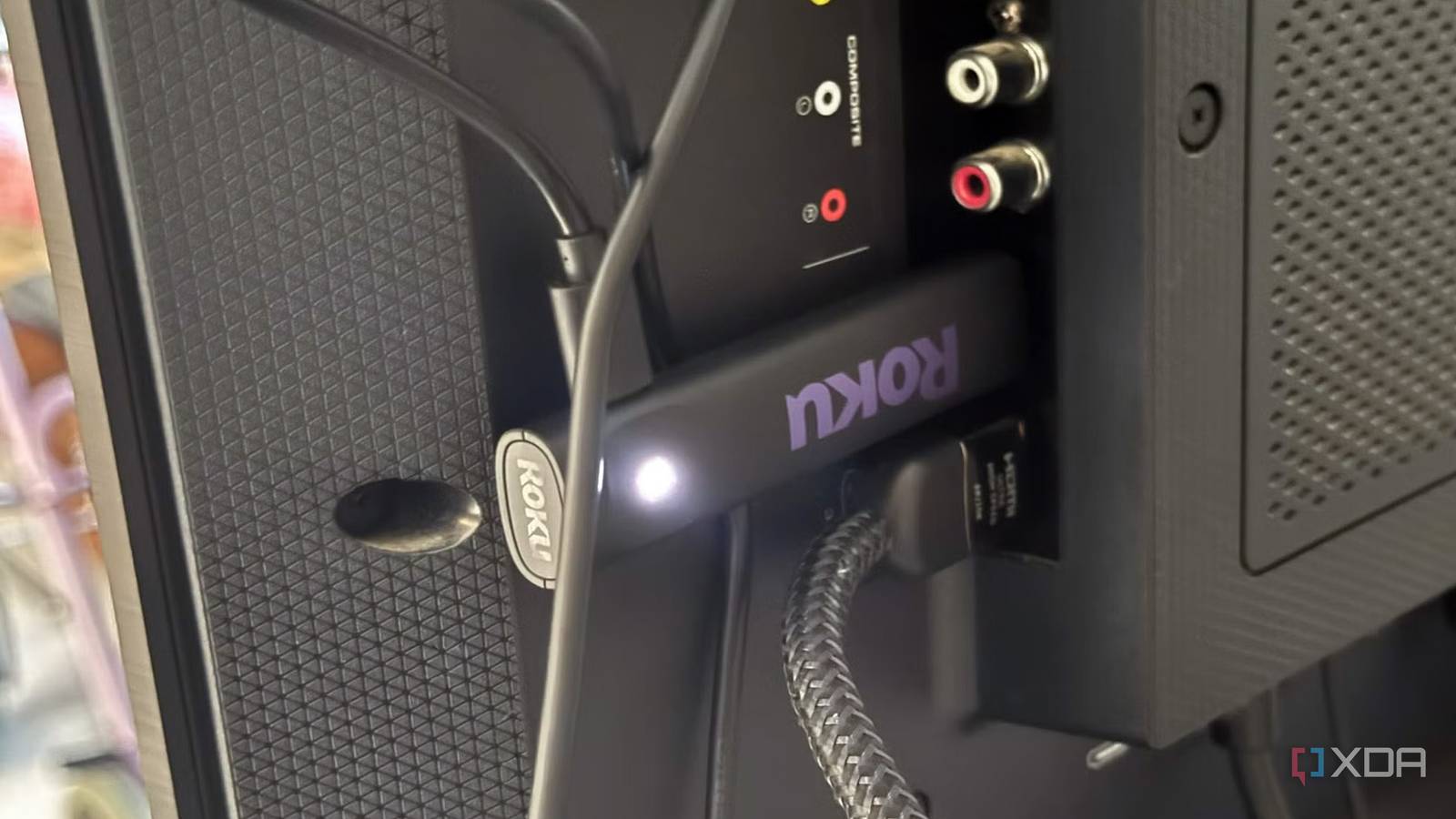
Published Aug 15, 2026, 3:00 PM EDT Based in rural Minnesota, Brian Burgess worked in IT for 10 years before finding his passion for writing about consumer technology. Brian earned his degree in computer and network technology in 2000. He held various IT positions, including help desk support, router installations for IBM, database administration, and other associate network administration roles. He's been a personal technology journalist for 18 years and has written thousands of articles about Microsoft products and services, Android, iOS, streaming, and more. He has written for notable tech sites including XDA, InformationWeek, How-To Geek, Byte, groovyPost, and others. When he is away from the keyboard, you will hear him playing guitar, working outdoors, and watching Star Trek. When you need a streaming solution at home, it's easy to pick up a cheap streaming stick that does the job. Roku, Amazon, and Google offer affordable streaming devices. You might think they sit quietly plugged into your TV until you summon them to binge Netflix. However, those cheap sticks do more than deliver shows. Once you connect a stick to your TV, it starts phoning home to report the content you're viewing, which you likely know, but it also talks to other devices on your network and sends that data to build a profile. They can see what you're watching Most active devices on your network Hooking up a cheap streaming stick might seem innocent enough, but you might regret getting that Roku or other cheap streaming stick and connecting it to your TV (your smart TV is guilty of network bombardment, too) in more ways than one. The stick isn't just waiting for you to stream content from your favorite services. It's constantly talking on your home network and to other devices on your network. For instance, Fire TV sticks are data collection endpoints that use Automatic Content Recognition (ACR). The ACR feature—normally only found in TV sets — sees what you are watching and builds a database to serve targeted ads based on viewing and app use history. Once you plug in a Fire TV Stick, it can see the entire HDMI input feed into the TV, including other streaming and network-attached devices. It fingerprints content, genres, dates, times, apps, channels, viewing duration, etc. That data is used by Amazon and third-party partners who build ad campaigns that target you while you use the device. Even if you disable the hidden ACR setting on your device, it only reduces tracking and doesn't completely prevent it. It stops content fingerprinting, but other data collection is still happening behind the scenes. Still, less tracking is always better, so turn it off. Streaming sticks see your network hardware They build a network map Streaming devices spy on what you watch to build a profile to sell tailored ads, but that's not all. They also talk a lot to other devices connected to your network. In fact, those cheap little streaming sticks have the highest traffic load on your network. Toggling off all the data collection settings helps, but it doesn't completely stop network tracking. The devices use embedded trackers to collect the router's SSID, MAC address, country codes, broadcast signal strengths, IP addresses, Bluetooth signal strengths, serial numbers, and other metadata to build a complete Wi-Fi network profile. Those innocent-looking sticks are finding out more about your household than you think. What's the collected data for? More than for the ads you see You might think, well, it can identify the type of router I have; cool, I will see ads for routers I want. Unfortunately, the collected data isn't just for ads on the device. It also sees other streaming sticks and TVs and does cross-device ad targeting. It allows companies to serve similar ads across multiple screens in your home. For instance, you might see the same ad on your TV, laptop, or even your phone. User behavior data is shared with third-party companies to advertise to you. This advertising can happen on the screen and in the physical world. For instance, you might be surprised to see junk mail come to your mailbox based on your location and household profile from your streaming device use. The streaming devices also use Wi-Fi triangulation and device-location matching to detect VPN use and block NFL, NBA, or NHL games that are regionally blocked. This includes phones connected to Wi-Fi. That data can block you from viewing sports even if you use a VPN to try getting around the region restriction. You could start to see more ads for an NFL+ subscription or other premium sports services. All streaming devices practice network tracking No stick, TV, or box is innocent You can't buy a traditional streaming stick that doesn't track your entire network. They all use embedded trackers. Roku, Fire TV, Android/Google TV devices, and Apple TV (to a much lesser extent) all track your network to one degree or another. Once you plug it in, connect it to Wi-Fi, and the light starts flashing, a lot more than video streaming is happening. Cheap streaming devices use your network to collect data on app usage, ad IDs, other device info, and more through embedded trackers that can't be turned off. If you are thinking of creating a DNS blocklist using a Pi-hole, it will only stop a portion of the tracking leaks. The only tangible way to stop the data collection traffic on your network is to disconnect the device, which isn't realistic. Still, attaching a preconfigured Pi-hole or building and running your own will still help reduce network tracking activity from the streaming devices on your network. Plus, they have the added benefit of filtering most of the ads that come through on all of your screens. Pi-hole OS Linux Price model Free Streaming sticks bombard your network with tracking If you think getting a streaming stick is an innocent affair, you might want to think twice about connecting it to your network if you are concerned about privacy. They can track a lot of what is happening on your network in the background. They are the most active on your network and build a profile of everything attacked — including your phone. They might not know you personally or your name, but with network triangulation and cross-device tracking, they can build a more valuable profile.
I almost bought a cheap TV streaming stick until I saw what it was doing on my network
Full Article
Original Source
Read the full article at Xda-developers →KhanList aggregates and links to publicly available news content. We do not host full articles from third-party sources. Always verify important information with original sources.