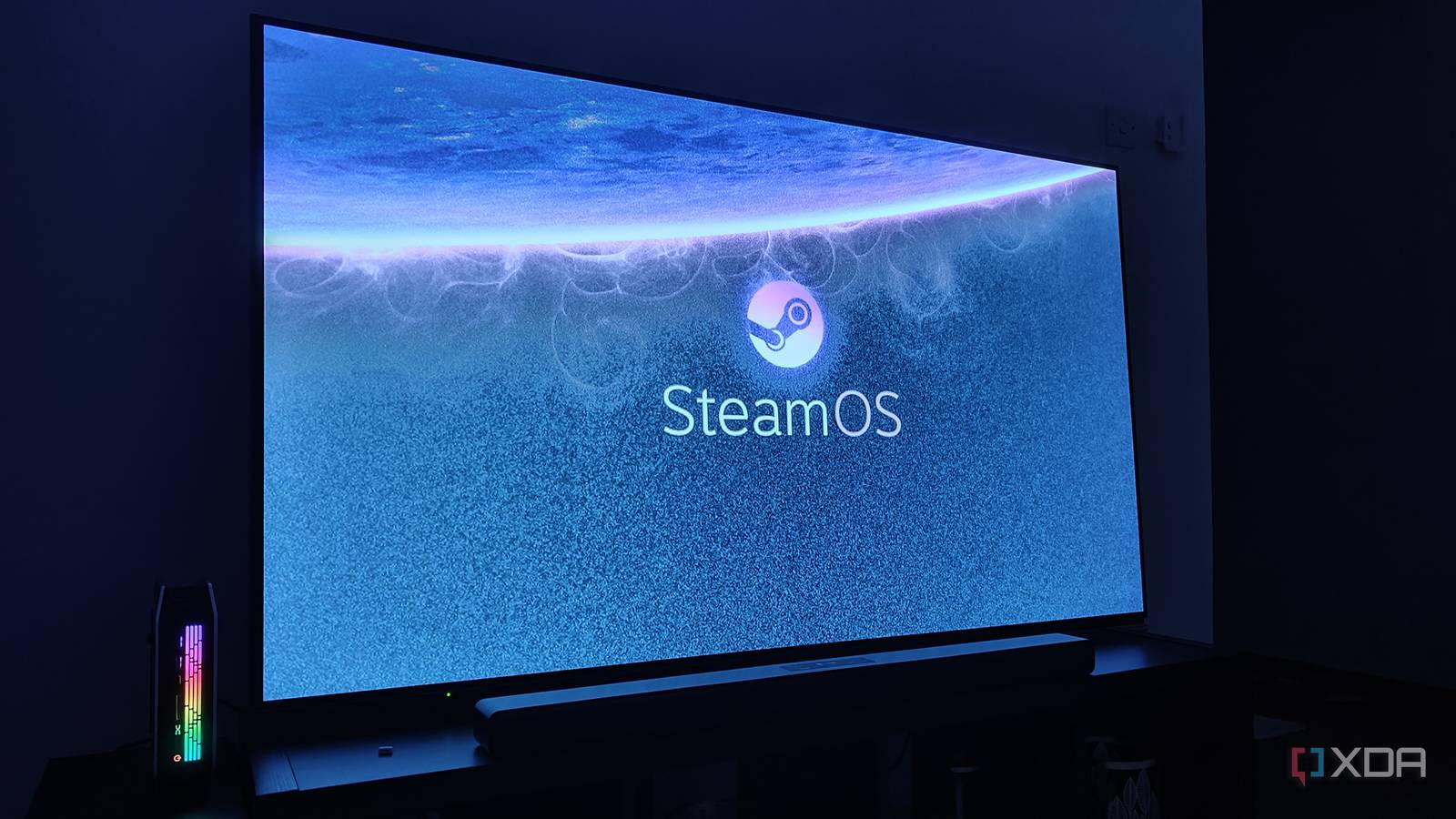
Published Aug 13, 2026, 4:30 PM EDT When the Steam Machine’s specs were announced, I wasn’t sure how to feel. On the one hand, I had hope that the rather uninspiring configuration would allow Valve to pull off another miracle of price engineering — as they had with the Steam Deck — and create a new niche in the prebuilt PC market. However, Valve’s reluctance to share any price expectations immediately set off alarm bells in my head, and as the RAM shortage escalated, I knew the Steam Machine was in trouble. But when the Steam Machine eventually launched at $1,049 for the 512GB configuration, the price was still beyond my wildest expectations. My initial reaction was one of complete disdain: I immediately lost all interest in the product, and seeing the rather lackluster real-world performance figures only made it worse. Such was my ire at the price that it wasn’t until a few weeks later that I could rationally assess the Steam Machine and come to appreciate its niche appeal. The Steam Machine is expensive, but that doesn't tell the full story To analyze the Steam Machine’s price, you must dive deeper than the specs. When people compare the Steam Machine to a full-tower DIY PC or prebuilt, it certainly doesn’t paint a rosy picture for Valve’s latest effort. After all, if you go with a platform with DDR4 support like AM4 or LGA 1700, you can build a PC that trounces the Steam Machine, sometimes to the tune of 50% or more. But that’s a false comparison that doesn’t address the elephant in the room: the form factor. PC builders have long known that the smaller you go with a build, the more you’ll have to pay — or in other words, the ‘Mini-ITX tax’. To match the Steam Machine’s tiny ~4L chassis, you’d have to plan the entire build around that size constraint, with sizable premiums tacked onto components like the motherboard, case, power supply, and even the graphics card. That’s before you even consider the fact that such small custom PCs are naturally kind of loud, which is where Valve put a lot of integration effort to ensure whisper-quiet operation. That’s why I don’t agree with the custom/prebuilt desktop comparison: a full tower has an unfair size advantage against the Steam Machine, while a custom Mini-ITX system comes with its own fair share of headaches. Rather, I think the real comparison is against mini PCs, specifically, mini PCs powered by AMD’s most advanced consumer chips, the Strix Halo lineup of APUs. Strix Halo mini PCs make great Steam Machines Sounds odd at first, but it makes more sense the more you think about it Think about it: mini PCs, powered as they are by efficient laptop chips, naturally exist in the same arena as the Steam Machine: roughly 4 L in volume, designed to be quiet, and able to blend right into any TV setup. Strix Halo-powered mini PCs are currently some of the most powerful ones you can get, with specs that, on paper, easily surpass the Steam Machine’s. In terms of price, these chips aren’t cheap, and mini PCs with the full-fat Ryzen AI MAX+ 395 start at more than $2,000. However, Framework is currently offering their Framework Desktop with the Ryzen AI MAX 385 and 32GB of LPDDR5X for $1,304. Add a 1TB SSD for $150, a CPU fan for $5, and after five minutes of assembly you’ll have yourself a highly configurable, quiet, and small (4.5L) mini PC for a grand total of $1,459, just over $100 more than the 2TB Steam Machine. Performance-wise, this should be right on par with the Steam Machine for GPU horsepower, and substantially ahead on the CPU front, giving you a lot more breathing room in CPU-demanding titles. On paper, this looks like a superior alternative to the Steam Machine for a living room console replacement PC. Unlike full-tower desktops, the Framework Desktop matches the Steam Machine's ~4 L form factor, while still giving you a significant performance advantage in certain scenarios. Additionally, you get 32GB of unified memory shared between the CPU and GPU, which, in my opinion, is a more balanced configuration than the Steam Machine's 16/8 config. However, despite the benefits of the Framework Desktop, the Steam Machine still has one ace up its sleeve. HDMI-CEC is the Steam Machine's ace up its sleeve A killer feature that you can't get on most alternatives So, we've established that mini PCs can match the price, performance, form factor, and noise levels of the Steam Machine. But the Steam Machine has one last trick up its sleeve: HDMI-CEC support. This feature allows the Steam Machine to truly act like a console by communicating with your TV and automatically turning it on when the Steam Machine resumes from sleep. This means that by simply pressing a button on your controller, you can boot both your Steam Machine and TV and hop right into a game. Although this feature has been standard on TVs for decades, adoption on devices (other than consoles) has been slow, to say the least. Most consumer GPUs don’t support HDMI-CEC, and the same is true for laptops and mini PCs. That’s where the UGREEN 85996P DisplayPort-to-HDMI adapter comes in. In addition to supporting 4K 240Hz output, this adapter silently enables HDMI-CEC, even on devices that don’t natively support it. When combined with Linux on a Strix Halo mini PC, this lets users set up the same one-click play functionality, turning on both the PC and the TV with a single press of a button on their controller. UGREEN 85996P DisplayPort to HDMI Adapter $18 $20 Save $2 The UGREEN 85996P is a DisplayPort 1.4 to HDMI 2.1 adapter for connecting a PC or graphics card to an HDMI display. It supports resolutions up to 8K at 60Hz, along with 4K at 240Hz and 1440p at 240Hz, and is designed for unidirectional DisplayPort-to-HDMI connections. Hardware isn't the only part of the HDMI-CEC equation You have to consider software, too However, there is one important caveat. Although this adapter sorts the hardware side of the equation, software is another matter. SteamOS has the best support for HDMI-CEC, with users reporting out-of-the-box compatibility for one-click play, but my experience with Ubuntu 26.04 was much rockier. I got into the weeds with ChatGPT for several hours, creating a script that runs on wake to turn the TV on and switch its source to the active PC source. After sorting out a lot of gremlins — from spurious wake behavior caused by other Bluetooth peripherals to fine-tuning delay intervals for CEC commands — I’ve finally gotten it to a point where I’m satisfied. If you're trying to get HDMI-CEC working on Ubuntu, use BlueZ to revoke wake permissions for every Bluetooth device except the controller you'll use to wake the PC. In its current state, I simply press the PS button on my DualSense controller to wake the PC, and the TV turns on and switches to the active PC source. There is one little wrinkle left to iron out: when suspending the PC, the controller doesn’t disconnect immediately. Rather, there’s a roughly 30-second delay before the PC fully suspends and kicks all Bluetooth devices. If I press the PS button during that pseudo-sleep, where the controller is still connected to the PC, it won’t wake. However, once the controller is disconnected from Bluetooth, pressing the PS button will reconnect it and wake the PC. SteamOS and a $20 adapter are all you need to make your own Steam Machine As someone who grew up with consoles and only recently moved to PC gaming, one of the biggest things I miss about the console experience is the ability to grab your controller, melt into your couch, and hop directly into a game. I've tried to replicate the experience with a desktop before: my main PC setup is in the living room, so I've snaked a 30-meter fiber-optic HDMI cable along the walls to the TV, but between fiddling with the TV's input sources and navigating through Windows with a DualSense controller's touchpad, the extra hassle means that I've never actually used the TV for gaming all that much. However, this setup is something I could actually see myself using: waking both the TV and the mini PC with one press of a button and booting directly into SteamOS' Game Mode might be the most console-like experience you can get out of a PC today. I'm sure you'll need to use a mouse and keyboard for certain things from time to time, but it's trivial to keep a pair of Bluetooth peripherals handy whenever you need traditional PC inputs. Now that HDMI-CEC is a solved issue for mini PCs, I think we've entered a new era for couch gaming PC setups.
I added HDMI-CEC to my mini PC with a $20 adapter, and now it's the ultimate Steam Machine
Full Article
Original Source
Read the full article at Xda-developers →KhanList aggregates and links to publicly available news content. We do not host full articles from third-party sources. Always verify important information with original sources.