
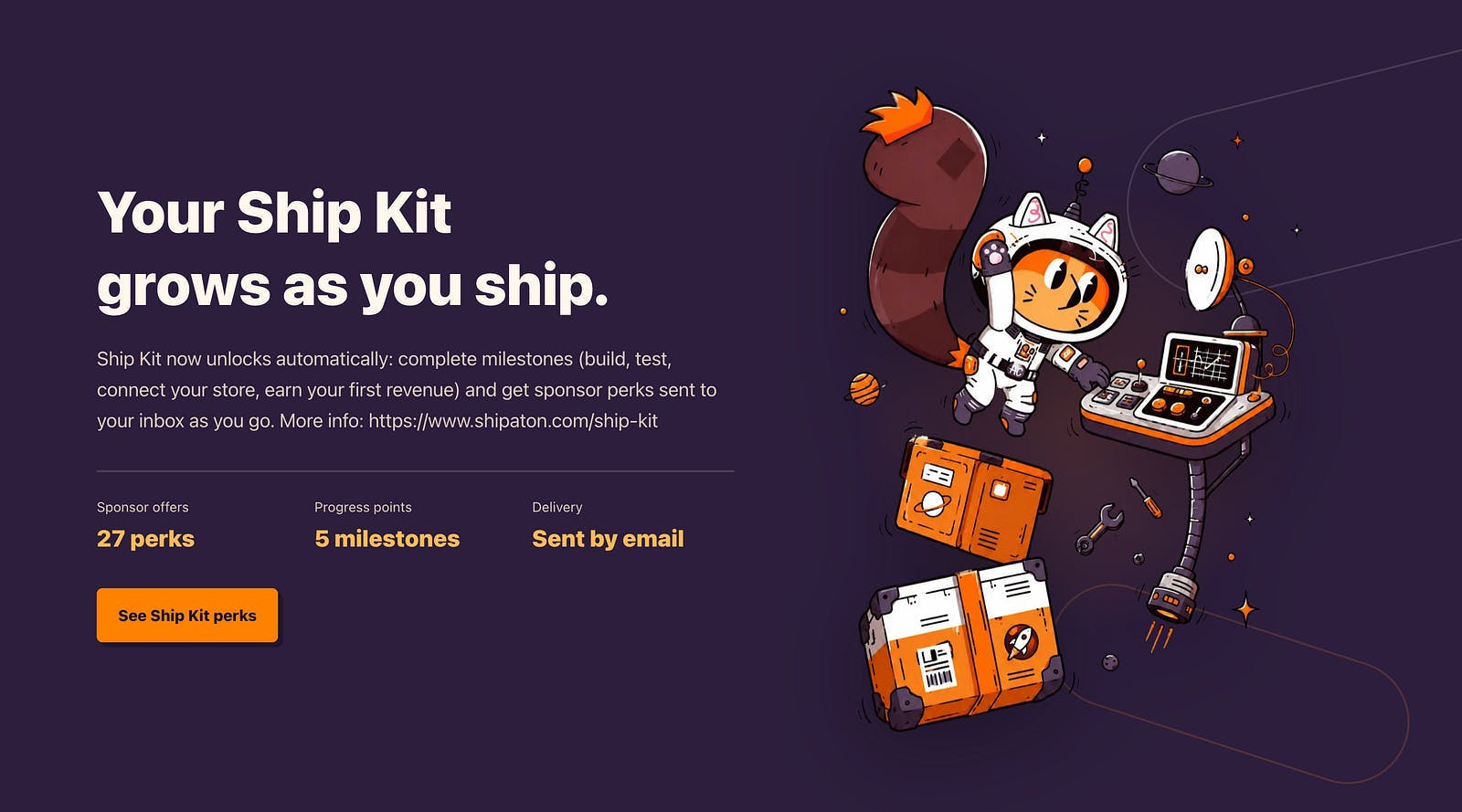
From unlocking Mobbin Pro via ShipKit to wiring up Supabase Auth and Brevo, here is how we built our first onboarding flow. Every great mobile app starts long before you write your first line of production code. You have to nail the foundation first. When you build an app in public during a hackathon, speed and clean architecture are everything. Instead of guessing how onboarding flows should look or struggling with backend setups, we leaned into some fantastic developer perks. Huge shoutout to RevenueCat Shipaton 2026 for providing the official Ship Kit. It unlocked 3 months of Mobbin Pro for us. Not only that, Ship Kit unlocks about 20+ perks for the developers which help them build the app faster and more secure. Kinda cool, right? Having instant access to thousands of real-world mobile app flows meant we could analyze top tier onboarding patterns and design our UI without wasting hours. Mobbin Pro UI Reference Flows (Enjoy 10% discount from my referral link) Setting Up the Backend Stack Before building screens, we needed a robust backend to handle user authentication, database schemas, and emails. Here is the exact tech stack we wired up:-Supabase for Authentication & Database:We set up Supabase Auth and relational database tables to manage user profiles securely across both iOS and Android.-Brevo for Email Services: We integrated Brevo to handle transactional emails, welcome notifications, and auth verification smoothly. A solid backend foundation means your frontend team can build UI components with total confidence. Building the Onboarding & Auth Screens With our research and backend in place, we jumped straight into coding.Using Compose Multiplatform, we built native Onboarding and Authentication screens that run shared Kotlin UI code on both iOS and Android. Ngl, watching user registration work end-to-end with Supabase on an iOS Simulator and an Android Emulator simultaneously felt incredible. Oh yeah, before I forget to mention- Google Stitch came to our rescue in designing the UI of the onboarding and auth screens. Here, take a look: Google Stitch (Auth & Onboarding Screens that Stitch helped me create) Getting your onboarding flow right sets the entire tone for the app experience, right? ;)What tools do you rely on for the mobile UI research or backend auth? Drop your favorite stack in the comments!
How We Built Our First Mobile Onboarding Flow for Shipaton 2026
Full Article
Original Source
Read the full article at Hackernoon →KhanList aggregates and links to publicly available news content. We do not host full articles from third-party sources. Always verify important information with original sources.