
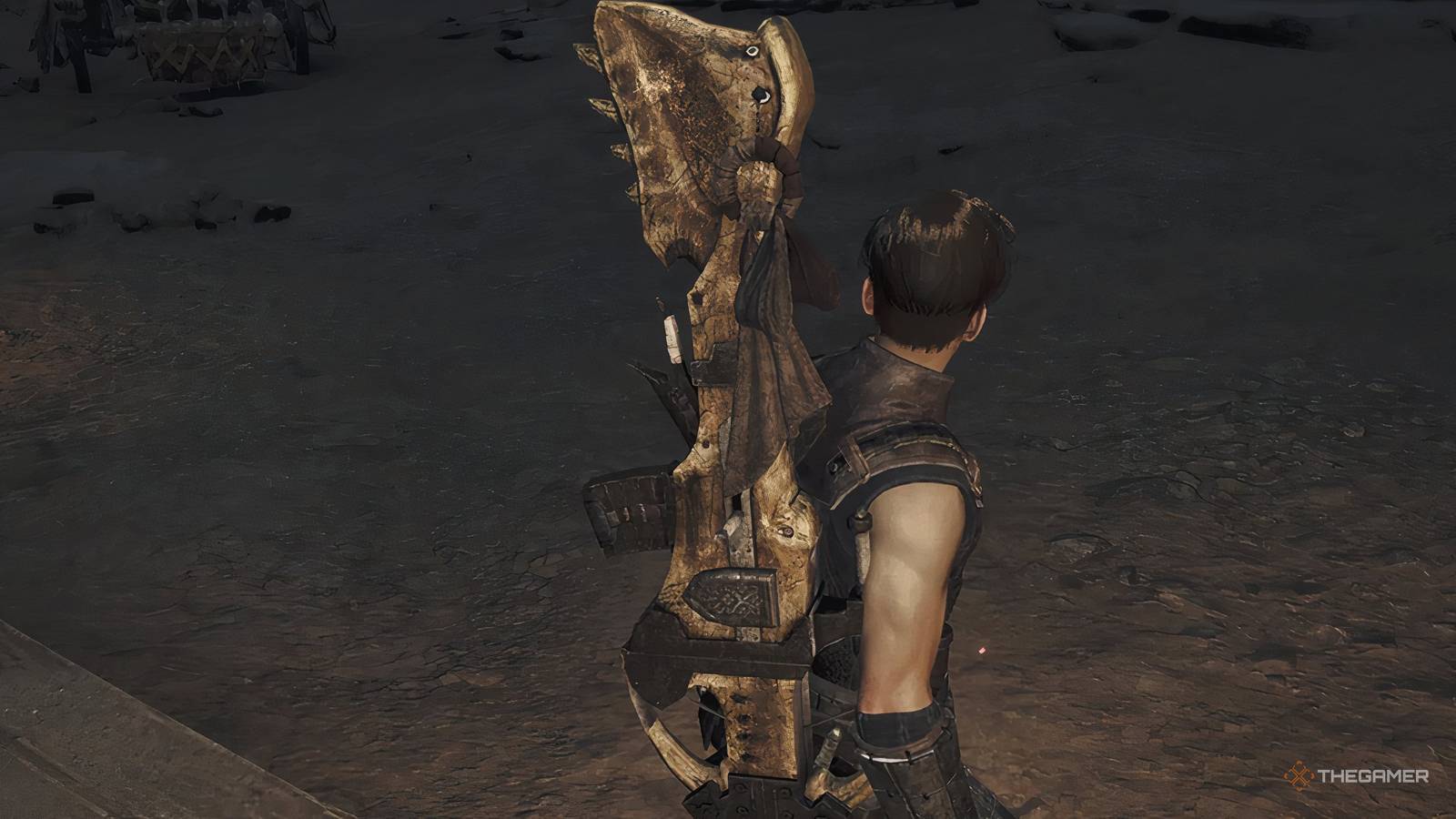
Monster Hunter Wilds: Complete Light Bowgun Weapon Guide The Light Bowgun is a fantastic weapon for mobile, ranged combat in Monster Hunter Wilds. Here's the rundown! Updated Nov 12, 2026, 11:30 AM EST Ryan Thompson-Bamsey has been an Editor at TheGamer since 2021. He has specialized in RPGs, grand strategy games, and visual novels, reviewing major releases in franchises from Square Enix, Larian Studios, and Paradox Interactive. Ryan has served multiple times on the jury for the Indie Cup awards, and has mentored many emerging writers in the games industry. He has covered some of the biggest releases of recent years, including leading the site's coverage of Baldur's Gate 3, Dragon's Dogma 2, and plenty of other massive RPGs. What's better than getting up close and personal with the gigantic beasts that inhabit the dangerous environs of Monster Hunter Wilds? Why, staying away from them but still managing to take them down, of course! Of the 14 weapons available to you in the game, only three are suited to long ranges, and the Light Bowgun may be the safest of them all. With an emphasis on movement and targeting weaknesses, the Light Bowgun may be the easiest of the three ranged weapons to get to grips with, and there's always room for optimization and impressive moves. Let's dive into this flexible weapon! The Light Bowgun is a ranged weapon that straddles between Bow and Heavy Bowgun in terms of mobility — while the Bow is a very mobile weapon, the Light Bowgun is not very far behind it. With the Light Bowgun, you'll fire bursts of ammo into your foe, reposition, and then fire again. It's a very active and reactive moveset to get to grips with. You can see the specific Light Bowgun controls for your platform by going into Settings > Info > Play Guide > Weapon Controls > Light Bowgun. The weapon's effectiveness hinges not on your ability to simply pump the most rounds into your foe, but your ability to use its special forms of shooting. Specifically, this means using Rapid Fire Mode to its best extent and firing off Chaser Shots whenever possible. This is a weapon that we heavily recommend a session in the Training Camp. Getting used to the rhythm of Chaser Shots, Rapid Fire Mode, and reloading is difficult on the field as a total newbie! In addition to the three unlimited ammo types (Normal, which is basic, Spread, which gives shots a wide angle, and Pierce, which constantly deals damage as it passes through a monster), many craftable/purchasable ammo types can be used to great effect. In brief: What Is Critical Range A key aspect to ranged weaponry is the idea of a Critical Range. This is something you can see very blatantly when aiming your weapon with the L2/LT button — something you should be doing at all times when attacking with a ranged weapon. You'll have a targeting reticle visible in the center of your screen when aiming. When you are at the 'Critical Range', this reticle will be outlined in orange. If there's no orange, you're either too close or too far from your target. If you fire outside the Critical Range, you'll be doing less damage than the alternative! Different ammo types have different Critical Ranges! For example, Spread Ammo, which turns your gun into something of a shotgun, will have you closer to your target than other ammo types. What Is Rapid Fire Mode A central feature of the Light Bowgun is its Rapid Fire Mode. Underneath the special ammo bar and above the regular ammo tracker on the right side of the screen, you'll see a gauge that is either yellow while full or blue while reloading. This is your Rapid Fire allotment. Hitting the Circle/B button while in the normal mode that you'll begin in when equipping a Light Bowgun will put you into Rapid Fire Mode, which you'll be able to see visibly on the weapon; the hunter will put a whole other magazine on the right side of the bowgun. You can leave Rapid Fire Mode at any time by hitting the Circle/B button again. While in Rapid Fire mode, you're able to either hold down the fire button to continuously fire your chosen ammo into an enemy, or perform greater Chaser Shots than usual. Only your unlimited ammo types can be used in Rapid Fire mode - don't worry about not using your limited ammo types to their best potential by not saving them for Rapid Fire mode! What Are Chaser Shots Another key aspect of the Light Bowgun moveset is the humble Chaser Shot. After firing a round of ammo, you can follow up this shot with a Chaser Shot using the Circle/B button. This will fire a stronger-than-usual follow-up attack using the same ammo. The only reason not to use Chaser Shots in your main combos is if you need to very quickly move out of a monster's path or avoid an attack, as Chaser Shots will have you stationary for a short while. It's a little bit 'risk for reward', so learning a monster's attack patterns and when it's safe to execute Chaser Shots will make hunts far cleaner than otherwise. Another benefit to Chaser Shots is that they will refill your Rapid Fire gauge more than regular shots, so if your gun is far more suited to dealing damage through Rapid Fire (for example, if you're not targeting an elemental weakness or a status effect and you just want raw damage), you'll want to use Chaser Shots more for that juicy Rapid Fire uptime. Light Bowgun Customization, Ammo, And Tips Bowgun Customization A central aspect of both Bowgun weapons is the fact that you can customise them and bring along a pack full of ammo that suits the exact hunt you're taking them on. To customize a Bowgun, you'll need to head to the Customize Bowgun page at any Camp's menu or at a Smithy. Bowguns can be equipped with a range of mods (which are all provided by the game, no need to craft them!) that improve certain aspects. They are Magazines, which increase certain ammo types' capacity, letting you fire them more before you need to waste time reloading. Different mods have different levels of utility: Normal Ammo is very powerful in this game, so the Normal Ammo Magazine is always a useful mod! Pierce Ammo is most useful when facing very large or very long monsters, to get the most damage out of a shot. Spread Ammo is most useful when facing very large monsters who have very large vulnerable spots. Elemental Boost will improve the magazines of all elemental ammo, which is really fantastic when facing enemies with particularly strong weaknesses. Rapid Fire Magazines will be most useful when you're focusing on non-elemental builds and going for raw damage. Special Ammo Magazines will give you two ammo for your special ammo (detailed below), which can be very useful if you're deft at exploiting them to their best. Ultimately, the best choices here will come down to your experience with the Light Bowgun as a weapon and what you're hunting at the time. Experience will be the key decider. Special Ammo: Wyvernblast Vs. Adhesive Ammo Light Bowguns have two 'special' ammo types that can be used by pressing the Triangle/Y button at the same time as the Circle/B button. Like the modifications we just talked about, they can be swapped by heading into the Customise Bowgun page in a Camp menu or at a Smithy. Wyvernblast: Will place a lit flare in the ground that explodes whenever attacked, whether it's by your hunter or an enemy. It will also explode when walked on by an enemy. This is fantastic for fighting grounded enemies that like to get up close and personal, and you can trigger the explosions very easily with some well-aimed Rapid Fire shots. Adhesive Ammo: Will fire a sticky round that sticks to a monster if it hits one. After a while, it will explode, like Slicing Ammo, but the damage it deals will be based on how many times you can shoot it while it's in place on the monster. This is really fantastic when used against monsters that aren't too mobile, letting you aim at the adhesive ammo more. It's also a fantastic punishment for monsters while they're paralyzed or knocked down. Both types of ammo are on a standard cooldown. Unlike with Rapid Fire Mode, you cannot restore this cooldown quicker by attacking. You can see if your ammo is ready by looking above the Rapid Fire gauge on screen — the symbol on the left denotes your Special Ammo, while the symbols on the right denote your Focus Strike ammo. Both types of ammo certainly have their place, but Adhesive Ammo is the one that seems to have the most applications and universality, so if you're looking for an outright recommendation, Adhesive Ammo is the recommendation we'd give.
How To Use The Light Bowgun Weapon In Monster Hunter Wilds
Full Article
Original Source
Read the full article at Thegamer →KhanList aggregates and links to publicly available news content. We do not host full articles from third-party sources. Always verify important information with original sources.