
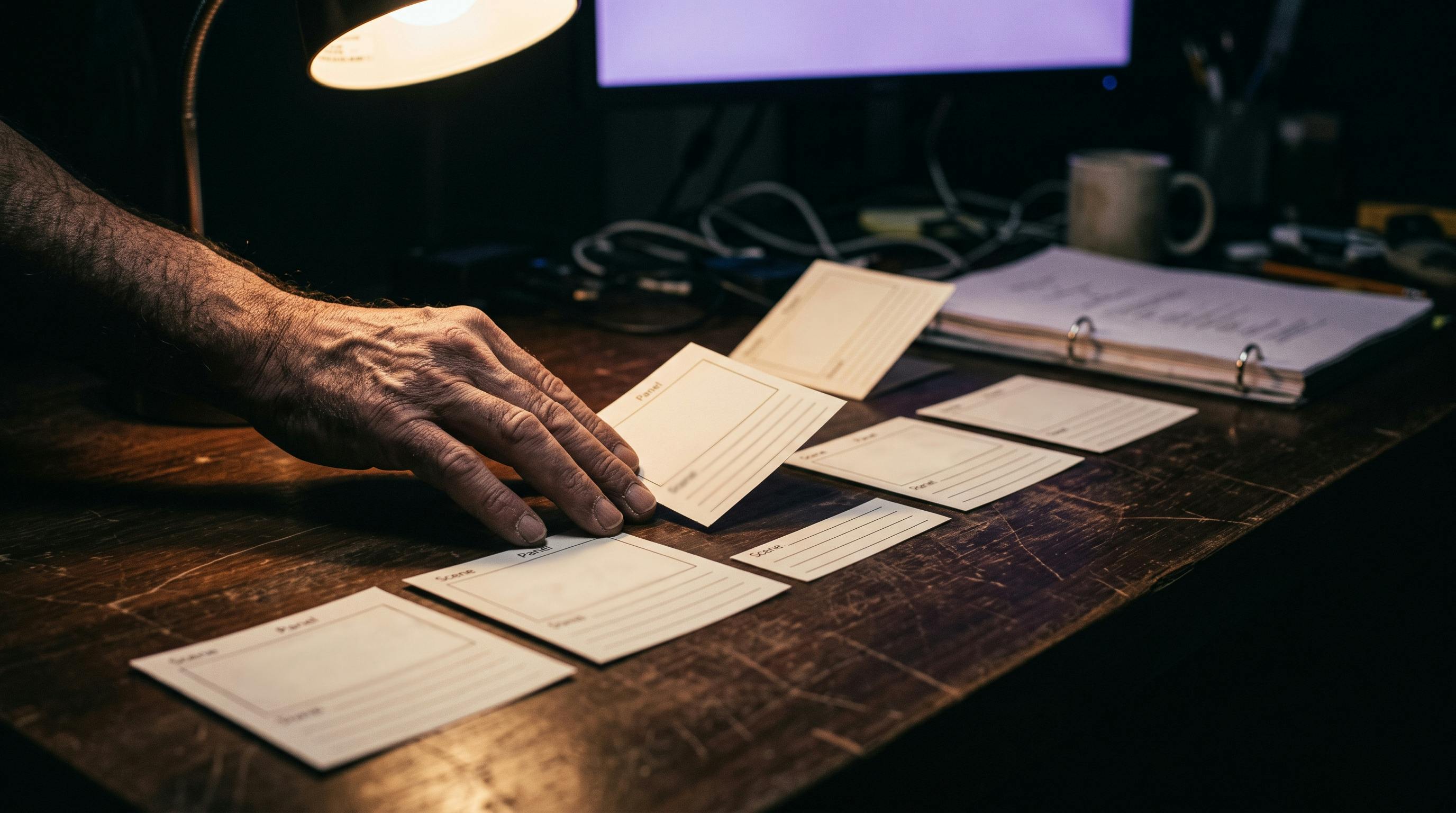
A storyboard built for a human crew and a storyboard built for a video model are not the same document, even when they look identical on the page. Here is the workflow that keeps them in sync. I boarded a Lost Garden corridor scene the way I used to board scenes before AI ever touched my workflow: one reference image per beat, each one checked only against itself. Every panel looked good alone. The torch light was warm and low in panel one, cooler and taller by panel three. The heroine’s hairline was slightly different by panel five. Nobody had touched a video model yet. The drift was already sitting in the board. That is the mistake this piece is about, and it is a specific one: treating an AI-native storyboard the way storyboards have always worked. How do you storyboard a scene for AI video generation? Lock the character and world reference before you draw a single panel, generate the sequence with a tool built to keep panels consistent with each other instead of calling a general image generator one prompt at a time, then treat the approved board as a locked artifact the video model has to match, not a rough idea you keep improving after the shot is already generated. What is actually different about a storyboard for AI video? A traditional storyboard is a communication tool. It tells a human crew, who already share the character bible, the lighting plan, and yesterday’s conversation about the scene, what the shot looks like. The panel does not have to carry that context, because the crew already carries it in their heads. An AI video model carries none of that. Every generation call starts from zero, and the panel is the only place that memory can live before the shot exists. If it does not literally contain the reference the model needs, the model will invent its own version of whatever got left out. In practice that means a usable AI-native panel has to hold: The character’s face and wardrobe, as a real reference image, not a written description of one The color and direction of the light in the room The physical dimensions of the space (a corridor’s width does not stay constant just because nobody mentioned it) The shot type and camera position, stated plainly enough that the next tool in the pipeline does not have to guess That is a different document from a composition sketch, even when it is drawn to look like one. A storyboard panel for a human crew and one for an AI video model are not the same document Why does a general image generator wreck the board before the video model even runs? This is the part that surprised me the first time it happened. I did not need a bad video model to break continuity. A perfectly good image generator broke it first. Tools built for one striking image per prompt, the Midjourneys and Kreas of the world, are excellent at that specific job. They are not built to hold a face, a costume, or a room identical across eight separate calls. Ask for the same character in panel one and panel five with only a text description in common, and you will get two different actors wearing the same outfit description. Roundups of AI pre-production tools name this as one of the most common mistakes teams make: reaching for a general-purpose generator on a job that needs cross-panel consistency, then wondering why the board will not hold together once it is stitched into a sequence. Dedicated storyboard tools solve the problem differently. Higgsfield’s Popcorn storyboard generator, for example, locks a character or reference image across a sequence of up to eight scenes in one flow, keeping lighting and environment aligned before any of it reaches a video model, and it exports the finished board directly as a generation prompt rather than a separate deliverable someone has to re-describe. Whichever specific tool ends up in your stack, the underlying principle is the one worth keeping: board the whole sequence together, not one disconnected image at a time. Higgsfield Popcorn, an AI storyboard generator built for cross-panel consistency rather than one image at a time The workflow I actually run Beats before panels. Decide how many shots a scene needs from the shot list, not from how many images sound fun to generate. A scene with three beats gets three panels, not eight. Lock the reference before you draw anything. The character bible and the world reference still, the ones that should already exist before pre-production starts, are what the board points back to. The panel does not define the character. It inherits one that was already decided. Generate the sequence as one pass, not one prompt at a time. Use a tool built for cross-panel consistency so panel three still remembers what panel one already decided about light and wardrobe. Freeze the approved board. Once a panel matches the reference and the scene’s intent, stop touching it. Treat it the way you would treat an approved take: locked, dated, versioned. Generate video from the frozen panel, not a fresh description of it. Image-to-video or start and end frame control reads the actual pixels of the approved panel. A fresh text prompt describing the panel is a translation, and translations drift. The board is not a sketch you show someone before the real work starts. For a generative pipeline, the board is the real work. Everything downstream just renders what it already decided. The five-step workflow, from beats to a frozen panel ready for video Common mistakes worth naming Baking readable text into the panel. No captions, no shot numbers, no labels drawn into the image itself. If a video model sees legible text in its reference frame, it will often try to preserve or distort that text in the generated shot, and that is the last thing you want bleeding into a corridor wall or a prop. Skipping the board and prompting straight from a script line. A sentence in a script and a locked visual reference are not the same input. One describes a category of possible images. The other is one specific image. Regenerating an approved panel because a later one looks better. Once a panel has been checked against the character and world reference, changing it for taste reasons reopens continuity you already closed. Fix the look before approval, not after. A storyboard panel that still needs a caption to explain itself was not ready to leave the drawing stage yet, let alone reach a generator. None of this is really a software problem, and it is not one AI is close to solving on its own. A 2026 CHI paper on a system called PrevizWhiz, built by Autodesk Research, tested a workflow that combines rough 3D blocking with generative restyling for previsualization. The study, run with working filmmakers and 3D artists, found the system lowered the technical barrier to previz and sped up creative iteration, but it also surfaced continuity, authorship, and ethical questions as the open problems, not rendering quality. Generation keeps getting faster every year. Keeping the board and the shot in agreement with each other is still the job, and it is still a human one. The four things a usable AI-native storyboard panel has to carry Where the board actually lives On Lost Garden, the board is no longer a folder of loose exports. It sits in ScreenWeaver next to the shot’s character reference, its world reference still, and a short note on why the shot exists, so the panel that gets approved is the same one the generation step reads from, not a screenshot that quietly drifted three exports ago. That is the point of keeping the plan attached to the shot instead of split across a chat thread and a downloads folder nobody sorts. FAQ Do I need to draw storyboard panels by hand for AI video? No. Most AI-native boards today are generated rather than drawn, using tools built for sequence consistency instead of one image at a time. What matters is whether the tool keeps character and environment aligned panel to panel, not whether a human hand touched the image. What is the difference between a storyboard and a shot list? A shot list is a text document: duration, camera move, editorial purpose, which reference to load for that shot. A storyboard is the visual reference itself, the actual pixels the generation step reads from. AI filmmaking needs both, and they should point back to the same locked references instead of being built as two separate, disconnected files. Can I use Midjourney or Krea to storyboard an AI film? For early concept exploration, yes. For a board meant to feed generation directly, a tool built to hold a character and environment consistent across a full sequence will save far more regeneration time later than a set of disconnected single images ever will. How many storyboard panels does one scene actually need? As many as the scene has distinct beats, no more. Boarding extra panels just because a generator makes it easy to produce them is how a three-beat scene turns into eight panels nobody asked for, and twice the continuity there is to check before it ever reaches a video model. If your last AI-generated scene looked like three different scenes stitched together, check the board before blaming the video model. Half the time, the drift was already sitting there before generation even started.
How to Storyboard a Scene for AI Video Generation (So the Shot Actually Matches the Panel)
Full Article
Original Source
Read the full article at Hackernoon →KhanList aggregates and links to publicly available news content. We do not host full articles from third-party sources. Always verify important information with original sources.