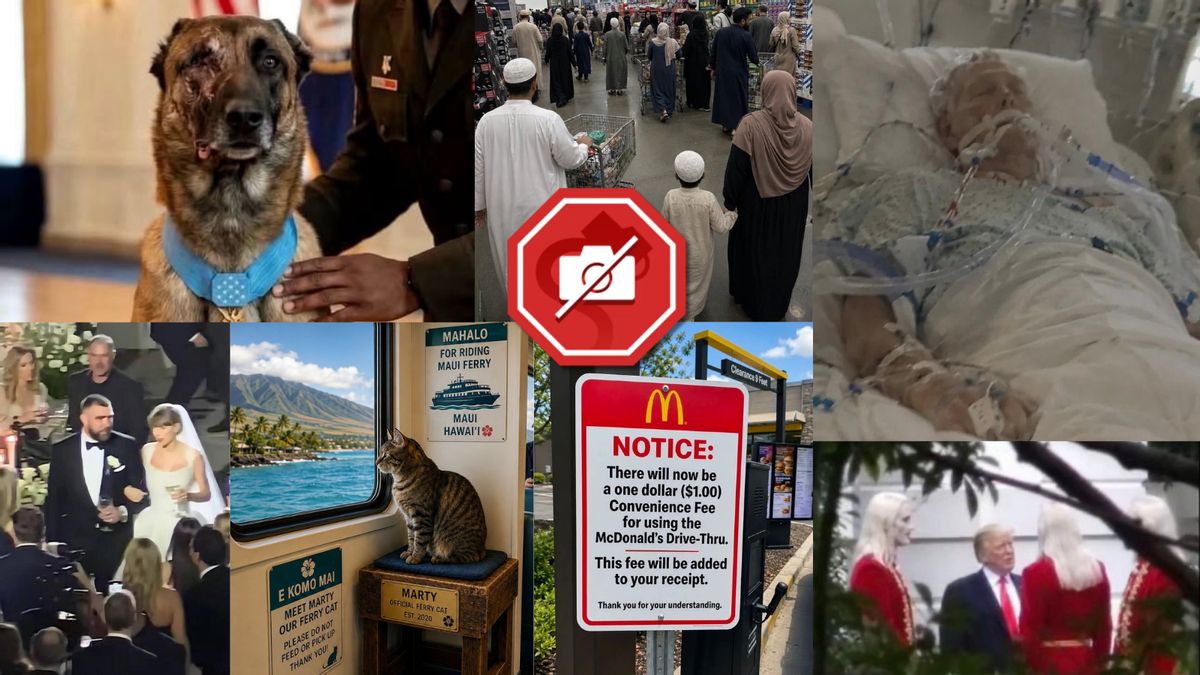
People have lied on the internet for as long as it has existed. That's why Snopes has been around for so many years. The rise of generative artificial intelligence tools in recent years has meant we at Snopes have spent a lot of time figuring out whether an image shared online was legitimate or whether it was created by AI, a type of image sometimes called a "deepfake." (That word can also be used to describe AI-generated video and audio.) As generative AI tools have become more advanced, this task has become increasingly difficult, and even experts struggle at times. Determining whether an image is real often comes down to looking at small details for things that are out of the ordinary. At Snopes, we believe ensuring that images you see online are real is a worthwhile skill to practice, especially given the skyrocketing amount of AI-generated content we encounter online. Below, we've compiled a list of the most common strategies Snopes reporters have used to figure out whether an image is AI-generated. Beneath each tip, we've also provided an example of an image we debunked using that technique. These strategies are not foolproof — an image having any one of following characteristics does not immediately mean it's a fake. (Just like that em dash — commonly considered a tell-tale sign of text produced with generative AI — doesn't mean we wrote this with ChatGPT; our writers just like em dashes.) We recommend using the tips as a checklist instead. The more signs on this list you see in an image, the more likely it is to be AI-generated. We have one final caveat: As generative models continue to improve, some of these tips and tricks might become obsolete. Multiple new models have pushed the boundaries of realism in AI-generated images, for instance, but some AI companies have introduced a somewhat reliable way to check whether a photo originated from one of those highly realistic models. Physics issues The physics of light is incredibly complex, and that means camera mechanisms (our eyes included) are, too. As a result, it's very difficult for generative AI models to accurately depict real light and all of its effects. The following tips revolve around light effects that Snopes' team has noticed AI models often struggle to get correct. Shadows If the image appears to have been taken during the day, look for shadows (or the lack thereof). If there are shadows, check whether their shape matches what would be expected. Shadows fall in a straight line with the light source that produces them, meaning that shadows of nearby objects should fall in similar directions. Note that some photographs are taken with multiple light sources, and as a result have shadows of different intensities in different directions. For instance, a June 2026 image purportedly showing U.S. President Donald Trump standing with "nordic aliens" has harsh, inconsistent shadows. (Reddit user @National_Basket_, Snopes illustration) Depth of field When you take a photo with a camera, the light must pass through the lens before reaching a sensor. If that lens isn't focused at the right spot, things look blurry. However, if you look at the background of a well-captured photo, you'll still see objects that are out-of-focus. Photographers call the area where the subject of the photo is in focus "depth of field." Because AI-generated images aren't taken with a camera, their depth of field or blurred areas can sometimes look off. It's difficult to describe exactly what to look for here, but it often falls into two extremes. The first extreme is that the image looks "airbrushed," with a slight blurry fuzz throughout. Sometimes, only part of the image looks airbrushed, but the blurry areas aren't the same distance away. This used to be very common — images supposedly showing victims of the flooding caused by Hurricane Helene in 2024 have such issues, for instance. (X user @AdlerJoelle) As models have become more realistic, however, it's harder to spot. An image allegedly showing U.S. Immigration and Customs Enforcement arresting a civil rights attorney in 2026 has more realistic focus in the foreground, for instance, but the man standing on the porch should be more in-focus than the light blue house that's farther from the lens. (Facebook user Stories point) At the other extreme, modern generative models seem to place almost the entire image in focus (a very deep depth of field). This is an effect that can be achieved without generative AI, but it takes a lot of work and usually some digital editing. For instance, when we checked a variety of images said to show a cat named Marty riding around on ferries, we noticed that the view out of the ferry window, despite being blurry, is still far too visible. It is unlikely that a camera lens would be able to show both the cat and the distant island in that level of focus (without some form of digital editing). (Facebook page Maui Hawaii Life) Complex shapes AI models also struggle to accurately depict certain complex shapes. The following fine details are common things Snopes writers look at to find discrepancies in images. Extremities such as hands, hair and ears Generative AI, especially older models, often fails to portray the extremities of the human body correctly. There might be an extra finger, a misshapen ear or a strange interaction between the hair and the skin. Sometimes body parts are half-complete or blend into one another. Though guests at Taylor Swift and Travis Kelce's July 2026 wedding reportedly had to sign nondisclosure agreements, posts appeared online seemingly showing images of the ceremony. While we weren't able to confirm that every image online was AI-generated, some of them definitely were — in one popular image, Swift and Kelce have six fingers on their hands. (Photos courtesy of Instagram user @weddingz.in and TikTok user @stephyville2, Snopes illustration) And though Kentucky's Sen. Mitch McConnell appeared to have the correct number of fingers in a purported image of him in a hospital in July 2026, we were able to determine the image was fake by noticing that the tubes and wires surrounding him abruptly end and loop nonsensically. (u/steviepax, accessed via Reddit, @BigPaleTone, accessed via X, illustrated by Snopes) Text Snopes writers used to reliably find that AI-generated images contained unreadable text that was often complete gibberish. That's often no longer the case, but the models still make mistakes. For instance, image models occasionally introduce grammatical errors into text within the image, like using a period instead of a comma and strange capitalization. In July 2025, we spotted grammatical errors — such as, "Over the past years," appearing as an independent sentence — in a resignation letter that then-Chair of the Federal Reserve Jerome Powell supposedly sent, which helped us conclude it was AI-generated. (X user @JPATrades) Hunting for misshapen letters can also be worth the effort. While letters with more complex shapes, such as the lowercase "e" and "a," are good places to start, sometimes there are mistakes in simple letters too. In an image we investigated supposedly showing Muslim shoppers at a Costco in Texas, for instance, what should be a capital "C" in the Costco logo was rendered as a "G." (Images courtesy of TikTok user @usacostcolovers (left) and X user @WallStreetApes (right)) In May and June 2026, we fact-checked several images purportedly announcing new laws, like bans on aimless driving and line dancing. Some of the images used to spread those claims contain jumbled or garbled text. Official seals in particular seem to be a problem — both Powell's fake resignation letter and several of the fake laws have seals containing jumbled text. (Getty Images) (Snopes illustration) Perspective and proportions This tip can be called both a physics issue and a complex shape — perspective. Think back to art class. In order to accurately draw a 3D object on a piece of paper, you need to draw things farther away from the viewer as smaller objects. To do this, instead of drawing two parallel lines as parallel, you draw them as converging at some far-off "vanishing point." (Note that the vanishing point can be located outside the borders of the image itself.) The nature of generative AI means it can make perspective mistakes, leaving things slightly out of proportion. Because perspective applies to all two-dimensional representations of 3D, including images, you can check to see whether things that you know would be parallel in real life actually intersect at a vanishing point. This factor provided more proof that the previously mentioned image of Muslim shoppers at a Costco was AI-generated. Zooming in on the photo reveals that the wires making up one of the shopping carts are curved, not straight and roughly parallel as they would be in real life. (X user @WallStreetApes, Snopes illustration) Sourcing One of the biggest things we've learned is that looking for hints beyond the photo is just as useful as looking at the photo itself. For instance, YouTube requires creators to include a disclaimer on some videos if the content is AI-generated. Instagram and Facebook, meanwhile, scan photos for metadata that may indicate they were generated with AI. You might have to look for these disclaimers, though. They can be hidden behind "show more" boxes on YouTube (see the below screenshot) or on Facebook and Instagram by clicking on the three dots, then "About This Post." Instagram and Facebook sometimes include an "AI info" button on the post itself, but it's not always there. (YouTube) We also recommend investigating the source of an image. For example, you can put a photo into Google or TinEye's reverse image search (also called "search by image") and see whether it appears in either press photo or stock image libraries such as Getty Images, or if reliable news outlets have used the picture in stories. You might even find a fact check written by Snopes or another outlet. Use it all as supporting evidence when forming your conclusion. Next, if it seems like an image originated on social media, examine the page that posted it. Finding the original post simplified the debunking of an alleged image of Pope Leo XIV with pop star Bad Bunny — the word "Duas" on Bad Bunny's shirt led us to a café in Madrid of the same name, and the original post's caption features an "#AI" hashtag. Instagram did include an "AI info" disclaimer when we viewed the post on a phone — but not on a computer, where users need to click on "About This Post" to access it. (Instagram user duas.madrid, Snopes illustration) If a page's other posts contain AI-generated content, that's a sign — though, to be clear, not a guarantee — that the image you're investigating could also be AI-generated. The reverse is also true, but there's a caveat. If you can't find evidence of AI-generated content anywhere, that's a sign that the image is either legitimate or that the image was edited manually. Posting patterns Social media pages that produce AI-generated content often do so with the hope of going viral and earning advertising revenue. Given the business, it makes sense for these pages to post a significant amount of content. One pattern to look for is if the page posts new images at a spam-like frequency. Facebook's spam policy says it does not allow interactions at "very high frequencies" but does not specify what that frequency is. In our experience, these spam-like pages post once every hour or two, likely attempting to bypass the filter, though sometimes more. That pattern helped us conclude that an image of a sign at McDonald's, announcing customers would be charged a $1 convenience fee for using the drive-thru, wasn't real. The original page that shared the image "contained a seemingly endless number of posts displaying AI-generated content" and was consistently posting about once every hour. (Next Top Virals Facebook page, Snopes illustration) Practicality Next, use your head. Think critically about an image. Does it show something too good to be true? Does it actually make sense? Does the scene seem too farfetched? Or is it trying to stir up emotions, such as anger or joy? This is harder than it looks. Scrolling on social media platforms can lead to users not thinking while browsing (sometimes referred to as zombie scrolling). This is by design, of course, because the business model of social media companies is based on keeping you on their platforms for as long as possible. This may sound a bit silly, we know. But good internet hygiene, like limiting your screen time, taking regular breaks and going outside and interacting with your local community, can help set you up for success by ensuring you always have the mental capacity to think while browsing. For instance, while an alleged story about a dog saving 47 soldiers and surviving a suicide bombing certainly sounded heroic and heartwarming, it wasn't real. News outlets would have jumped to report on such an act, but none had. Additionally, while the posts claimed the dog lost his left eye in the bombing, the accompanying image shows the dog missing his right eye. Finding factual discrepancies between an image and a story that accompanies it is more common than you might think. (Facebook user David J. Harris Jr.) Beating technology with technology Finally, let's discuss the two types of digital tools Snopes uses to detect AI-generated content. We don't recommend using these sites as an end-all-be-all, but they can be useful secondary evidence. First, there are platforms like SightEngine or Hive Moderation. These sites attempt to train AI models to detect AI-generated content, and they're relatively capable. However, these models are not always correct, especially if the image is low-quality. This is a problem because some people will take an AI-generated image and then make additional edits in a photo editing program like Photoshop. We've seen cases where those fake, edited images are incorrectly marked as real. The second type of tool, often called SynthID, is an invisible digital watermark an AI model can embed into an image it generates. It's also sometimes combined with a standardized set of metadata, called CP2A content credentials, generated alongside the image that explicitly outline the image's provenance. SynthID watermarks differ from model to model but — because they're contained within the image itself — can persist even if an image has been screenshotted. Content credentials, meanwhile, are standardized across several different models, meaning that if they're present, other companies' tools may be able to detect them. For example, Google Gemini can identify whether an image was generated using Google AI tools, and OpenAI's tool, which requires a direct image upload, can detect whether an image was generated using its models. But, as of this writing, Google Gemini will search for any content credentials, while OpenAI's verify tool looks only for its own signature. SynthID isn't perfect, either. Fact-checking outlet LeadStories noted that its authors have received contradictory responses from Gemini when they ask for a SynthID check. Snopes writers have encountered the same problem — Gemini told a reporter that an image was AI-generated, while it told an editor that the same image was real. Furthermore, where tools like SightEngine and Hive Moderation can run into the issue of fake images being incorrectly marked as real, as explained above, SynthID can sometimes have the opposite problem. You can ask Gemini to add a SynthID to an authentic photo without making other changes. That image, therefore, might later be incorrectly flagged as being AI-generated. For those reasons, we recommend you use these tools to support your conclusion, instead of relying solely upon them — and because of their limitations, we recommend you run an image through multiple different tools of both types. The bottom rule has not changed: You can't always trust what you see online. Browse accordingly.
How to spot AI images: A fact-checker's guide
Full Article
📰 Original Source
Read full article at Snopes →KhanList aggregates and links to publicly available news content. We do not host full articles from third-party sources. Always verify important information with original sources.