
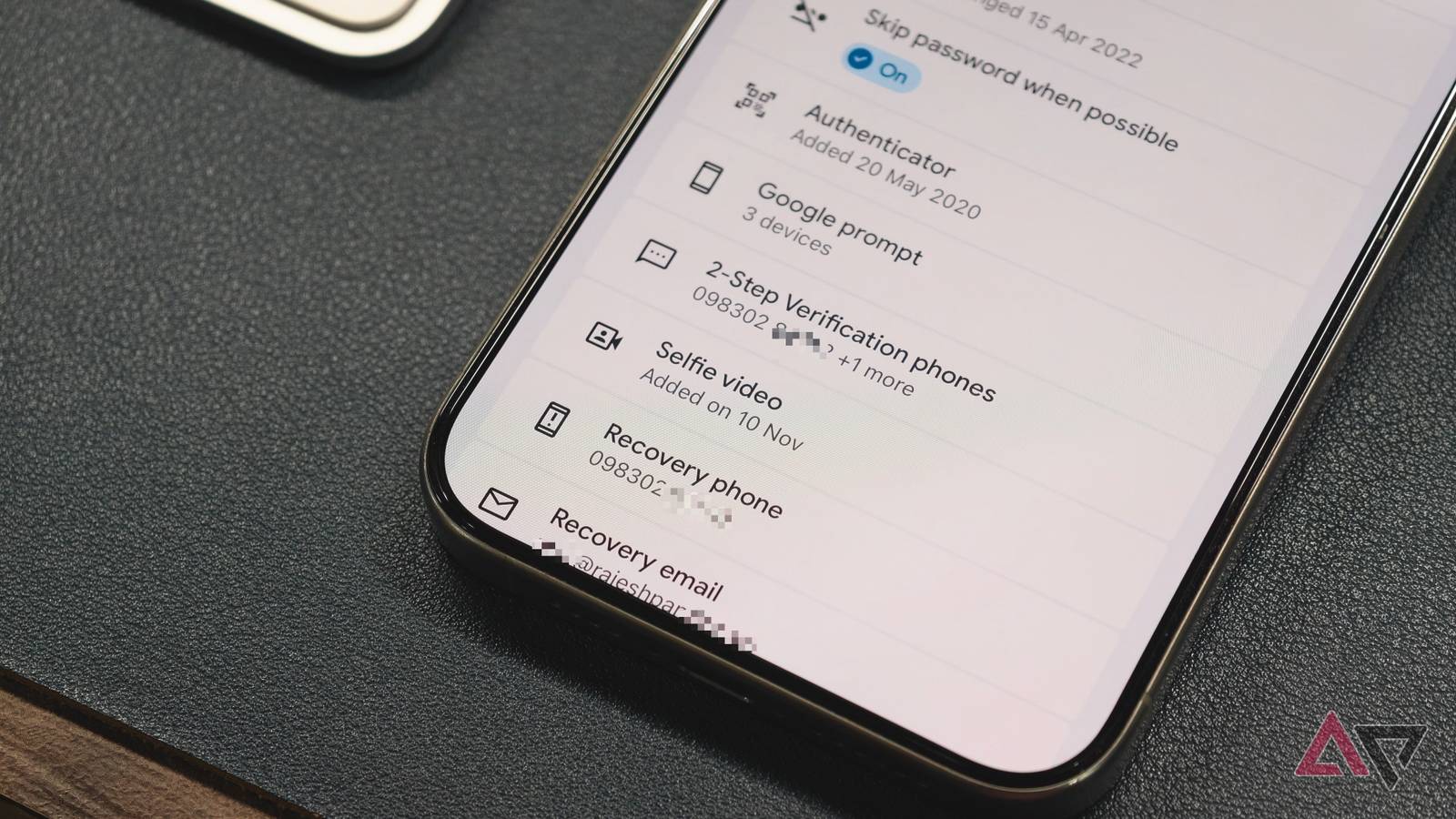
Published Nov 12, 2026, 11:00 AM EST I've been writing about Android since 2011, with a focus on device reviews, Samsung and Google Pixel hardware, and the latest happenings in the ecosystem. In my entire writing career, I've reviewed more than 75 Android phones. Carrying both a Samsung or Pixel flagship and an iPhone as a daily driver provides me with deep insight into how Android works and how it compares to iOS. I have been writing for Android Police since 2021, covering news, how-tos, and features. You can find my previous work on Neowin, AndroidBeat, Times of India, iPhoneHacks, MySmartPrice, and MakeUseOf. When not working, I tend to mindlessly scroll through X, play with new AI models, or go on long road trips. You can reach out to me on X or drop a mail at rajesh@androidpolice.com. If you forget your Google account's password or lose access to your phone, getting into your Google account can become a challenge. Unless you approve a verification prompt from a recovery device or use a passkey, Google won't let you in. If you find yourself in that situation, you can use Google's selfie sign-in feature to regain access to your account. But you'll need to set it up before you get locked out. Your face can be your backup plan The trick is recording your first selfie before you get locked out While not active by default, Google encourages users to set up and use two-factor authentication (2FA) for their accounts. They can use an authenticator app to generate codes or ditch passwords altogether by setting up a passkey and logging in to their Google account with biometric verification or a screen-lock PIN. The only issue is that both options require access to your phone or another verified device, something that not many people have. Without their primary device, most users can't sign in to their locked Google account. That's where selfie sign-in comes in. It's an account recovery feature that enables you to sign in to your Google account with a selfie. That makes sense as well. After all, it's your account, so even if you don't have the password or passkey, a verified selfie should be enough to prove that you are the account's owner. The catch here is that you must set up selfie sign-in before you lose access to your Google account. You can't add a selfie video after you are locked out of the account. Google uses this recorded selfie video to verify your identity when you use the selfie sign-in feature in the future. So, the next time you start the account recovery process on another device, Google allows you to record a fresh clip. As part of the process, it may ask you to turn your head to check that you're recording live. It then compares the new clip with the one you saved. A match helps Google confirm the account belongs to you, though it may still ask for another form of verification. How to set up selfie sign-in for your Google account It's easier than you think Now that you know why you need to set up selfie sign-in before you get locked out, here's how to do it on your phone or computer. Make sure you're signed in to the correct Google account you want to protect. Open the Google app on your phone, or Google.com or Gmail on your computer. Alternatively, visit this link. From the page that opens, select Security & sign-in. Scroll down, and below Backup codes, you should see more sign-in options, with Selfie video listed as one of them. On the Add selfie for sign-in screen, select Continue. Allow camera access when prompted, then follow the on-screen instructions to record your video. When recording the selfie video, make sure you are in a well-lit room and that no other faces or objects are in the frame. If you start setup on a computer without a webcam, Google displays a QR code that you can scan with your phone to finish recording. If selfie sign-in video isn't available in your settings, the feature may be unavailable for your account or region. Google does not offer this security feature for Workspace accounts, child accounts, and accounts enrolled in the Advanced Protection Program. If you change your mind, you can request to delete the video from the Selfie video page in your Google account. Are your selfie videos safe? The video you save and the one Google deletes Google encrypts and saves your selfie video on its servers. It uses that as a reference if you need to recover your account in the future and try logging in from another device. Google never saves the new clip you record during recovery. Instead, it lets Google compare the two clips for verification. Google deletes it after that. Keep one thing in mind. Google may keep your recorded selfie video for a while even after you request deletion as a security measure. Google says, "If you've violated a Google policy, we may save your selfie video for a longer period of time to enforce our policies." Some users may not be comfortable with that. Give yourself another way back in Even if you use two-factor authentication, have a passkey, and keep your backup codes somewhere safe, it's worth setting up selfie sign-in. That way, you have another way back in if you don't have access to your phone or another verified device. My personal Google account holds almost 1.5TB of data, including pictures and emails from over a decade ago. That's why I enabled selfie sign-in even with those other protections in place.
How to set up Google's new selfie sign-in to bypass passwords entirely
Full Article
Original Source
Read the full article at Androidpolice →KhanList aggregates and links to publicly available news content. We do not host full articles from third-party sources. Always verify important information with original sources.