
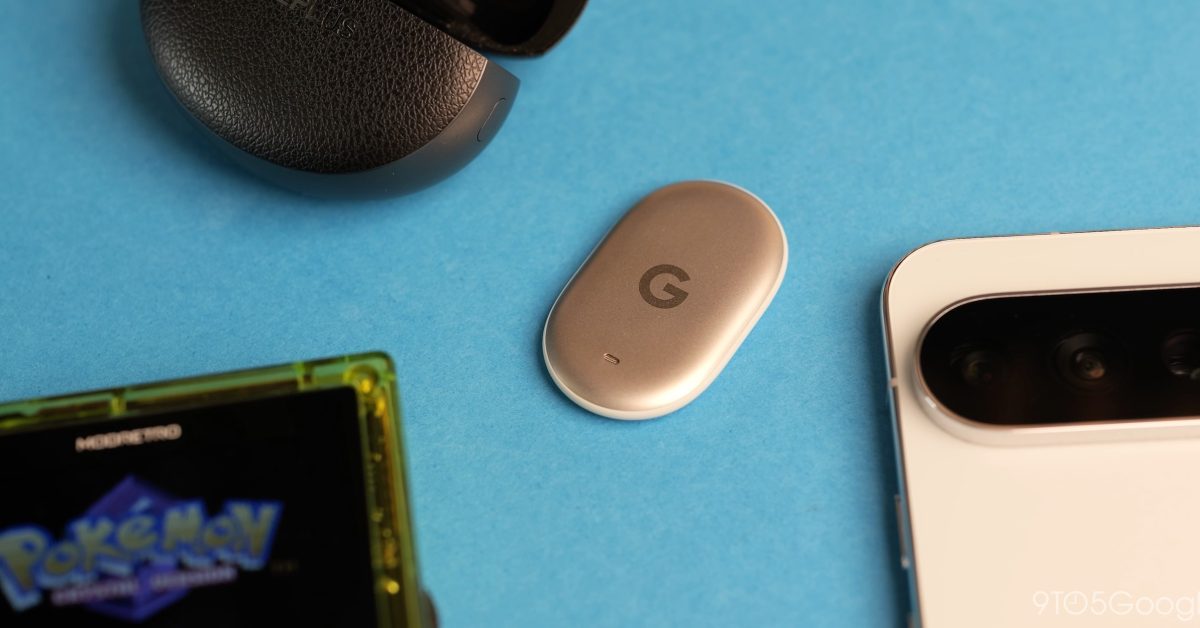
The battery on the Pixel Tag is rated for about a year, but what happens when you need to replace it? Here’s how to replace it. Due to the shape and design of the Pixel Tag, you might have a bit of difficulty getting the backplate off quickly to throw in a new battery when it’s time. Having had a few problems myself (yes, a me problem most likely) due to the slick, smooth shape, I figured that, even though it might insult the intelligence of many, the process was at least documented so that anyone having issues has a reference to come to if they’re struggling to get that backplate off. You will have difficulty if you try to do this one-handed. Instead, clasp the Pixel Tag with one thumb at the base or midframe, then with your other thumb twist anticlockwise until the backplate comes loose and the battery will drop out. The first time you do this, it will be harder due to the tight factory seal. However, once it’s open, the process gets easier to replicate. Here’s a little demonstration of how to get it off without it slipping and being flung into the ether: Be aware that you may need to open and reseat the battery if Find Hub does not recognize the Pixel Tag again when you’ve done this. Even with the factory-supplied battery, it can misalign if you don’t place it in the correct position and fully close the door when reassembling. If you’re wondering what type of battery you need, CR2032 are the standard for watches and most Android trackers. They’re super cheap with a 10-pack of Amazon Basics batteries for just $10, Duracell offers a 4-pack for under $7 but you can even get unbranded 20-packs for around $9. All fairly cheap at various points in the quality spectrum. It can’t hurt to have some on hand when you do eventually need to replace the battery in your Pixel Tag. You can get the tracker from Amazon and the Google Store right now. More on Pixel Tag: You can now buy the Pixel Tag, cases from Bellroy & Spigen available Google Pixel Tag Initial Review: The gold standard for Find Hub trackers, whatever that’s worth Android Find Hub app reveals how ‘Left Behind’ and ‘Ring your phone’ alerts work on Pixel Tag FTC: We use income earning auto affiliate links. More.
How to replace the battery on Pixel Tag [Video]
Full Article
Original Source
Read the full article at 9to5google →KhanList aggregates and links to publicly available news content. We do not host full articles from third-party sources. Always verify important information with original sources.