
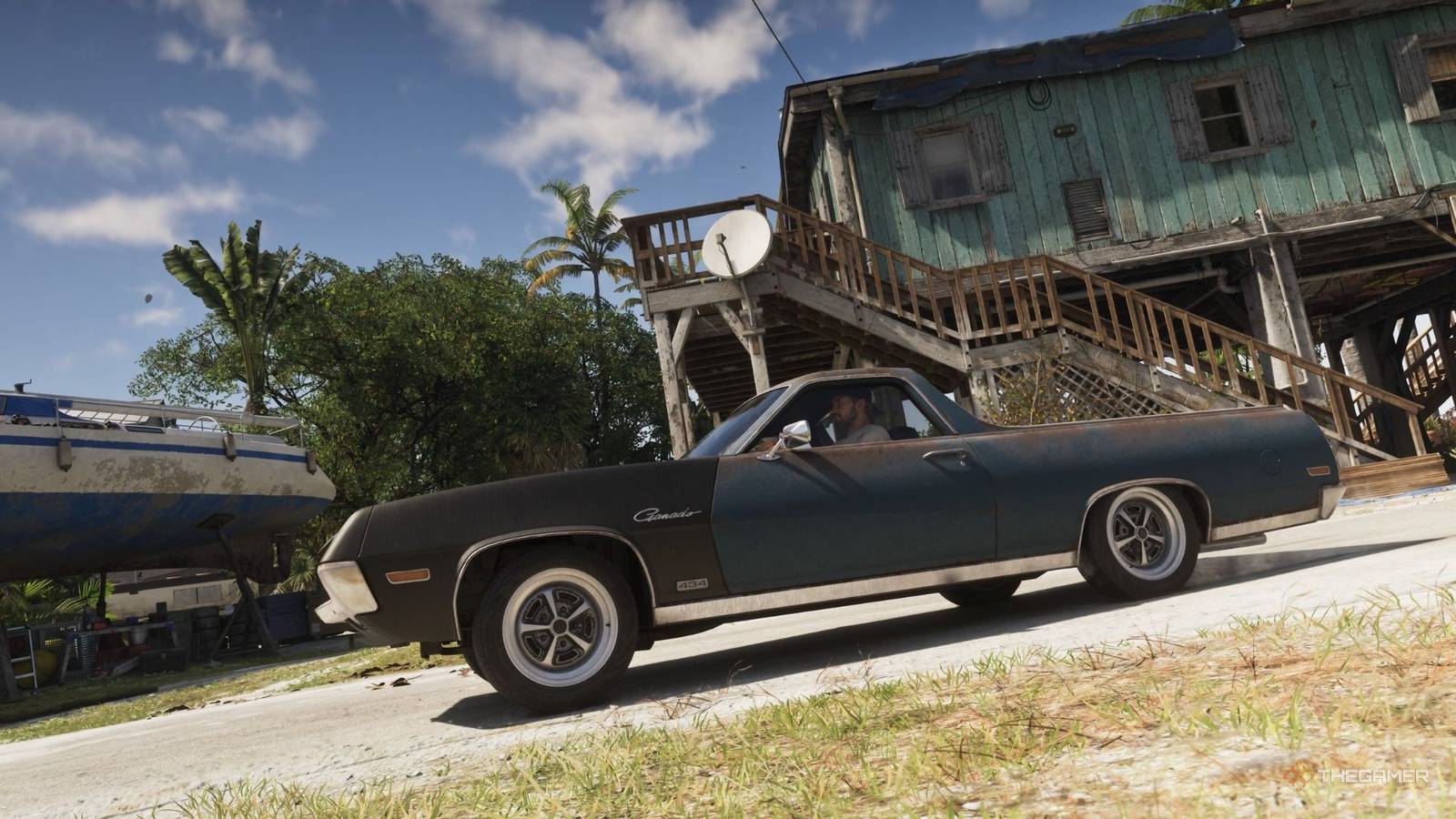
Grand Theft Auto 6: How To Use Auto-Drive If you want to get around Leonida and clear GTA 6's map with ease, Auto-Drive is one of your best friends. Published Nov 18, 2026, 7:00 PM EST George is the Lead News Editor for TheGamer, and has been working in the industry since 2021 after graduating from the University of South Wales with a bachelor's degree in Journalism. He has also previously written for RPG Site, WhatCulture, and PlayStation Lifestyle. George is an expert on platformers, action games, and fighters, but tends to play as many releases as possible. This hands-on experience lets him dive into gaming communities and follow the latest trends. Some of the games George has extensively covered first-hand include Dead Rising, Dragon Ball: Sparking Zero, Assassin's Creed Shadows, and Ninja Gaiden 4. Unsurprisingly, Grand Theft Auto 6 has an absolutely massive map for the player to explore, with Leonida containing not just Vice City but tons of unique areas and regions with plenty of secrets to uncover. There's a lot of driving for the player to do in GTA 6, and it can get a little much hopping behind the wheel at every turn, especially if you're trying to see the whole map. There's a way to make things easier, though. If you've played Rockstar's last game, Red Dead Redemption 2, you might remember that there was an auto-drive function that let you give your horse a waypoint and then automatically head there. Grand Theft Auto 6 picks up this same feature, and it's arguably even more helpful since there's so much ground to cover. Once you've got into a car (or any vehicle, really) and set a waypoint, hold down on the D-Pad and then press the Options button on PS5 and Menu on Xbox, to enter cinematic driving mode. So far, so previous GTA games, but if you then hold down Circle on PS5 or B on Xbox, you'll be able to enable Auto-Drive. As the name suggests, this causes Jason or Lucia to drive the car to your waypoint for you, and you can even choose a speed to cruise at. Sadly, even the fastest option isn't very fast at all, and auto-driving will cause your character to rigidly follow the rules of the road, so it's not exactly a speedy way to get around the map. It is a good choice if you want to soak in the view and clear the fog of war around Leonida, though. And don't worry, using auto-drive counts for clearing the map, so you can just set one very long waypoint and see all Leonida has to offer from pretty early on.
How To Enable Auto-Drive In GTA 6
Full Article
Original Source
Read the full article at Thegamer →KhanList aggregates and links to publicly available news content. We do not host full articles from third-party sources. Always verify important information with original sources.