
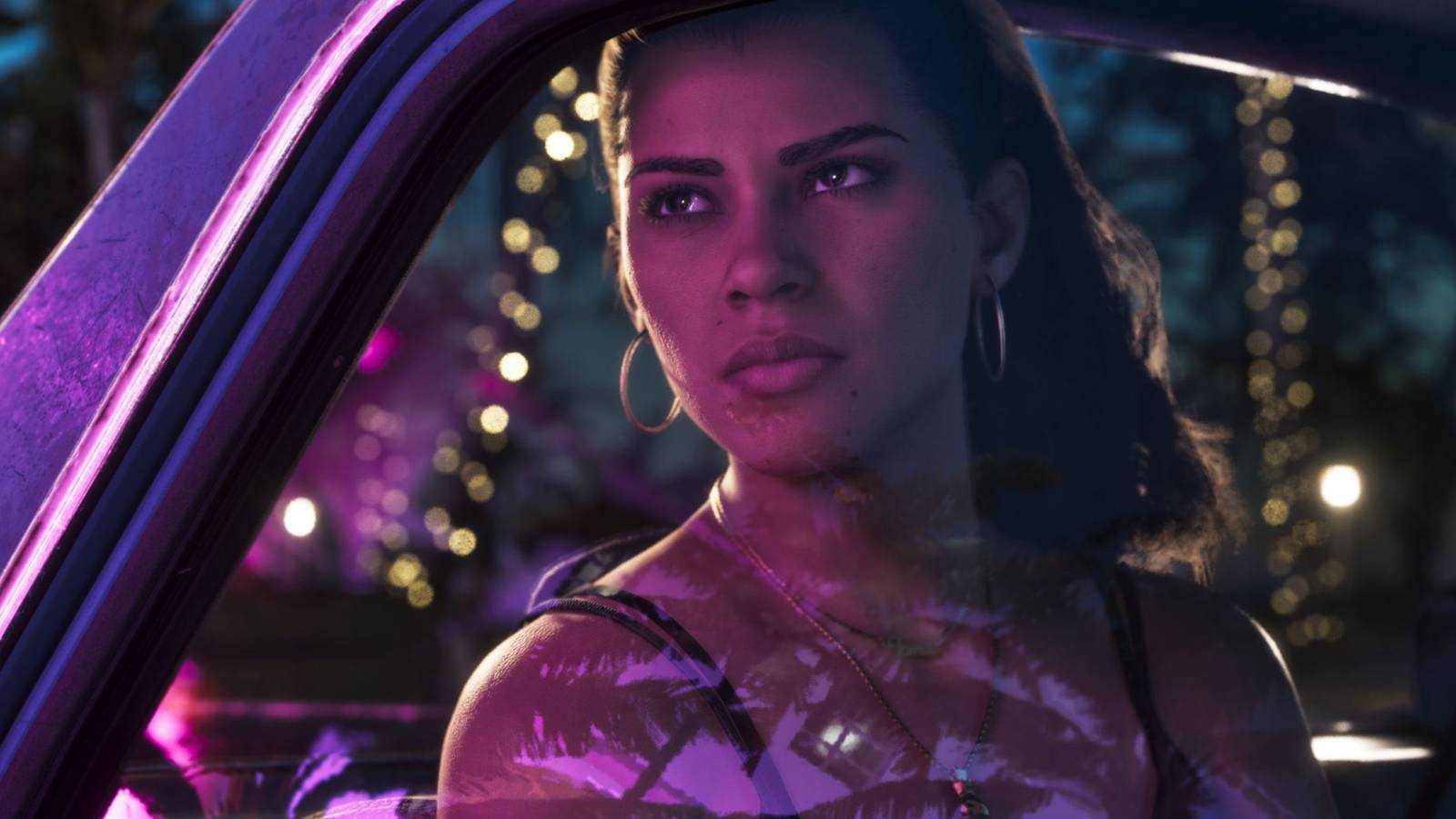
Published Nov 12, 2026, 3:00 PM EST Lee D’Amato is a writer born, raised, and based in Queens, New York. With collective thousands of hours in games like Final Fantasy, Metal Gear, Elden Ring, and The Legend of Zelda, he's now writes game features, guides, and reviews for Screen Rant, but has covered a wide range of topics, including ancient history, affordable travel, and overall health. Grand Theft Auto 6 is just one week away, which means now's the time to start clearing space on your console of choice. With a file size of about 212 GB on PlayStation 5 and 225 GB on Xbox Series X/S, it's liable to be a massive game in every sense of the word. But with base PS5s only going up to 825 GB of storage, and some Series S models as low as 512 GB, it can be difficult to cram GTA 6 onto your console. That goes double if there are any other games you want to keep installed. GTA 6 is available for pre-loading now, so, if you want to play on launch day, you may want to start the process of cleaning out space on your hard drive. To help you along the way, here's a collection of tips and tricks you can use to free up as much space on your console as possible ahead of GTA 6. How To Clear Space On PS5 Of course — and this should go without saying — the easiest way to clear space on your console is to delete unused games. Most games include at least a few GB of data, and it's not at all uncommon for huge triple-A releases to be over 100 GB. Delete just a couple of those, and you should have plenty of room for GTA 6. Don't forget to check your installed apps, too; although they're not usually as big as games, deleting a couple of unused streaming apps can easily free up a few gigs. Note that, on certain subscription plans, both PS5 and Xbox consoles offer cloud streaming for certain games, meaning that you may not have to have a game installed to play it. To check for compatibility, roll over the game on your home screen and check for a "Stream" option next to the "Play" button. But, okay, let's say you've gotten to the point where you've deleted every game you're willing to part with for the time being. Another useful way to clear out space on your PS5 is to delete individual pieces of downloadable content (DLC) — see this guide for more info. With some Call of Duty DLC approaching 40 GB, you may be able to clear out quite a bit of space without deleting any additional games. Another useful way to clear out some space on your SSD is to clear out your Captures, i.e., screenshots and videos. Open the Captures app on your PS5, choose "Select Multiple," highlight as many as you want to get rid of, and choose "Delete." Do note that your PS5 is set, by default, to take a screenshot and a video every single time you earn a trophy. If you've had your PS5 for a while, those files add up, and can take up a ton of space. To see all of these in one place, navigate to the Trophies tab at the top of the Captures menu; you can then delete a bunch of these at once. Also, to turn this setting off in the future, visit the Captures and Broadcasts menu in your PS5 settings. As an absolute last resort, you can look into upgrading your PS5 with additional internal storage. This, of course, can be pricey and time-consuming, so I wouldn't recommend it unless all other options have left you still too low on space to play GTA 6 — but it is technically possible. How To Clear Space On Xbox Series X/S It bears repeating: your first order of business should be to delete as many games as you're willing to get rid of. Remember that certain Game Pass tiers support cloud streaming, so you may not have to have certain games installed to play them; check the Xbox Store for more details on compatibility. To delete individual DLCs, roll over the installed game, choose "Manage game and add-ons," and uncheck any content you don't want installed. This will allow you to keep the base game downloaded, but can potentially clear out tons of space. Xbox has a few more tools than PS5 for automatically clearing out space. Press the Xbox button, and select "My games & apps," then "See all." On this menu, choose "Manage" and "Free up space," and your console will suggest some files for you to delete. This menu will give you all sorts of options for deletion, including unused games, leftover add-ons from uninstalled games, and "Shrinkable games" (see below). The ultimate decision on what to delete is still up to you, though, so you can take the time to go through and save anything you don't want to get rid of. Also in the "Free up space" menu, you may notice a tab labeled "Shrinkable games." This allows you to remove unnecessary files from your installed games while keeping them fully playable, potentially making even more room on your SSD without having to delete any playable content. For example, on a Series S, shrinking games will delete 4K textures incompatible with the console. You can also delete local save data without getting rid of your game files; data will remain on the cloud for re-download whenever you're ready. To do this, open your System settings and select "Manage storage devices," then "Clear local saved games." And, of course, you can clear out your captures folder by pressing the Xbox button, choosing "Capture & share" and "Recent captures," then selecting "Show all" and deleting as many screenshots and videos as you like. If all else fails, you can also pick up an external hard drive for your Xbox Series X/S, adding anywhere from two to five TB of storage to your console — more than enough to fit GTA 6. Just make sure you exhaust all the free options available to you first. With all these methods in hand, you should be able to clear out enough space ahead of Grand Theft Auto 6's release. Don't be too precious about your installed games, as you can still play them after deleting them from your console; you'll just have to free up some space and reinstall them first. Released November 19, 2026 ESRB Rating Pending - Likely Mature 17+ Developer(s) Rockstar Games Publisher(s) Rockstar Games Engine Rockstar Advanced Game Engine (RAGE) Multiplayer Online Multiplayer
How To Easily Clear Space On PS5/Xbox Ahead Of GTA 6
Full Article
Original Source
Read the full article at Screenrant →KhanList aggregates and links to publicly available news content. We do not host full articles from third-party sources. Always verify important information with original sources.