
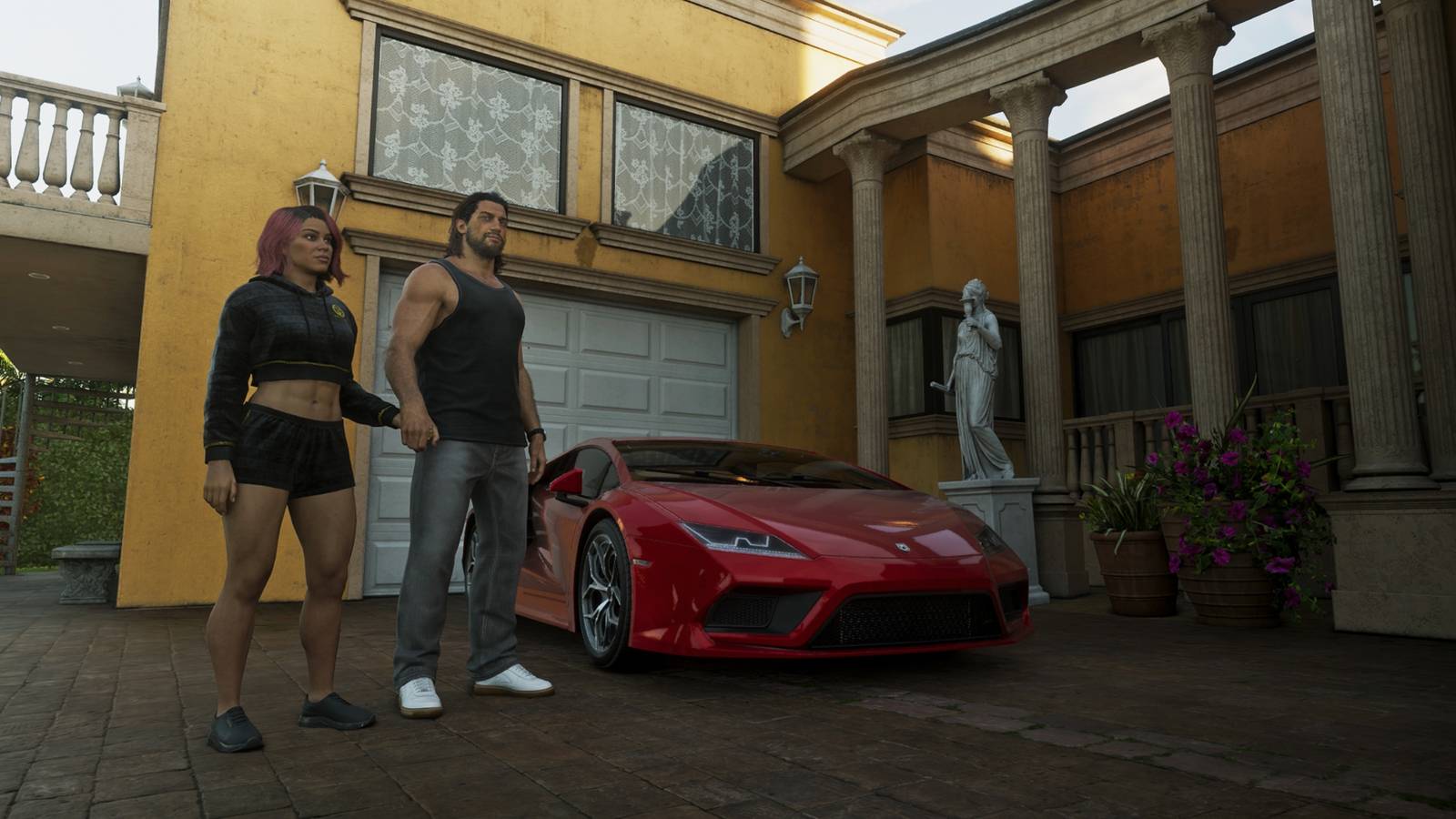
Published Nov 25, 2026, 12:09 PM EST Use the advanced tracker workaround Use the advanced tracker workaround Image: Rockstar Games Yes, you can disable advanced trackers in Grand Theft Auto 6. Randy may have told you that you can't, but he didn't know about the secret advanced tracker workaround. Mind you, deactivating trackers is a bit of a cheat, since there's no "official" way to do so, but when has that ever stopped anyone? Here's how to stop advanced trackers from alerting the police in GTA 6 — no matter your speed! How to disable advanced trackers in GTA 6 After you've stolen a Zorusso for Randy at the start of Chapter 3, you'll unlock the key cloner, a device that allows you to steal keyless cars. Such cars are usually equipped with trackers. While the standard trackers only prevent you from modding an unowned car, the advanced trackers will alert the police to your location if you drive too slowly. Initially, you can only steal and sell cars with advanced trackers if they're on Randy's car wish list. Once you've collected most of the cars on this list, you'll unlock the option to sell any car with an advanced tracker to either Randy or a Pay 'N' Spray shop. However, the advanced trackers won't be disabled until the vehicle is registered in your name, so you still need to drive fast enough to disrupt the signal. Luckily, you can disable advanced trackers in GTA 6 through teamwork; you must bring your partner and let them drive the stolen vehicle while you lead the way in another car. Here's how it works: Graphic: Marloes Valentina Stella/Polygon | Source images: Rockstar Games Make sure your partner is following you (it doesn't matter whether you play as Jason or Lucia). Find a vehicle with an advanced tracker and break in using the key cloner. Jason and Lucia will enter the vehicle together — but don't drive off! If you don't start driving, the tracker won't activate. Hold the right arrow on the D-pad and ask your partner to wait in the car. Find another vehicle without an advanced tracker. If you didn't bring one, use Scooter Bros to get a vehicle delivered to your location, or just steal any nearby car. Strapped in? Hold the right arrow button again to communicate with your partner. Ask them to follow you. And that's it! You can drive anywhere you like while the stolen car with the advanced tracker follows you. Since you're not driving it yourself, the tracker won't go off, which means you've effectively disabled it. There's no need to rush anymore. If you'd like to sell or register the vehicle, park just outside Randy's or a Pay 'N' Spray shop, walk over to your partner in the car with the tracker, and ask them to "regroup," so you can drive the stolen car into the shop (the tracker will go off, but if you drive into the shop immediately, that won't matter). Although your partner may damage the car, they usually mimic your driving style, so if you arrive reasonably undamaged, the car with the advanced tracker should arrive in a decent state as well. If you're just getting started in GTA 6, we have plenty of guides to help you live the high life in Leonida. Check out our GTA 6 beginner guide to get a grasp of the basics and our tips for what to do first, recommendations for the best ways to make money fast, and an explainer for how to keep stolen weapons and cars to make the most of your free time. Our selection of GTA 6 guides includes help for things like how to steal the Phoenix in "Unwanted Attention" and whether you should defuse Mandy, too. There's a set of explainers for GTA 6's more open-ended side activities, like how to rob the Exotic Animal Front and where to find tree effigies for the Skunk Ape mission, and we've got all the GTA 6 cheat codes. You'll have to put in some effort before you can use those, though.
How to disable advanced trackers in GTA 6
Full Article
Original Source
Read the full article at Polygon →KhanList aggregates and links to publicly available news content. We do not host full articles from third-party sources. Always verify important information with original sources.