
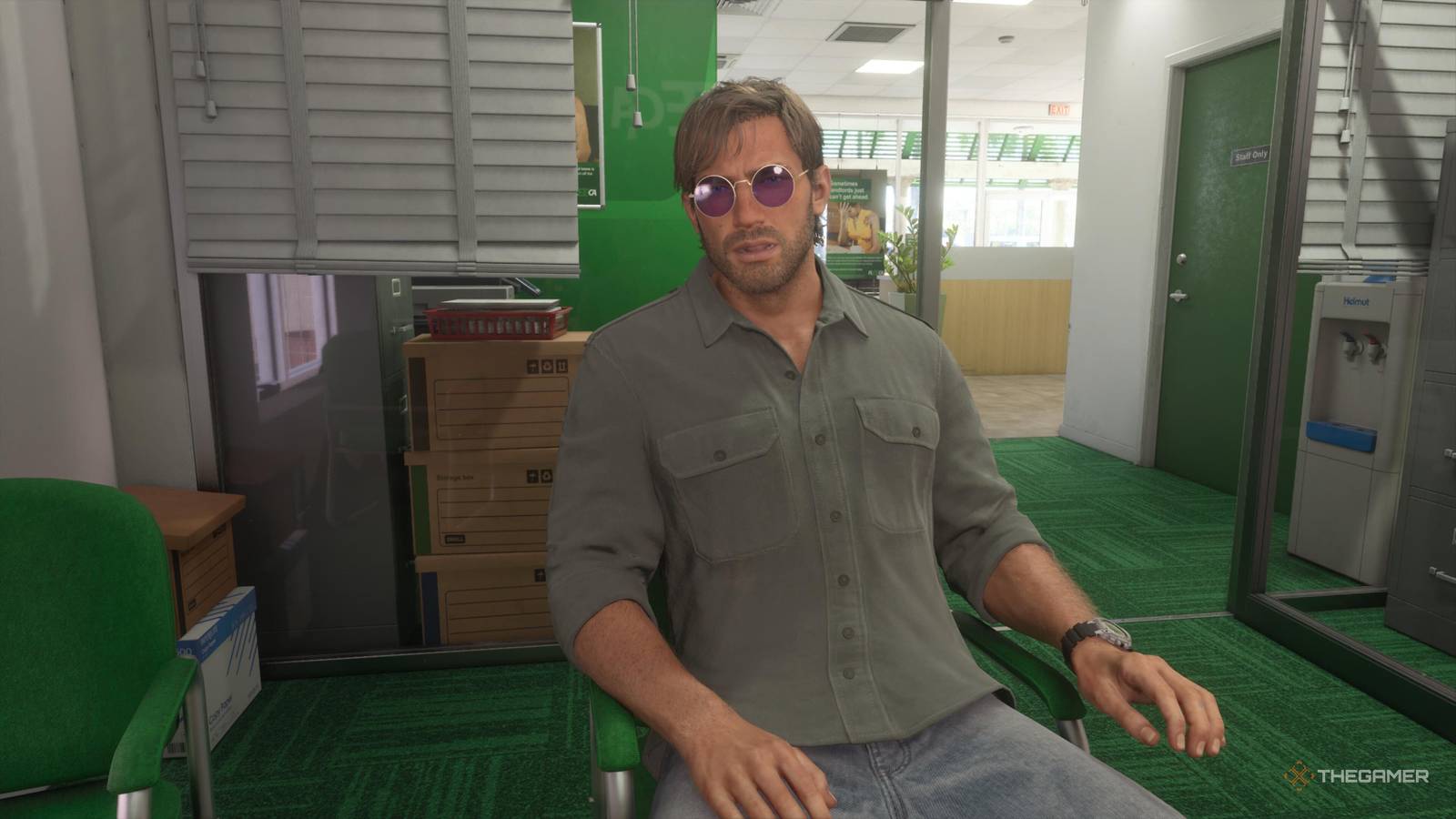
Grand Theft Auto 6: How To Get A Bank Account Learn how to get a bank account in GTA 6, unlock BuckMe, find ATMs and deposit money. Published Nov 20, 2026, 6:08 PM EST Allyson Cochran is a Chicago-based Editor at TheGamer who has worked as a journalist since 2020 and in games journalism since 2022. She holds a bachelor’s degree in journalism and focuses primarily on guides, previews, and developer interviews, with particular expertise in cozy indie games and live-service FPS titles. She has interviewed numerous game directors, including those of games like Overwatch and Dead by Daylight. Allyson has written and edited thousands of guides, and she genuinely loves every minute of it. Living in Leonida isn't cheap, and being a wanted criminal doesn't mean you get to skip the boring financial stuff. If you've been trying to treat yourself to some new clothes or other goodies in GTA 6, you might have run into a rather annoying little problem: some stores won't let you shop without a bank account. Rude! Getting your finances in order doesn't require a business degree or a meeting with your accountant. You'll just need to get familiar with the game's banking system and figure out how to manage your cash. Here's everything you need to know to get your money situation sorted. To get a bank account in GTA 6, you'll first need to progress through the main story until you get Lucia out of jail. Shortly afterward (the day after the first night, in fact), she will call you, asking you to open a bank account. You'll then visit a bank and speak with the manager, who will explain that he can't open a traditional account for you. Instead, he'll direct you to the BuckMe application. During the cutscene, you'll automatically open the app and set up your account. Once BuckMe is unlocked, you can deposit your cash at ATMs and use your bank balance to purchase items that require a bank account. How To Use BuckMe And Find ATMs To find the nearest ATM, pull out your phone by pressing up on the D-pad and open the BuckMe application. Select the ATM Locations option (by scrolling down) using the D-pad, and the closest ATM will be marked on your map. Drive to the location and interact with the ATM to deposit the cash you're carrying into your BuckMe account. You can then use those funds to purchase items at stores that require a bank account. BuckMe also gives you access to a Family Savings account, which you can transfer money into directly through the application. You'll need to deposit $5,000 into Family Savings to progress through a later quest, so make sure you set aside some money for it while keeping enough in your regular account for shopping. Some items can still be purchased with physical cash, so you don't need to deposit everything you earn. However, getting BuckMe set up early will make shopping and managing your money much easier throughout GTA 6.
How To Deposit Money In A Bank Account In GTA 6
Full Article
Original Source
Read the full article at Thegamer →KhanList aggregates and links to publicly available news content. We do not host full articles from third-party sources. Always verify important information with original sources.