
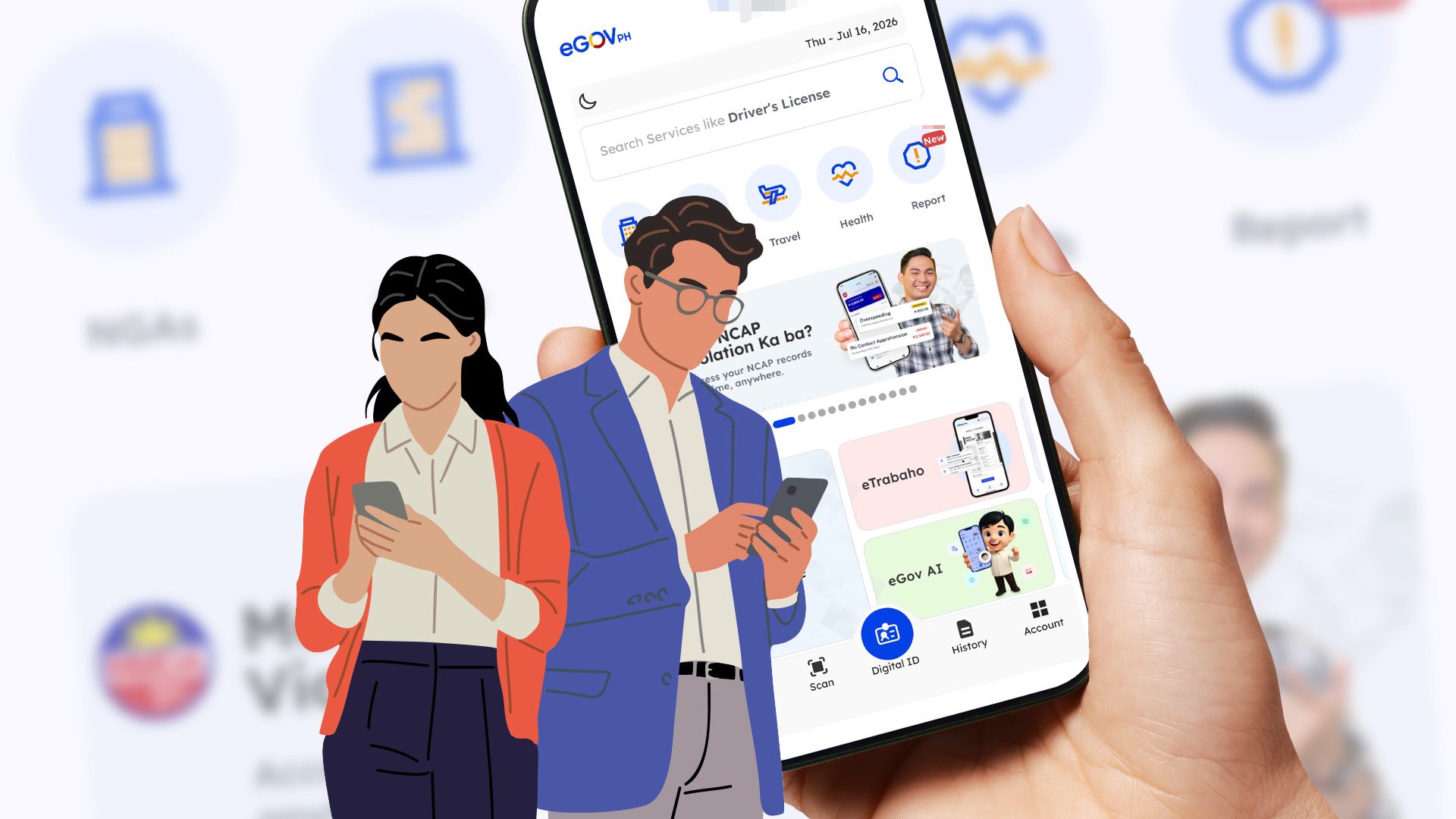
Learn how to check for and settle any outstanding traffic violations through the eGovPH app MANILA, Philippines – Records of traffic violations under the government’s No Contact Apprehension Policy (NCAP) are now accessible in the eGovPH Super App. The Metropolitan Manila Development Authority (MMDA) and the Department of Information and Communications Technology (DICT) launched the technology on July 9 as part of the government’s efforts at “making public services more accessible.” The initiative will allow motorists to access and monitor their traffic violations and transactions remotely. Under the NCAP, traffic violations are captured by CCTV or handheld cameras, validated by authorities, and matched with vehicle registration records from the Land Transportation Office (LTO) before a Notice of Violation is issued to the registered vehicle owner. 4 steps to checking via the eGovPH Super App Step 1: Download the official eGovPH Super App and create an account to access the application’s services. Step 2: To complete your account’s set-up and verification process, you must register your personal information. This includes your name, date of birth, citizenship, phone number, email, current address, digital signature, valid ID, and a face scan. Step 3: Once logged in, you may navigate the homepage and select the “MMDA NCAP” service. The app’s search bar may also be used. Step 4: To access your potential traffic violations, you need to register your vehicle. The page will ask you to submit the following: Land Transportation Office (LTO) Certificate of Registration, vehicle type, plate number, motor vehicle file no., and the vehicle’s make and model. After registering the vehicle, motorists can now monitor the status of their traffic violations, settle penalties through online payments, and even contest offenses by scanning the provided QR code. How to settle violations through the eGovPH app Once in the MMDA NCAP service page, you may view your outstanding traffic violations linked to the vehicle you have registered. The record will also indicate the date, time, location, corresponding fine, and reference number of the violation. You may either pay for individual violations separately or settle all outstanding fines through a single transaction. After confirming the total amount due, users can proceed with payment using available options such as bank transfers, e-wallets, or debit and credit cards. The status of the corresponding violation will be automatically updated in the app once the payment has been successfully processed. NCAP integration into the eGovPH Super App Traffic violations and notifications were received by motorists via SMS and email, sent from no-reply addresses, before its integration into the eGovPH Super App. Since 2025, NCAP traffic violations were also recorded in “May Huli Ka” (You’ve Been Caught) website, which provides an “added layer of protection” to safeguard personal data of registered vehicle owners. According to MMDA Chairman Atty. Don Artes, the online website has logged over 15 million site visits, checked more than 11 million traffic violations, and reached over 2.7 million unique users. This prompted the agency to innovate its digital services, seeing an increase in the number of Filipinos making use of online government services because of its accessibility and convenience. With reports of fake NCAP violation text messages and phishing websites posing as official MMDA platforms, officials assured that all transactions made in the eGovPH Super App are “protected by 24/7 cybersecurity monitoring, with encrypted data transmission to safeguard users’ personal information and ensure compliance with data privacy standards.” The application serves as a centralized digital platform to remotely access Philippine government services. As of July, DICT Undersecretary for eGovernment David L. Almirol Jr. said it has already reached 60 million downloads, 55 million verified accounts, and 955 million transactions. – Rappler.com Patricia Fontilar is a Rappler intern, studying journalism at the University of the Philippines. How does this make you feel? Loading
How to check your NCAP violations in the eGovPH app
Full Article
Original Source
Read the full article at Rappler →KhanList aggregates and links to publicly available news content. We do not host full articles from third-party sources. Always verify important information with original sources.