
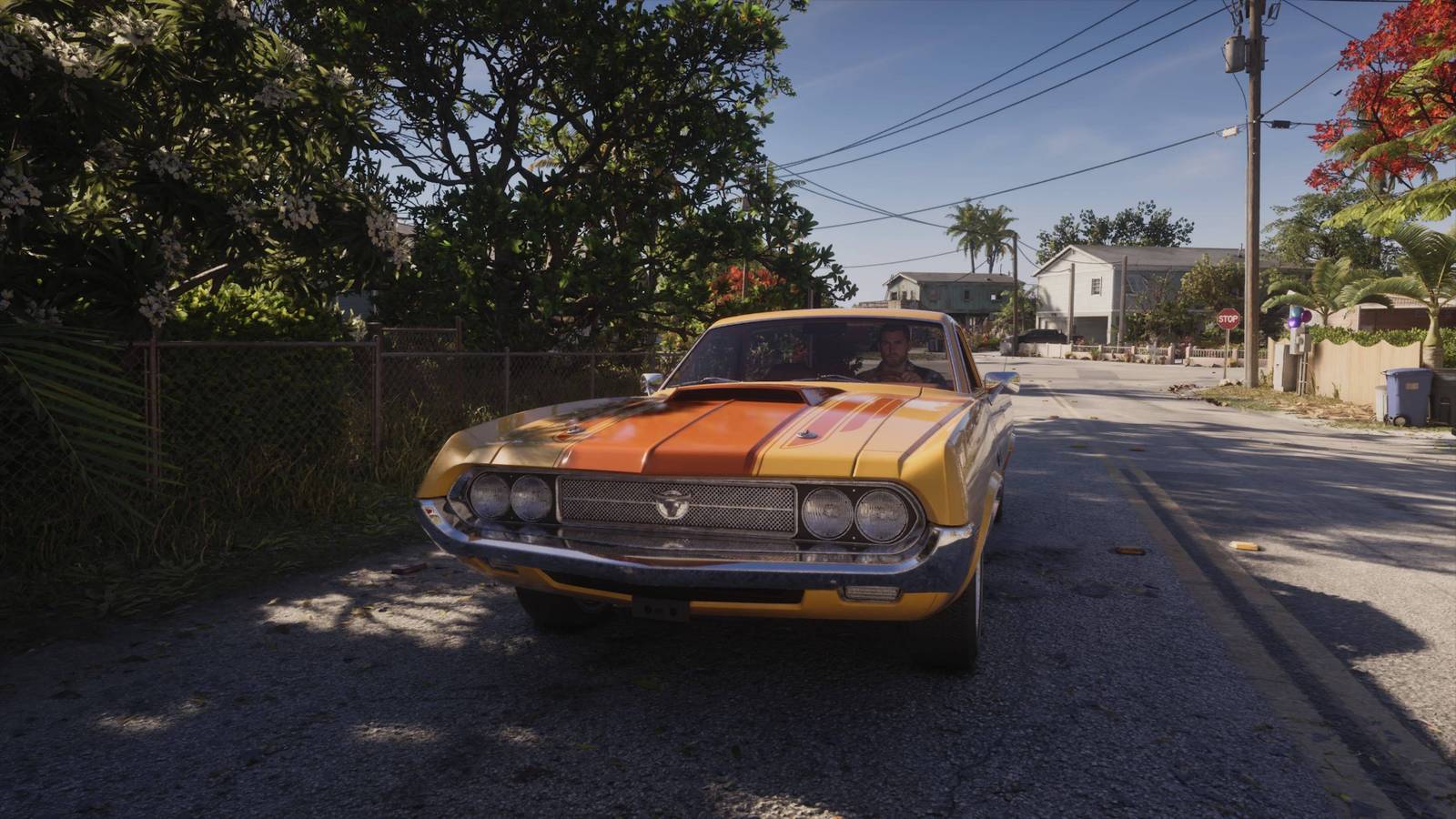
Published Nov 20, 2026, 10:39 AM EST Whether you're in a vehicle or chilling at home Whether you're in a vehicle or chilling at home Image: Rockstar Games via Polygon You need to know how to change radio in Grand Theft Auto 6 if you want to explore the vast array of music the game has to offer, and trust me, GTA 6 has a lot of songs. Whether you're partial to some country as you cruise Leonida's highways, perhaps some classical to accompany you in the skies, or heavy metal to fuel your workout, you can change radio stations whenever you like, as long as you're near a radio. Here's a complete explainer on how to change radio stations in GTA 6, and a list of all the options. How to change radio stations in GTA 6 Image: Rockstar Games via Polygon When you're in a vehicle, as long as it's not during a main mission and characters are in conversation, you can hold the left directional button to pull up the list of radio stations. You can then use R1/L1 on PS5 (or RB/LB on Xbox) to cycle through the stations. Each one will tell you the name of the song and artist that is currently playing. You can press X (or A) to turn off the radio. In the same menu, you can also scroll down to the "on-demand" section to find a few in-universe podcasts to listen to, and you can choose which episode when you select it. If you scroll up, you'll find the other controls for your vehicle, such as whether your hazards are on or the windows are down. However, it's important to note that your vehicle is still moving while you're changing the radio, so make sure to come to a stop if you want to be safe. Image: Rockstar Games via Polygon You can also listen to the radio out of a vehicle, if you're near a speaker, for example on the decking of Jason and Lucia's first house in chapter one, next to the gym equipment. Approach the speaker and again, hold the left directional button to turn it on. This functions the same, except you can also control the volume with the triangle button (or Y). All radio stations in GTA 6 Here is a full list of the radio stations and genres they play in GTA 6, listed alphabetically: AfroBank FM (African) Back Country Radio (country) The Chamber (metal) CircoLoco Records Radio (dance) Cocoteo FM (modern Latin) Dirty South Classics (rap and hip-hop) Early AF Radio (morning talk show) Emotion 98.3 (soft rock) Flash FM (pop) Gloriana Blues Radio (blues) Honey FM (R&B and soul) Kaleidoscope FM (international) Leonida Jazz Radio (jazz) Radio La Ola (classic Latin) Radio On-U (reggae) Stockyard FM (alternative pop and indie) Symphony FM (classical) V-Rock (classic rock) Vice City FM (classic pop) VCRR (rap) The Wipe (Leonida events and trivia talk show) WKTT (conservative political talk show) Worldwide FM (funk and soul) There are three additional radio stations that you can unlock as you progress through the story. We haven't unlocked them yet, but when we do, we'll add their unlock method below. Honey FM - Liquid City (original R&B) The Sniper of La Perle (Haitian) The Vault Radio (dance and electronic) If you're just getting started in GTA 6, we have plenty of guides to help you live the high life in Leonida. Check out our GTA 6 beginner guide to get a grasp of the basics and our tips for what to do first, recommendations for the best ways to make money fast, and an explainer for how to keep stolen weapons and cars to make the most of your free time. Our selection of GTA 6 guides includes help for things like how to steal the Phoenix in "Unwanted Attention" and whether you should defuse Mandy, too. There's a set of explainers for GTA 6's more open-ended side activities, like how to rob the Exotic Animal Front and where to find tree effigies for the Skunk Ape mission, and we've got all the GTA 6 cheat codes. You'll have to put in some effort before you can use those, though.
How to change radio stations in GTA 6
Full Article
Original Source
Read the full article at Polygon →KhanList aggregates and links to publicly available news content. We do not host full articles from third-party sources. Always verify important information with original sources.