
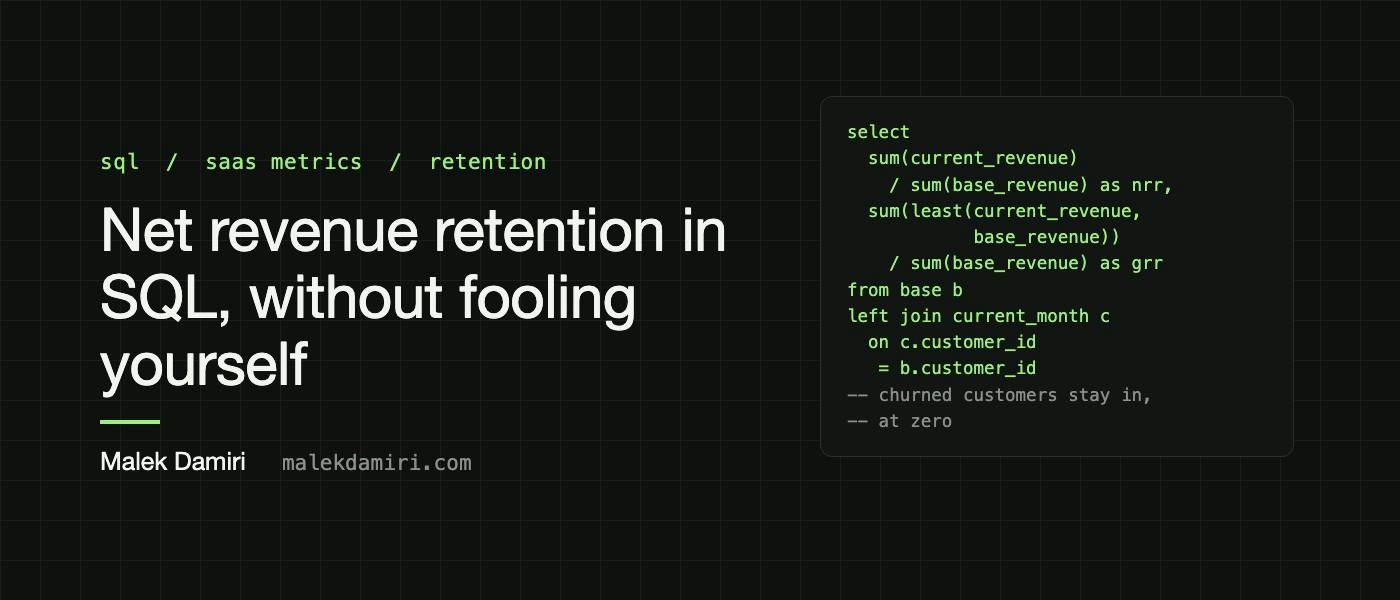
Net revenue retention is the number a board asks about first and the one most often computed wrong. Not maliciously. The two most common shortcuts look reasonable in a meeting and quietly turn a business that is shrinking its existing customers into one that appears to be growing them.In the example below, the honest answer is 89%. The two shortcuts return 103% and 118%. The definition, in one sentence Take every customer who paid you twelve months ago. NRR is what those same customers pay you now, divided by what they paid you then. Three things follow from that sentence, and every mistake in this post breaks one of them: The cohort is fixed at the start. Customers who arrived since then are not in it. Customers who left are still in it, at zero. It is a revenue ratio, not a customer count. Counting customers gives you logo retention, which is a different number. Gross revenue retention (GRR) is the stricter cousin. It caps each customer's current revenue at their starting revenue, so expansion cannot hide churn. GRR can never be above 100%. The data you need One row per customer per month of recurring revenue: customer_monthly_revenue (customer_id, revenue_month, revenue) Before any of the queries below, make sure that table is: Recurring only. Setup fees, one-off services, and true-ups are not retention. Net of credits. A refund booked in a later month makes that month look like contraction. In one currency at a fixed rate. Otherwise a strong dollar shows up as churn. One row per customer and month. If you have one row per subscription, aggregate first. The trend query later does this for you. Here is a small sample that you can run as-is in Snowflake or DuckDB: create or replace temp table customer_monthly_revenue as select customer_id, revenue_month::date as revenue_month, revenue::numeric(12, 2) as revenue from (values ('acme', '2024-09-01', 1000), ('acme', '2025-09-01', 1300), ('birch', '2024-09-01', 800), ('birch', '2025-09-01', 600), ('cedar', '2024-09-01', 500), ('delta', '2024-09-01', 1200), ('delta', '2025-09-01', 1200), ('fjord', '2024-09-01', 300), ('fjord', '2025-09-01', 300), ('ember', '2025-09-01', 700), ('gale', '2025-09-01', 400) ) as t(customer_id, revenue_month, revenue); Acme expanded, Birch contracted, Cedar left, Delta and Fjord stayed flat, and Ember and Gale are new this year. The query with params as ( select '2025-09-01'::date as as_of_month ), base as ( select r.customer_id, r.revenue as base_revenue from customer_monthly_revenue r cross join params p where r.revenue_month = (p.as_of_month - interval '12 months')::date and r.revenue > 0 ), current_month as ( select r.customer_id, r.revenue as current_revenue from customer_monthly_revenue r cross join params p where r.revenue_month = p.as_of_month ), cohort as ( select b.customer_id, b.base_revenue, coalesce(c.current_revenue, 0) as current_revenue from base b left join current_month c on c.customer_id = b.customer_id ) select count(*) as cohort_customers, sum(base_revenue) as base_revenue, sum(current_revenue) as current_revenue, round(sum(current_revenue) / sum(base_revenue), 3) as nrr, round(sum(least(current_revenue, base_revenue)) / sum(base_revenue), 3) as grr from cohort; cohort_customers base_revenue current_revenue nrr grr 5 3,800 3,400 0.895 0.816 Two lines do all the work. The base CTE fixes the cohort to customers who paid in the starting month, so Ember and Gale never enter. The left join with coalesce(..., 0) keeps Cedar in the cohort at zero instead of letting it vanish. Make the bridge add up A single ratio invites the question "why?" The bridge answers it, and it doubles as a test: starting revenue plus expansion, minus contraction, minus churn, has to equal ending revenue exactly. If it doesn't, something in the cohort logic is wrong. Reuse the same params, base, current_month, and cohort CTEs and replace the final select: select sum(base_revenue) as starting_revenue, sum(case when current_revenue > base_revenue then current_revenue - base_revenue else 0 end) as expansion, sum(case when current_revenue > 0 and current_revenue 0 ) select p.as_of_month, count(*) as cohort_customers, round(sum(coalesce(c.revenue, 0)) / sum(p.base_revenue), 3) as nrr, round(sum(least(coalesce(c.revenue, 0), p.base_revenue)) / sum(p.base_revenue), 3) as grr from pairs p left join monthly c on c.customer_id = p.customer_id and c.revenue_month = p.as_of_month group by p.as_of_month order by p.as_of_month; The left join is doing the same job as before: a customer in the base month with no revenue in the current month counts as zero. If your revenue is usage-based Comparing a single month to a single month works for subscriptions. For usage-based revenue, one quiet month can look like contraction and one busy month like expansion. Compare three-month averages instead. Build a smoothed table on a full customer-by-month grid, so a month with no usage counts as zero rather than disappearing, then point the trend query at it in place of monthly: months as (select distinct revenue_month from monthly), customers as (select distinct customer_id from monthly), smoothed as ( select c.customer_id, s.revenue_month, coalesce(sum(m.revenue), 0) / 3 as revenue from customers c cross join months s left join monthly m on m.customer_id = c.customer_id and m.revenue_month between (s.revenue_month - interval '2 months')::date and s.revenue_month group by c.customer_id, s.revenue_month ) Say on the slide that the numbers are smoothed. Smoothed and unsmoothed NRR are both legitimate, but they're not interchangeable. Edge cases to decide once and write down Reactivations. A customer who paid in the base month, paused, and came back is retained. A customer who left before the base month and came back is new. The queries above already behave this way. Free to paid. A customer with zero revenue in the base month isn't in the cohort, so an upgrade from a free plan shows up as new revenue, not expansion. Merged or split accounts. If customer IDs change when accounts are consolidated, map old IDs to new ones before you start, or the bridge will show a churn and a new customer that are really the same company. Annual contracts. Use monthly recurring revenue, not invoice amounts, or every renewal month looks like a spike. None of these are hard to handle. The hard part is choosing one answer for each, writing it next to the metric, and using it every time. What to put on the slide NRR, GRR, and the bridge, with a one-line definition under them: "Revenue from customers active twelve months ago, now versus then, recurring revenue only, constant currency." If you can't write that line, the number above it isn't finished yet.
How to Calculate Net Revenue Retention in SQL Without Fooling Yourself
Full Article
Original Source
Read the full article at Hackernoon →KhanList aggregates and links to publicly available news content. We do not host full articles from third-party sources. Always verify important information with original sources.