
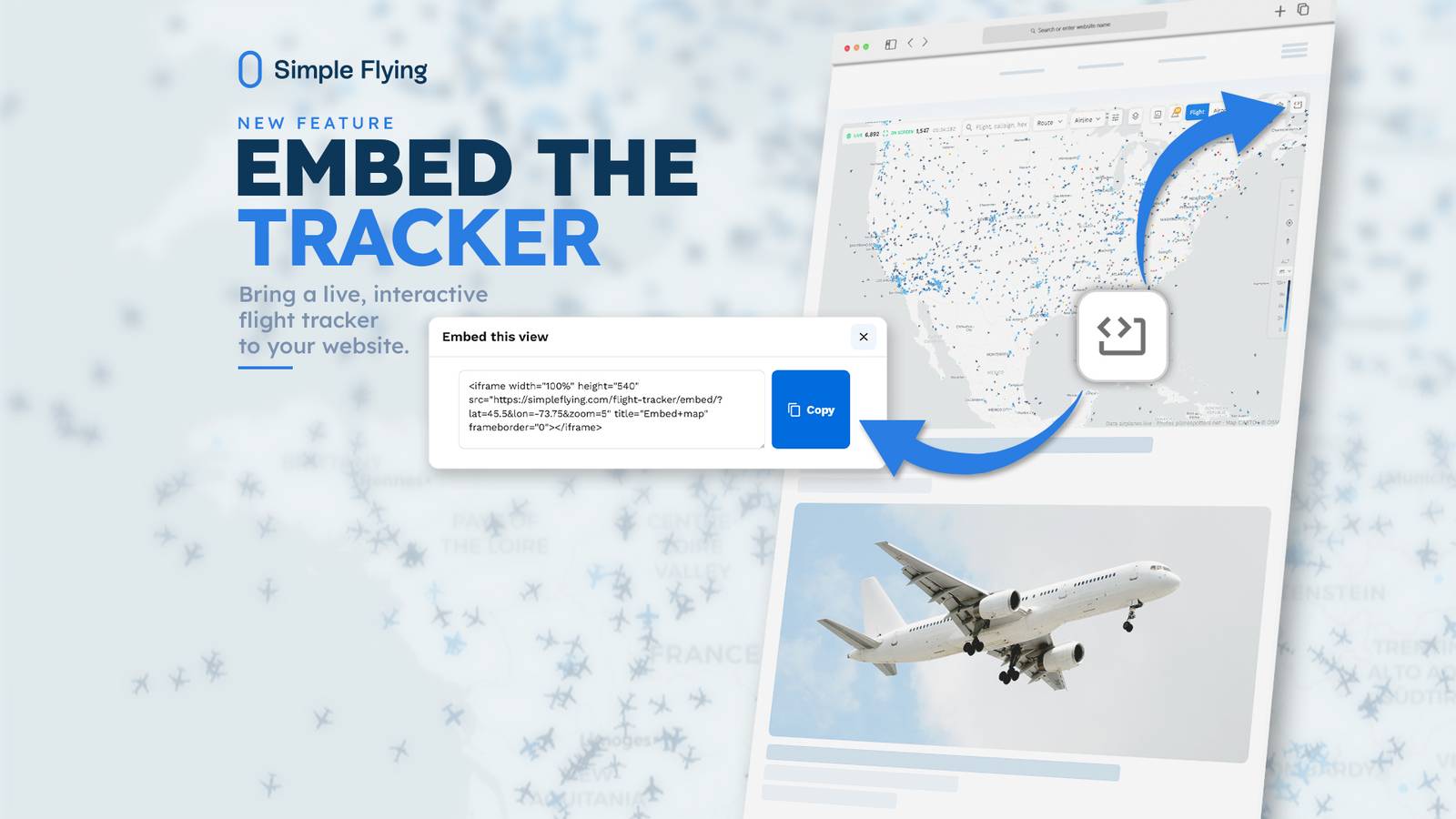
Published Sep 24, 2026, 10:43 AM EDT Josh is an avgeek and pilot based in the United Kingdom. He started at Simple Flying as a Commercial Aviation Journalist before taking a less writing-focused role as Content & Growth Lead for Simple Flying's Flight Tracker. Simple Flying has launched a new embeddable version of its Flight Tracker, giving other websites and outlets the ability to display a live, interactive map directly on their own pages. The embed went live this week and is available now at simpleflying.com/flight-tracker. Flight tracking data is a staple of aviation coverage, referenced constantly in stories about incidents, delays, route changes, and general air traffic. Yet almost all of that coverage still relies on static screenshots that are outdated the moment they're published. Our embed solves that by placing a live, interactive map directly onto any page, no coding background required. Best of all, the embed's full feature set is available completely free. The map is fully filterable and customizable, letting you display specific airlines, aircraft, flight parameters such as altitude, or even emergency squawks. How The Flight Tracker Embed Works The embed works by generating a short snippet of code from our existing Flight Tracker, which can then be copied directly into another site's page or CMS. Once inserted, the tracker updates in real time, showing live flight positions rather than a static image (example above). Setting it up takes three steps: Written steps are below. Alternatively, there is also a video how-to guide further down. Step 1: Personalize the tracker. Head to our Flight Tracker and set the filters and map position to match what you want to display. Step 2: Reveal the embed code. Select the embed icon in the tracker's toolbar to generate a short, ready-to-use code snippet (the partial rectangle with two opposing arrows highlighted in the image below, note that the icon location may vary depending on device, browser etc.) Step 3: Copy and paste. Insert the code into the destination page or CMS. The tracker goes live immediately, no further setup required. For outlets that regularly reference flight data, the shift removes a recurring bottleneck. Rather than sourcing, cropping, and re-uploading a screenshot each time a story requires a visual, publishers can drop in a single embed once and have it stay current automatically, including on articles published well before a live event unfolds. Built On Live Data, Free To Use The embed is built on the same underlying user interface as the existing Flight Tracker, meaning any filters or views set up on the main site can be replicated in the embedded version. This includes narrowing results by region, aircraft type, or other classification filters, giving publishers control over exactly what their embedded map displays rather than a fixed, one-size view. A great example of the embed in use is with The Travel, where it's been placed directly within a story rather than relying on a static image. Readers get a live map centered on the specific airport the piece is actually about, updating in real time as they read. It's a small change that makes a real difference to the reading experience: rather than imagining current activity at the airport, readers can see it happening as the flights move across the screen. It's exactly the kind of use case the embed was built for, turning a passive reference into something readers can actually interact with. It's available now at no cost and can be set up without any development resources, making it accessible to smaller outlets as well as larger publishers already covering aviation and travel topics. This launch also comes as Simple Flying continues to invest in the Flight Tracker product more broadly, with a number of exciting new features currently in development (more details on that soon).
How To Add A Live, Interactive Flight Tracker To Your Site
Full Article
Original Source
Read the full article at Simpleflying →KhanList aggregates and links to publicly available news content. We do not host full articles from third-party sources. Always verify important information with original sources.