
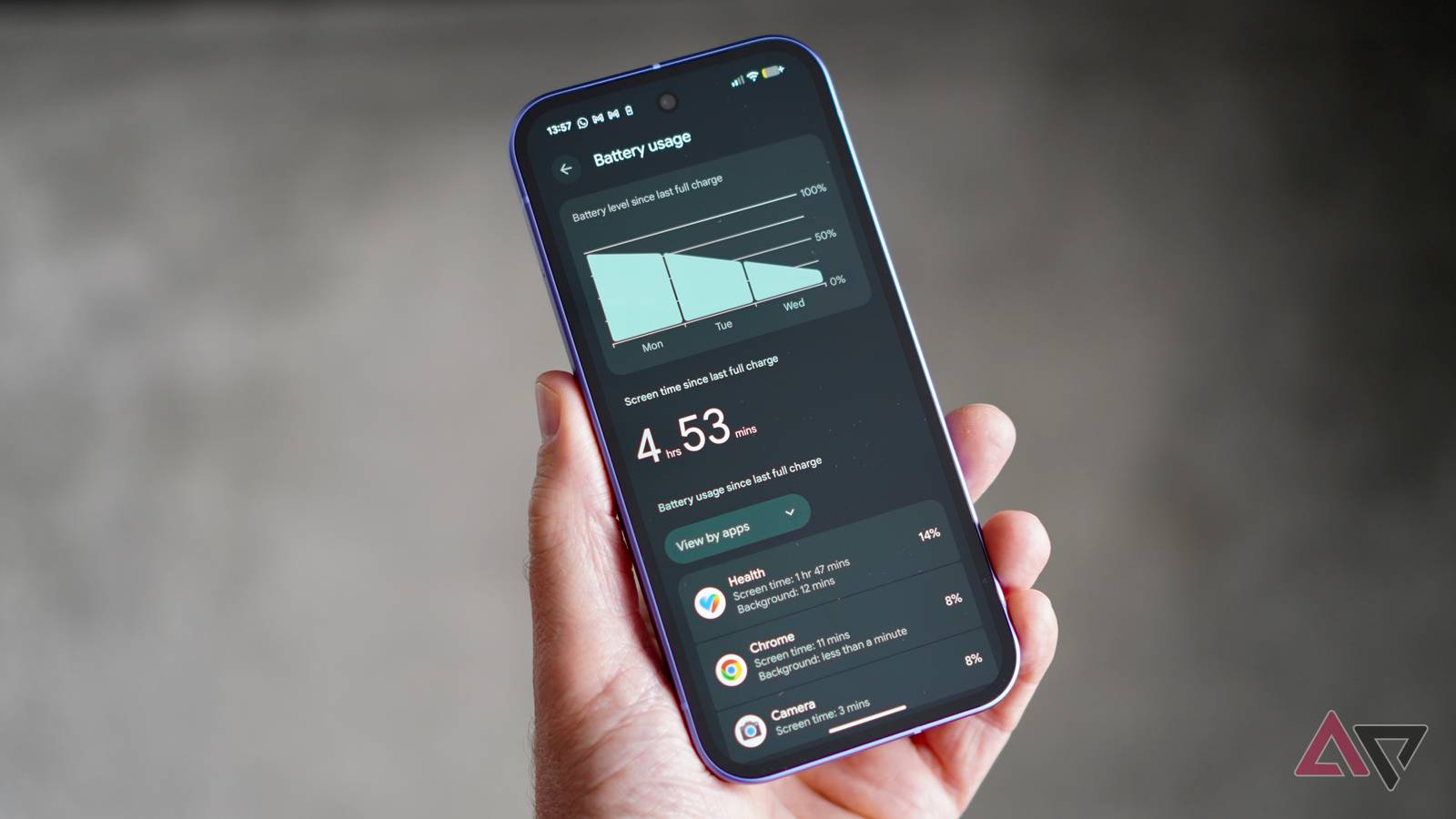
Published Nov 24, 2026, 10:14 AM EST Jon Gilbert is a technology journalist with five years of experience covering mobile technology. He's covered smartwatches, tablets, smartphones, and Android accessories. He's attended CES to explore unique hardware like the Pebble Round 2 or Mudita Kompakt. His daily mobile tech life revolves around Pixel devices, which he has used since the Pixel 2 XL. Jon loves exploring the latest Android features, but is highly sceptical of anything related to AI. I recently noticed that my Pixel 10 Pro was no longer lasting a full day on a single charge. Even on days when I used it less, I still had to top off the battery in the afternoon to avoid being caught short in the evening. Enabling battery saver always increases battery life, but the difference it made was much bigger than usual this time. I suspected background activity was draining my battery life, and I eventually fixed the battery drain issue that had been plaguing me for so long. How I identified background activity as the culprit Careful monitoring of my activity over a week To identify the problem, I started tracking my phone usage. On the first day, between 7 a.m. and noon, I spent about 30 minutes texting and catching up with friends on Instagram, 15 minutes browsing on Chrome, 30 minutes browsing the Play Store, 45 minutes reading on Play Books, and 15 minutes searching on Google. On top of that time, I spent a few minutes on various other apps. However, this activity wasn't what was draining my battery. Android doesn't directly tell you how much of the battery is being used solely by background activity. Instead, it lumps it together into a single percentage. So Instagram used 16% of my battery, but I didn't know how much of that was screen time or background activity. It had also been active in the background for 43 minutes, much higher than the 29 minutes of screen time it had used in the same period. Activities like downloading and watching Reels can use a lot of battery, but my habits for that day meant I didn't open that section once. I had been monitoring my battery for a week, and I noticed that no matter how little I used Instagram, its background activity stayed high, and it was always at the top of my battery usage chart unless I didn't touch it. High background activity doesn't necessarily mean high background use. But by cross-referencing my screen time with battery usage stats, I identified Instagram's background activity as the main culprit. It wasn't the only app, either; Spotify, Google, and the Play Store were also draining my phone's battery without my knowledge. I then identified the source of the problem; the most important battery-saving setting on my phone had been toggled off. The limits on background processes had been removed Android was allowing apps to drain my phone's battery The simplest way to reduce background battery drain without impacting performance is to adjust the Background process limit settings. This option is found in Android's developer settings, and by default it's set to Standard limit. Depending on the apps installed on your phone, this setting might be fine. But for intensive apps like Instagram, it can be crippling, as I discovered. I always have my background process limit set to no background processes. It saves hours of battery life and doesn't negatively impact my Android experience. Somewhere along the line, perhaps due to an Android update, Android had quietly switched it back to standard limits. The effect was severe. Since re-enabling this setting, my phone has been able to last a full day. But in my journey to fix the problem, I noticed one Android setting was useless. One Android setting lied to me The background usage toggle did nothing What made me check my developer settings was a discrepancy between what Android reported and what was actually happening. In the Settings app, each app has a page where it details how much screen time and how much background time it has used. On this page, there's a toggle named Allow background usage. I've toggled this setting on and off for over a week; I found that disabling it does nothing. I still get updates in real time when I'vedisallowed background usage, and my phone's battery still drains. Noticing that each app's background usage remained high even when I had toggled background usage off led me to the developer settings. Enabling this toggle does have an effect. The effect was that my phone's battery drained even faster, even when it was set to Optimized. Technically, this problem is caused by the apps. Instagram shouldn't be using this much battery in the background. However, Android shouldn't allow this behaviour when I've instructed it to stop background usage. Background usage is the quiet battery killer Apps can aggressively use up battery life in the background, and only by diving into Android's developer settings can you stop it. I discovered that even with the app closed, Instagram was showing me as active when friends sent me messages. So with each received message, it activated and drained my battery a little more. Rather than tackling this problem on a per-app basis, I disabled background processes (again!) across all my apps. Now my Pixel 10 Pro lasts all day and then some.
How I fixed my Pixel's battery drain with a single hidden setting
Full Article
Original Source
Read the full article at Androidpolice →KhanList aggregates and links to publicly available news content. We do not host full articles from third-party sources. Always verify important information with original sources.