
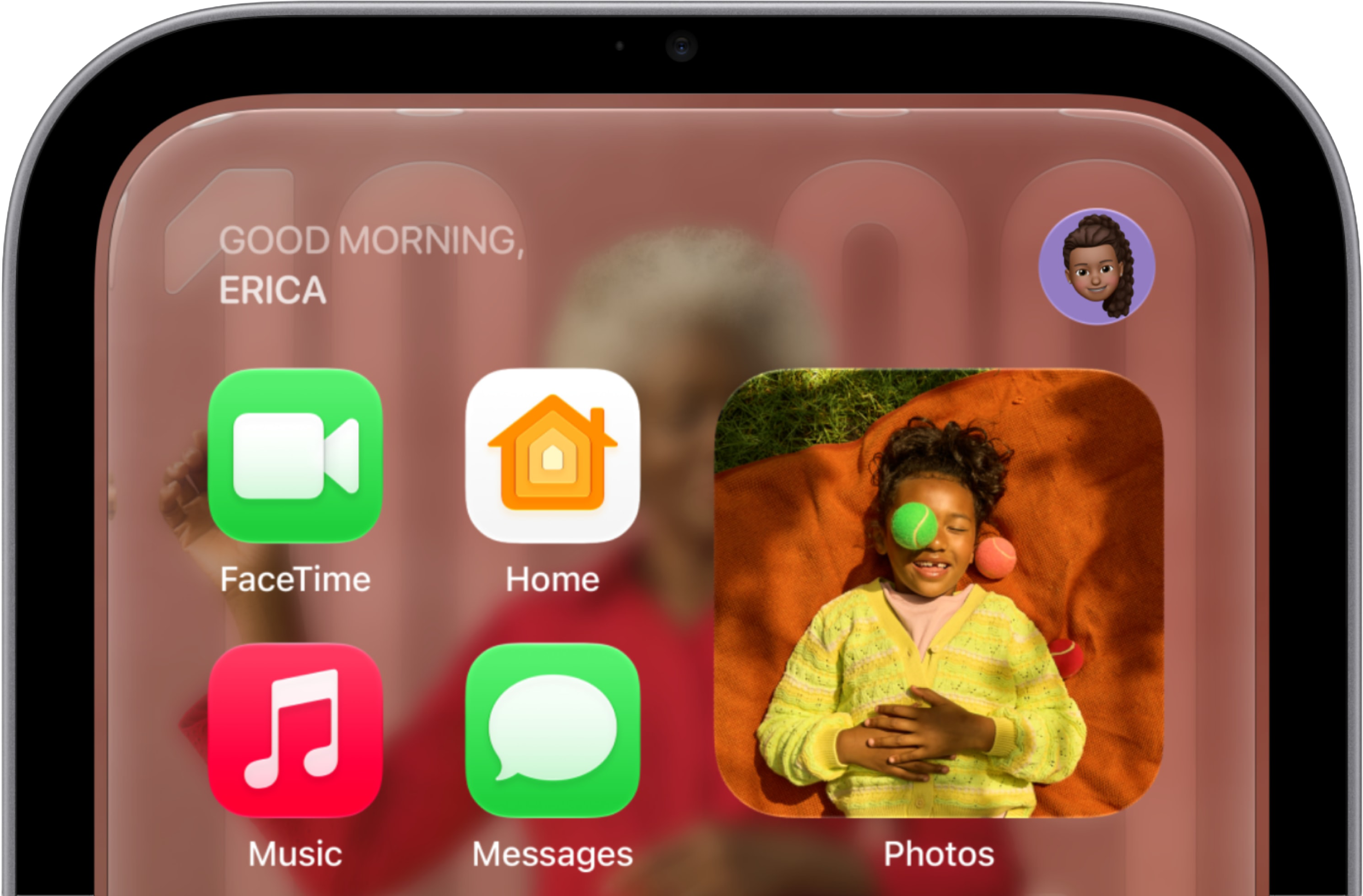
This may sound like an odd request coming from a guy whose to-do list includes filing a weekly App Report highlighting interesting macOS and iOS offerings, but I really hope Apple keeps a tight lid on the apps that can appear on its HomeView smart display. I’d even take that wish one step further to implore app makers not to flood the zone with HomeView-based offerings if there ever comes a day that Apple does open up development for its latest device. This is not me hoping for less work in the future due to laziness, though Lord knows, I am that. Rather, it’s a recognition of the fact that, as showcased by Apple, the HomeView seems to serve a very specific purpose and turning it into a device that can run every app under the sun like the iPhone and iPad before it might lessen its effectiveness. The HomeView needs to act as a hub when you need it to be and stay out of the way the rest of the time. And loading it up with too many apps might make it more difficult for the HomeView to recede into the background. From what I’ve seen of HomeView during its October debut, Apple designed this $299 hub as a way to control your smarthome devices while also taking care of a few other tasks, whether that’s listening to music, checking out recipes, staying up to date on your messages or what have you. That’s true whether we’re talking about the table-top model with its adjustable Liquid Retina display or the version of HomeView that you mount on the wall. In either case, the guiding principle of HomeView appears to be simplicity. What HomeView doesn’t appear to be is a device that demands to be at the center of your life, even if “hub” is part of the description. You’re already carrying around a device that keeps you constantly connected in the form of an iPhone, and when you need a big screen for more intensive work, you can turn to a Mac or even an iPad. In contrast, the HomeView seems like it’s designed for very specific purposes and not much else. The app situation on the initial model arriving in stores on November 13 reflects that. Apple lists 15 included apps on board the HomeView, and apart from Intercom — a HomeView-specific app that lets you make audio announcements throughout the home to connected speakers — they’re going to be familiar offerings to anyone who’s used an Apple device. There’s the Home app, of course, for controlling smart devices from a central location, and Apple includes a few other familiar faces for managing your daily life. Apps like Calendar, Reminders and Weather give you an overview of your day. Safari lets you browse the web from your HomeView, with a special mode for displaying recipes if you’ve got the device set up in a kitchen. Music and Podcasts let you stream entertainment while you’re going about your business, and you can connect to TV, Audiobooks and a handful of other options on your iPhone for additional entertainment resources. And there’s FaceTime for video chats — ideal for the HomeView since you don’t have to hold the device and talk like you would on an iPhone or iPad. Save for a workaround for audio and video apps that support CarPlay, you can’t install apps on your HomeView. There’s also no App Store, suggesting that Apple thinks of this device as a closed shop, at least out of the gate. Of course, the iPhone took the same approach initially. It’s hard to remember after two decades of “There’s an app for that” marketing, but the phone Steve Jobs showed off back in 2007 had 15 apps, and that was that. It took a year for Apple to open up the iPhone for third-party apps, and developers were quick to make up for lost time. Could a similar scenario play out with the HomeView? Certainly, it’s possible. If you’re already using your home hub to look up recipes, why not add a calorie-counting or meal-planning app? You can access your daily schedule and your to-dos, so why not add your health data as well, with maybe some exercise apps thrown in for good measure? Oh, and the HomeView supports entertainment apps, you say? Well, nothing’s more entertaining than games, all the games, oh so many games. That’s the sort of mission creep I think Apple must avoid with the HomeView. Some apps for managing your life make sense, so long as they’re consistent with the idea of a central hub that you’re checking when it’s convenient. But if you keep expanding that functionality to an ever-increasing array of apps, the HomeView becomes just another screen you wind up staring at, no different from an iPhone or iPad or what have you. And perhaps paradoxically, the need for a device like a HomeView dissipates as its functionality expands. So my plea for the HomeView — to Apple, to app makers, to anyone who will listen really — is to think long and hard about expanding the home hub’s ability to add apps. Take it from someone who ekes out a living reviewing these sorts of things: Sometimes less is more. [Philip Michaels has been writing about technology since 1999, most notably for Macworld and Tom’s Guide. He currently finds himself between jobs, so if you need someone who can string a few sentences together (or make your sentences read a lot better), drop him a line.] If you appreciate articles like this one, support us by becoming a Six Colors subscriber. Subscribers get access to an exclusive podcast, members-only stories, and a special community.
HomeView doesn’t need to be another app dispenser
Full Article
Original Source
Read the full article at Sixcolors →KhanList aggregates and links to publicly available news content. We do not host full articles from third-party sources. Always verify important information with original sources.