
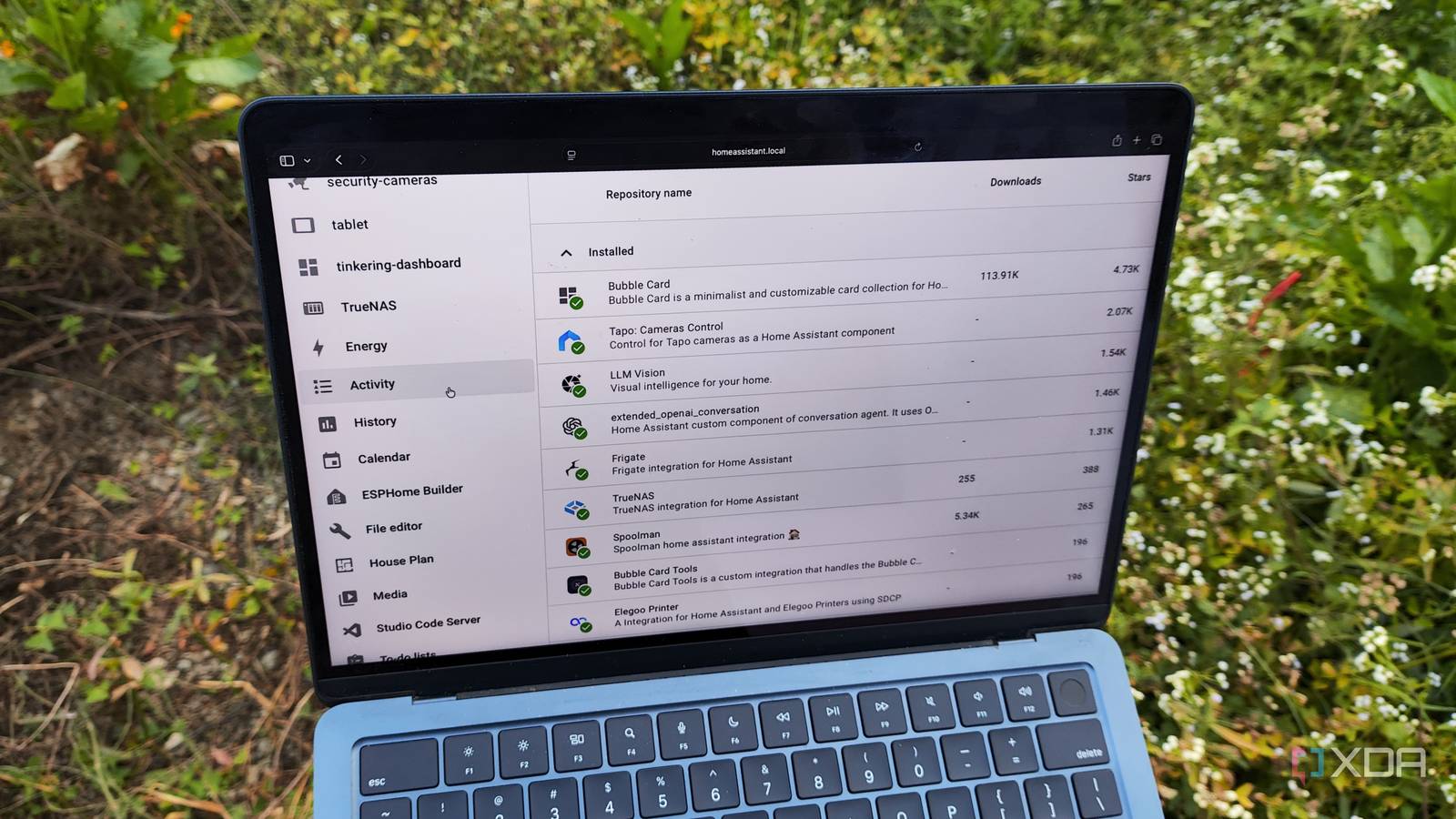
Published Nov 25, 2026, 5:00 PM EST Ayush Pande is a PC hardware and gaming writer. When he's not working on a new article, you can find him with his head stuck inside a PC or tinkering with a server operating system. Besides computing, his interests include spending hours in long RPGs, yelling at his friends in co-op games, and practicing guitar. Although Home Assistant is already loaded with all sorts of cool features, the Open Home Foundation keeps releasing monthly updates to bolster its functionality even further. The March 2026 update, for example, brought voice satellite support to the HASS Companion app on phones, making it a lot easier to build locally-hosted voice-controlled assistants. Likewise, the August update enhanced Home Assistant’s LLM conversation elements, while the April 2026 release brought native infrared support and IR proxies to the platform. As for this month’s update, the Open Home Foundation built the Marketplace to replace the good ol’ Home Assistant Community Store as the source of third-party integrations. Now that I’ve been using it for a few weeks, I’ve grown fond of this change. Heck, I’ve even put together an entire list of integrations that I’d install from the Marketplace again if I had to rebuild my setup from scratch. The latest Home Assistant update migrates all HACS integrations to the Marketplace For the uninitiated, the Home Assistant Community Store has served as the primary catalog for managing third-party packages, integrations, and card-based UI elements for the smart home platform for the longest time. But with the Marketplace taking over its role starting this month, I was a bit worried I’d have to reconfigure everything from scratch. Fortunately, every single HACS integration I’d configured for my smart home showed up immediately within the Marketplace tab under Settings. The biggest benefit of this change is that new integrations no longer require me to restart the entire platform, though updates still require a reboot. The built-in Marketplace also makes community integrations a lot more approachable to beginners, as HACS involved a somewhat cumbersome setup process where you could only access its catalog after connecting it to GitHub. Sure, custom repos still require a GitHub account to be paired with the Marketplace, but considering the sheer number of cool integrations that are already available on this new store, it’s a welcome change for newcomers looking to bolster their integration collection. And trust me, there are a bunch of must-have integrations on the HASS Marketplace … House Plan provides an interactive floor plan of my IoT gizmo-laden living space It also doubles as a neat dashboard Home Assistant’s custom dashboards are undoubtedly useful for arranging the metrics and controls of my entities in a neat interface, and there are plenty of card elements in the Marketplace that can make this UI even more appealing. That said, none can match the cool factor of the House Plan integration by developer Matysh. As you may have already guessed from the name, House Plan lets me create a top-down view of my smart home and arm it with the IoT devices, workstations, microcontroller projects, and other wacky things I’ve added to HASS as entities. House Plan’s simple canvas makes it easy to create the 2D smart home replica, even more so after I uploaded the official floor plan of my house. Besides my entity collection, House Plan can also accommodate icons for traditional “dumb” devices, and I can even add hyperlinks to the HomeBox server housing their details – making this integration even more useful for my inventory management system. The best part? Every device in Home Plan supports interactive controls, and I can map these actions to simple on/off toggles, info boxes, and automation pipelines. Combine that with the fact that Home Plan creates its own dashboard that I can use from my tablet-turned smart plane, and you can see why I adore this integration despite only setting it up a few weeks ago. Elegoo-Home Assistant automates my Centauri Carbon units It becomes even more useful with the Spoolman integration I rely on the Centauri Carbon lineup or my 3D printing misadventures, but since Elegoo doesn’t have any official Home Assistant integrations, I had to look into third-party packages. Fortunately, the Elegoo-Home Assistant integration by danielcherubini lets me pair my FDM printers to the smart home platform and use them as regular ol’ entities. As such, I can tweak basic print controls, check the built-in camera, and keep an eye on the temperature, print speeds, and other metrics directly from HASS dashboards. But the real fun began when I started looking into automations involving these entities. A trigger-action pipeline that notifies my phone about the print status was my first automation involving my 3D printing arsenal. However, I recently connected my Spoolman server to Home Assistant using another integration, and after pairing these two packages together via templates and automation rules, I was able to create a workflow that checks the filament consumption metrics for each spool on my 3D printer(s) and uses them to update my Spoolman database. LLM Vision lets me harness the image analysis functionality of my local LLM Pair it with Frigate, and it can summarize entire surveillance streams With Home Assistant receiving an official llama.cpp integration, I could finally use my locally-hosted AI models as conversation agents on HASS without looking into third-party workarounds. That said, the Gemma 4 E4B (Q4_K_M) model I rely on for productivity tasks also has image analysis capabilities, but I can’t quite use it for my surveillance cameras as is. That’s where the LLM Vision integration by valentinfrlch comes into the equation. Once I’d connected it to the llama-server instance running Gemma 4, I could have it analyze any frames, screenshots, or even the camera streams from my surveillance setup. I’ve also got a Frigate server running the object detection pipeline on a different PC, which I connected to Home Assistant using its own integration. Once I’d configured the AI Event Summary blueprint, I was able to put together a pipeline that creates an automated report describing my security camera footage every time Frigate detects an object on the frames. Proxmox Extended Sensors can pull PVE, PBS, and PDM metrics into Home Assistant It can pull significantly more entities than the native integration Technically, Home Assistant currently includes a first-party integration capable of tracking resource consumption stats for my Proxmox nodes and their virtual guests, and I can even use the entities pulled by it in my trigger-action pipelines. However, it ends up causing issues in cluster nodes if the host system paired with HASS goes down. I also couldn’t find the S.M.A.R.T. stats for my drives on this integration the last time I tried using it, and its entity list is also somewhat lacking compared to certain third-party integrations. Meanwhile, the Proxmox Extended Sensors package by Javisen can pull all sorts of entities from my PVE workstations into Home Assistant, including metrics that are simply unavailable on the official integration. Better yet, it can even pair with Proxmox Backup Server and Proxmox Datacenter Manager, on top of supporting multiple cluster nodes. The Home Assistant Marketplace is laden with cool integrations So far, I’ve only covered four of my favorite offerings on the Marketplace, but you’ll find dozens of other useful tools hidden in there. The Bubble Card Tools package, for example, includes nested menus to make devices with too many entities less of an eyesore on dashboards, while the Compact Power Card makes it easy to visualize the energy consumption stats of my smart gizmos. There’s also the community-created Amazon integration, which can import shipment details as metrics you can use to automate your smart home. Home Assistant OS Windows, macOS, Linux, Android, iOS, web iOS compatible Yes Android compatible Yes
Home Assistant now has a built-in store for community integrations, and these are the 4 I'd install first
Full Article
Original Source
Read the full article at Xda-developers →KhanList aggregates and links to publicly available news content. We do not host full articles from third-party sources. Always verify important information with original sources.