
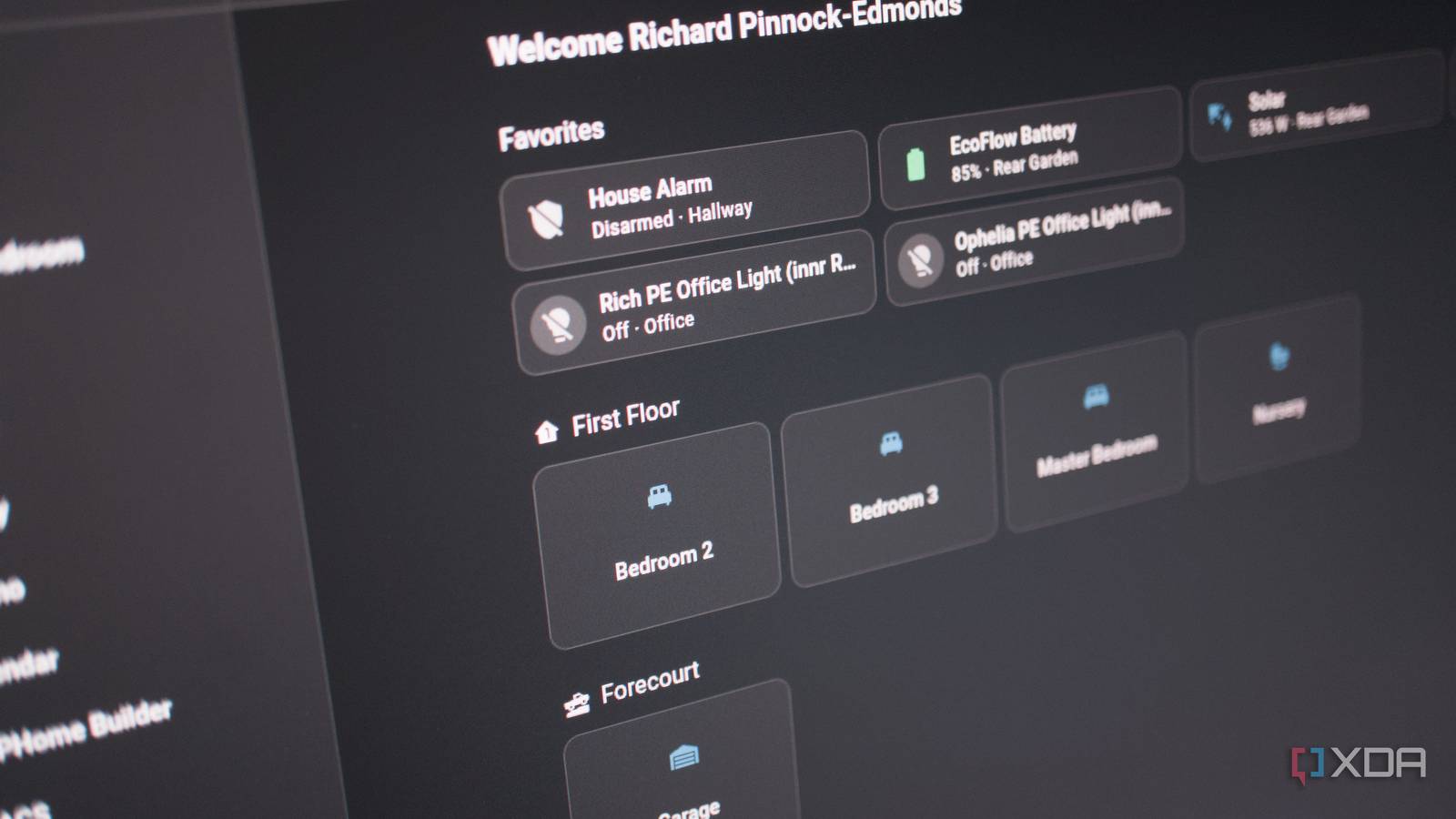
Published Oct 6, 2026, 1:00 PM EDT Richard is the PC Hardware Lead at XDA and has been covering the technology industry for almost two decades. He's been building PCs since young, and when not creating content, you can often find him inside a chassis somewhere. Home Assistant does plenty right, but if you're only using it to control smart devices, you may be doing it and your smart home both a slight disservice. That's because Home Assistant does much more than simply controlling smart hardware, which is where things get interesting. I doubt most people who eventually end up using Home Assistant do so without trying some other hub or ecosystem first. But once you get over the hurdle of treating HA like every other smart home experience, it's amazing just how capable it really is. Treating Home Assistant like other smart homes It's not the same as Siri, Philips Hue, and Govee Philips Hue is brilliant if you don't mind paying a small fortune for smart bulbs and being kept within the confines of the brand's product and software ecosystem. Want to add a new bulb? Philips Hue, it is. Want to control something? Philips Hue app and bridge. It's all tightly packaged and integrated, just like one would experience with Apple hardware and software. An iPhone seamlessly connects to wireless buds that can also be integrated into macOS. It's great when it works, but it can also be rather limiting. That's where Home Assistant comes into play. It's not an ecosystem of hardware and software. The Open Home Foundation does sell hardware that can run the OS, but it doesn't have an array of smart home devices on an online store that only works with the platform. The goal with Home Assistant is to ensure as many smart devices can communicate with one another as possible. I have Innr smart plugs, bulbs, Philips Hue bulbs, Govee fans, Sonoff sensors, and even an Android-powered wall-mounted screen all connected together. That's the power of Home Assistant, taking something relatively simple and creating a platform that can be used to create some incredibly complex automations to transform the home. If you limit yourself and your Home Assistant installation to just controlling smart bulbs, you'll be doing your home a disservice, as it can do so much more. Local LLMs can run and be paired with Home Assistant for more human-like commands for handling tasks. Automations can be configured to save minutes each day. An entire energy system can be monitored. How one approaches Home Assistant should be decided by what the end goal is. It's much more than a dashboard The best automation is one that's never interacted with It's easy to get lost in the dashboards, spending countless hours perfecting your dream setup with all your smart devices connected and present. I've been through that, creating views, custom cards, tweaking colors, displaying my security camera feeds, and surfacing temperature readings from sensors. The last part is particularly noteworthy, as I use the sensor data to control heating, switching it on when temperature readings fall to a set threshold. A dashboard is useful, but it's not the end game. My wall-mounted display makes use of one of the curated dashboards, loading it up by default, offering the means to control the home alarm system and some functions. The issue is when dashboards become the smart home. The issue is if you have to walk over to the tablet, locate the room control, and press a button to turn on a light, you've essentially replaced a physical switch with a more complicated method of achieving the same result. That's not a smart home. Home Assistant becomes far more interesting when things happen without needing that interaction in the first place. I can set a motion sensor to turn on a light, but that's only the beginning. I can configure Home Assistant to check whether anyone is home, determine whether the sun has set, read a temperature sensor, see whether the television is playing, and then decide whether that light should turn on and at what brightness, as well as heating if it's cold enough outside. It's not so much that Home Assistant can control lights, but it can also use information from different devices and services to decide what happens. Our energy setup relies on automations We have an EcoFlow PowerOcean inverter paired to two PV solar strings and a 10 kWh battery configuration. The company provides its own backend system that offers "AI" functionality for managing charge and discharge. It works to an extent, but I found it to not charge up the batteries enough overnight to handle the high home power draw. That's when I decided to see if I can use Home Assistant to manage everything, using an available community-built integration. This single integration allows me to configure the system to charge overnight depending on a score driven by the next day's weather report, estimated solar production, and whether it's a weekday for when we draw more power for working from home. It This one community Home Assistant integration saves me hundreds each year and has saved us more compared to default options, but there's a secondary bonus. Home Assistant tracks all power input and output, providing a lot of data that can be parsed in the energy dashboard, as well as being provided to other cards and automations. Sensors and automations turn everything into data Just like a vehicle utilizes an army of sensors to figure out how everything is performing, the smart home can make use of them in a similar way. Contact sensors that are part of my alarm system can also be used to provide input that other parts of the smart home can rely on. They can detect and report when something hasn't been closed properly. Smart plugs can report power consumption, but they can also be used to control stuff, such as electic radiators. Brands don't need to be part of the same ecosystem. Philips Hue bulbs can be used alongside Innr counterparts. This is a strange concept to understand until you start using a universal platform. There are a few options that rely on cloud-backed services, but Home Assistant is where it's taken to another level. Automations don't really control individual parts of the system but are instead used to describe how the smart home should behave for the entire household. But there's no LLM, no fancy script acting like the brains of the operation. It's simple If This Then That (IFTTT) conditions. I take an input from a sensor, helper, or device, use it for something, and then output to something else. Instead of building the smart home around a particular brand, I've instead used Home Assistant to create something truly unique and tailored to our home. Home Assistant OS Windows, macOS, Linux iOS compatible Yes Android compatible Yes
Home Assistant doesn't just control smart devices, and that's where it gets interesting
Full Article
Original Source
Read the full article at Xda-developers →KhanList aggregates and links to publicly available news content. We do not host full articles from third-party sources. Always verify important information with original sources.