
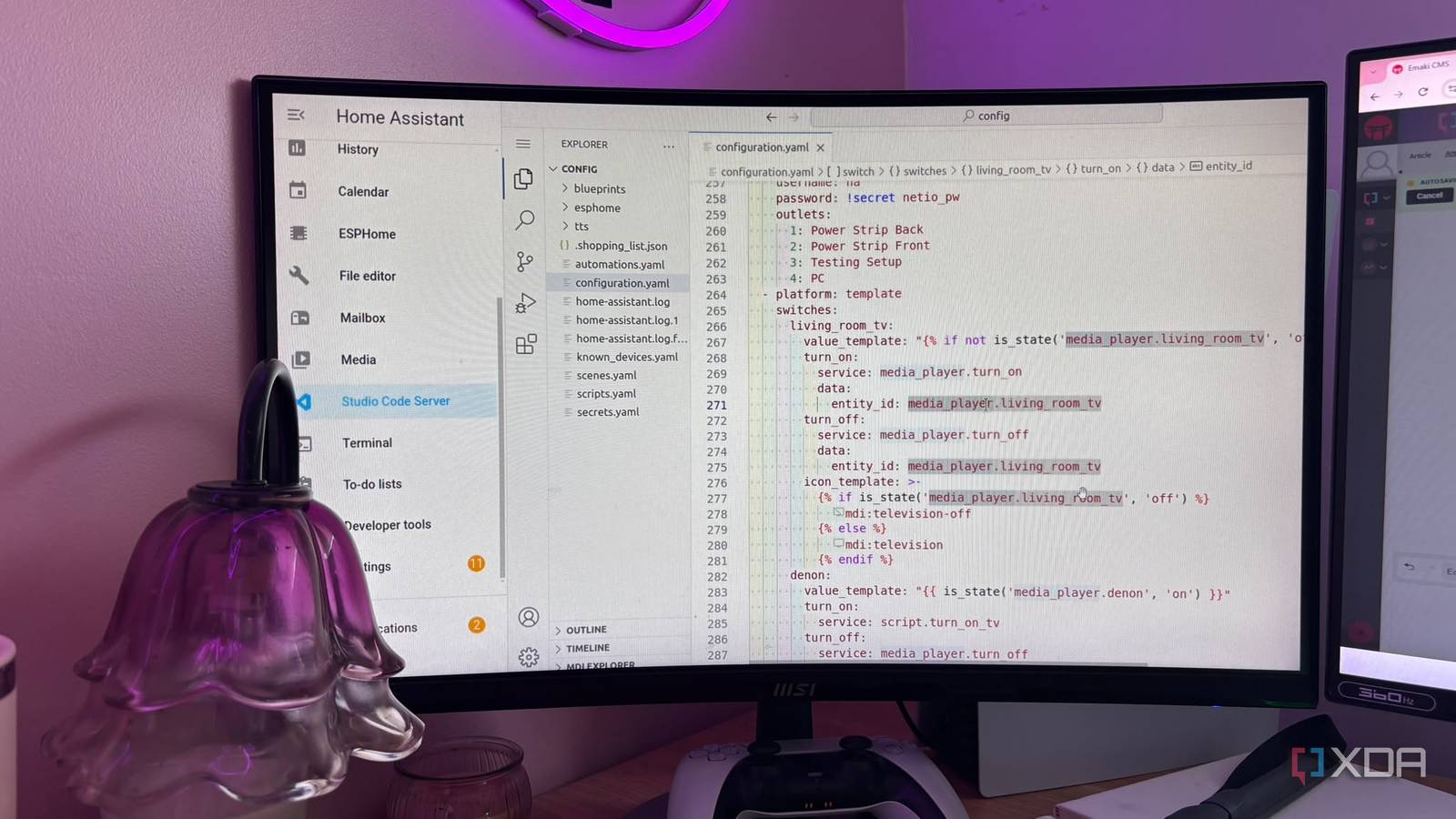
Published Sep 25, 2026, 1:00 PM EDT Jasmine is Software and PC Hardware Author at XDA with years of tech reporting experience ranging from AI chatbots right down to gaming hardware, she's covered just about everything. Whether it's breaking news about the latest AMD NPUs or creating video tutorials on social media platforms, Jasmine has contributed to the world of AI and tech in a variety of ways including interviewing the CEO of Razer, AMD's Director of Product Marketing and the VP of Lenovo. Passionate about gaming and PC technology, she has built countless computers, keyboards and other peripherals - knowing them inside and out. When building your own automations, it's so easy to fall victim to the copy-paste trap. If you write a brilliant motion-activated lighting automation for your hallway, it works perfectly, and then you go out and buy sensors for your kitchen, bathroom, and basement too. When you're copy-pasting the same raw YAML block four times and manually swapping out the entity IDs, you're actually creating a sprawling disorganized list of near-identical automations. Realistically, the best course of action is to dive into Home Assistant blueprints, which are reusable automation templates that separate the structural logic from the physical device entities. Smart home configuration shouldn't feel like repetitive manual labor. By embracing Home Assistant blueprints and community-driven templates, you can turn messy duplicate scripts into clean centralized functions, slashing your maintenance overhead and keeping your home lab organized. What are Home Assistant blueprints? You can make automation so much easier Credit: For those who aren't familiar with Home Assistant blueprints, the architecture behind them works essentially like a function within code. Every individual automation you spin up from it is a function call. The blueprint defines the core shape of the automation, like the triggers, the condition logic, and action sequences, but then it leaves the placeholder variables open for physical devices. When you want to apply a Home Assistant blueprint to a new room, you fill out a clean visual form instead of writing YAML or copying and pasting old automations and replacing entity IDs. You get the benefit of global inheritance and updates because they instantly inherit their behavior from the parent blueprint. This means updating the master template instantly propagates performance tweaks or bug fixes across every room using it (instead of you having to go through each individual automation you've typed out and repair it). The benefits of adopting blueprints There are countless real-world applications Swapping over to blueprints feels like the obvious choice once you really understand how it can save your sanity with these real-world wins. Swapping over to blueprints completely changes how you manage your home. You get standardized motion and presence lighting. Managing a dozen rooms with motion sensors, ambient light level checks, and time-of-day offsets using a single master blueprint (instead of maintaining twelve individual spaghetti automations) makes any adjustments you need to make throughout the year super simple. You also get low-battery and health-monitoring dashboards because you can deploy a global battery-level monitoring blueprint that scans every Zigbee and Z-Wave device on your network. It can automatically cue notifications when a coin cell drops below 15%, so you never have to worry about checking the battery levels on all of your devices individually. You can also leverage the community blueprint exchange. With so many users actively using Home Assistant, there's a large, prebuilt, heavily tested community template database for complex tasks. If you're looking to automate something, chances are someone's already done it and uploaded the blueprint for you. Right down to Frigate AI camera notification routing, climate schedules, and even smart switch scene controllers. You can take advantage of all of this without having to reinvent the wheel or do any YAML coding yourself. Blueprints won't always be perfect But here's how to get started with them for the times they do work Credit: Break a Layer It's worth noting that sometimes blueprints do fall short. They're not always going to be the right fit because, ultimately, your home is only your home. If you have any hope of a specific automation that relies on complex branching conditional logic that is entirely unique to a single device and will likely never be reused anywhere else in the house, a standard custom automation or Node-RED flow is often cleaner than having to pick up a blueprint and adjust it for that specific purpose. Sometimes when you're adopting a blueprint, it can be overwhelming to the point that you fall into a massive multipage form with 40 different toggle inputs. That essentially defeats the purpose of the simplicity that blueprints bring you. If a blueprint becomes too complicated, it loses its elegance, so don't over-parameterize it. If you're hoping to get started with Home Assistant blueprints, then the best first step is to audit your duplicate automations by looking through your Home Assistant dashboard for automations that share identical logic but target different rooms or devices. Then extract the core logic. Take your most robust working automation, strip out the hard-coded entity IDs and replace them with `!input` declarations; then you can define the selectors like `entity`, `device`, or `area` so that the UI provides clean drop-down menus when you implement these blueprints. Lastly, clean up all of your automations by importing your new custom blueprint. Spin up instances for each room and safely delete the legacy duplicates you've got going on. Don't let YAML drag you down Blueprints can save you so much time Home automation should simplify your life, not saddle you with what feels like a second part-time job maintaining bloated code. Shifting from brute-force copying to modular blueprints transforms Home Assistant from a cluttered hobby project into a resilient enterprise-grade local platform. Copying and pasting raw YAML files can be messy and frustrating, and blueprints essentially remove that friction.
Home Assistant blueprints finally stopped my copy-paste automation nightmare
Full Article
Original Source
Read the full article at Xda-developers →KhanList aggregates and links to publicly available news content. We do not host full articles from third-party sources. Always verify important information with original sources.