
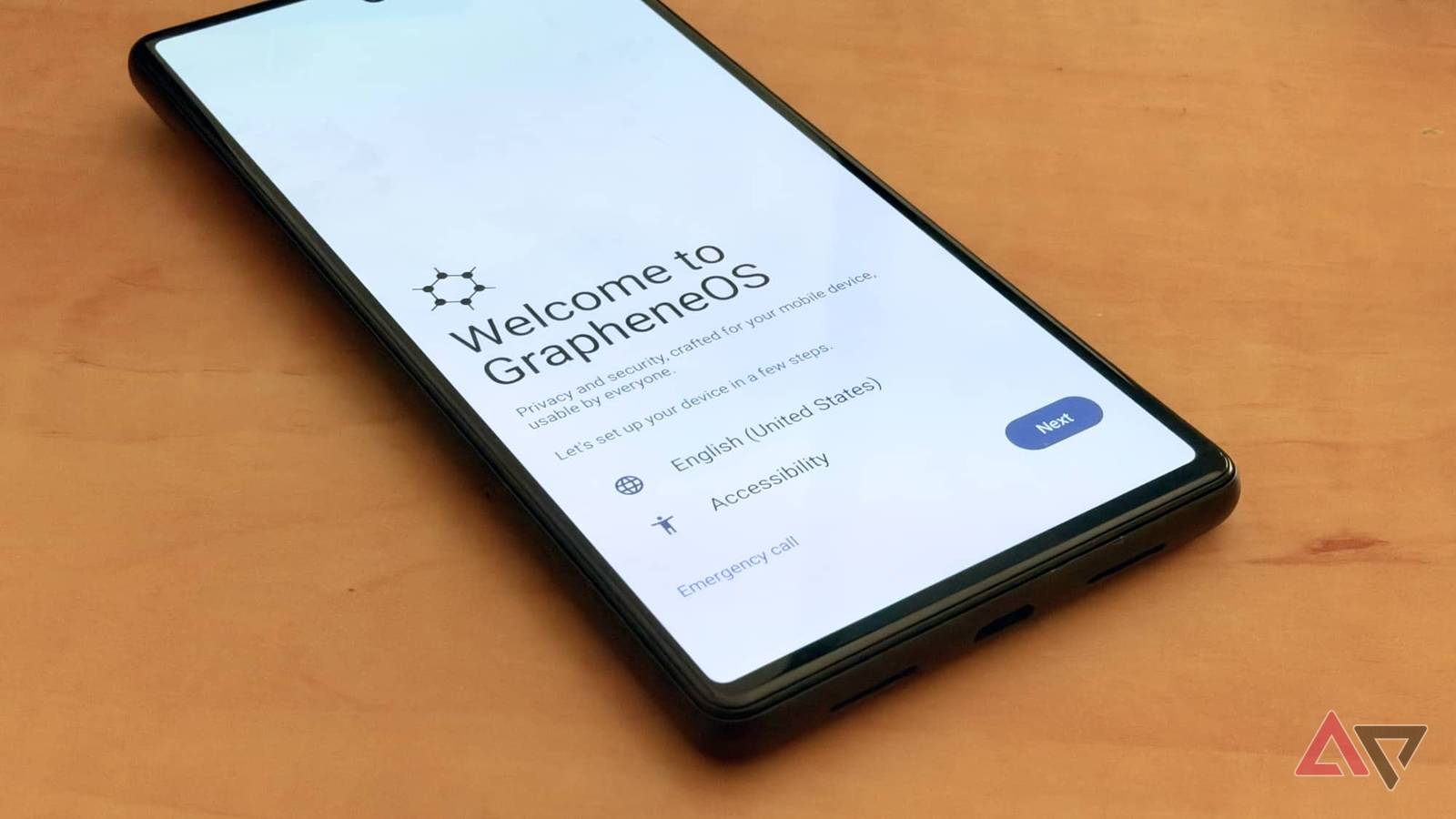
Published Nov 10, 2026, 11:00 AM EST Jesse is a lifelong technology enthusiast who has been exploring smartphones and mobile tech for more than two decades. He began his career in IT consulting and project management before making a career change into tech journalism in 2007 with iLounge. During that time, he authored three editions of iPod & iTunes Portable Genius for Wiley Publishing and has since written for iDrop News, Lifewire, SlashGear, and Digital Trends. While Jesse remains strongly immersed in the Apple ecosystem, you'll commonly find him rocking both an iPhone and a Pixel at the same time, where he likes to live on the edge with the latest iOS and Android betas. His tricked-out smart home also responds equally well to "Hey Siri," "Alexa", and "OK Google." His other hobbies include reading, curating his Plex library, and helping out at his local church with everything from live video production to governance. A few weeks ago, I wiped Google off my Pixel 6 and installed GrapheneOS to get a feel for what true mobile privacy could look like — and it was an eye-opening experience. While there are plenty of custom ROMs, GrapheneOS stands out for its staunch focus on providing the most secure and private experience possible under the Android Open Source Project (AOSP). That focus comes with significant trade-offs, not the least of which is abandoning the cozy world of Google services. As someone who still waxes nostalgic for the days of the Nexus One, I've felt the pain as Android gets more "Googlified" each year. The idea of stripping that out for those more halcyon days is appealing, and while it's not the digital Stone Age that some fear, going back to a simpler time isn't entirely a win. The silence is deafening — mostly in a good way GrapheneOS is a breath of fresh air compared to the chatty stock Pixel UI While I didn't miss the seemingly incessant nudges from Google services, the experience felt too quiet at first, often leaving me wondering if my phone was still on. The quiet comes with a cost. GrapheneOS offers minimal support for third-party app notifications by default. Most apps rely on Google's Firebase Cloud Messaging (FCM) — which isn't there unless you install Google Play Services. It's not all bad news, though. Privacy-focused apps like Signal (and its Molly fork) use their own persistent background notification connections that work splendidly on GrapheneOS. But those are the exception, and even Proton Mail, which is highly popular among privacy enthusiasts, still relies on FCM, so you'll need a third-party app like You Have Mail if you want notifications. On the flip side, you might decide — like I did — that not having email notifications is a good thing. GrapheneOS reminded me how rarely I need to know a new email has arrived the moment it shows up. Step 1 of my 12-step recovery program. There's another massive win behind all of this: battery life. Play Services isn't just chatty on the notification screen — it spends an inordinate amount of time waking the CPU and pinging the internet. Plus, my aging Tensor G1 chip runs hot under stock Pixel OS. Under GrapheneOS, it's as cool as a cucumber, and my standby battery life has jumped by an hour or two. Rewiring the Google dependency Old habits die hard It took 15 minutes to flash my Pixel 6 with GrapheneOS. A month later, I'm still adjusting to daily life without Google services. Organic Maps and Magic Earth are capable substitutes for Google Maps in most areas, but you'll have to live without live traffic or up-to-date business information. That wasn't a huge dealbreaker for me, as my car has Google Built-In, so I just pivoted to that. Android Auto is also available on GrapheneOS, but only if you install Google Play Services. The point of this life experiment was to avoid that. I also left my iPhone at home, and it wasn't long before I realized how old-school pure GrapheneOS is. The first day at the grocery store, I pulled my Pixel 6 out of my pocket to pay before remembering that I no longer had Google Wallet. The cashier gave me a quizzical look as I reached for my wallet and pulled out a physical card. Hitting the wall There's more to Google Play Services than Gmail Credit: Lucas Gouveia / Android Police Unlike Android Auto and Google Maps, Google Wallet is a complete non-starter — even if I cave and install Google Play Services. While folks in Europe might have more luck, as many banks implement their own NFC tap-to-pay capabilities, the North American payments landscape relies on Google Wallet, which requires a certified OS. Along the same lines, don't expect most financial apps to work without Google Play Services — assuming you can find them outside the Play Store. Most banking and other financial apps don't require a pristine bootloader, but they still need to pass Play Integrity checks, which makes them a non-starter unless you install Play Services. The web remains the great equalizer here. I can still log in to my online banking and even use apps like Uber Eats and DoorDash through Vanadium, which is more than sufficient for my needs. Others, like Slack and WhatsApp, are clunkier because they require the desktop versions. It gets the job done in a pinch, but it's far from ideal on a 6.4-inch screen. Rolling your own cloud Or going old-school with a wire You won't get Google Drive without Google Play Services, but you'll also lose many cloud services most of us take for granted, such as device backups and photo backups. The good news is that Nextcloud works beautifully on GrapheneOS for those who prefer to avoid third-party cloud services entirely by hosting their own. The "de-Googled" version of Nextcloud distributed through F-Droid handles background file syncing and photo backups — although I had to set its battery usage to Unrestricted in the GrapheneOS settings to prevent it from being put to sleep. If you prefer not to run your own cloud server, Proton Drive and Ente Photos offer zero-knowledge cloud services. There's also Immich, which offers an Android client that looks eerily like a clone of Google Photos but backs up to a home server. Credit: Lucas Gouveia / Android Police | Domenico Fornas / Shutterstock There are also plenty of "offline" options that use peer-to-peer wireless or simply transfer over the USB-C port. GrapheneOS supports the same old-school file transfer methods as any other Android OS, and it comes with Seedvault built in for handling backups — either to a Nextcloud server or a USB-C flash drive. In my case, Nextcloud and Seedvault do the job nicely. Is the Google-less life worth it? Using GrapheneOS without Google Play Services over the past few weeks was a fascinating experience, but whether it works depends largely on your third-party app needs. If you've been looking longingly at "dumb" phones to reduce the clutter in your digital life, GrapheneOS is an awesome middle ground. You get a smartphone without all the cruft that comes with modern Android. But if you're used to a wealth of third-party apps, pure GrapheneOS will feel limiting. Thankfully, it's not a zero-sum game. GrapheneOS lets you run Google Play Services in a sandbox, letting you run those apps that need them without letting Google have the run of the entire board. In the end, that's the best of both worlds. I can live in a clean, Google-free profile 90% of the time, then switch to an isolated Google profile when I need to run an app I can't use anywhere else.
Here is what daily life actually feels like when you strip Google services out of Android by using GrapheneOS
Full Article
Original Source
Read the full article at Androidpolice →KhanList aggregates and links to publicly available news content. We do not host full articles from third-party sources. Always verify important information with original sources.