
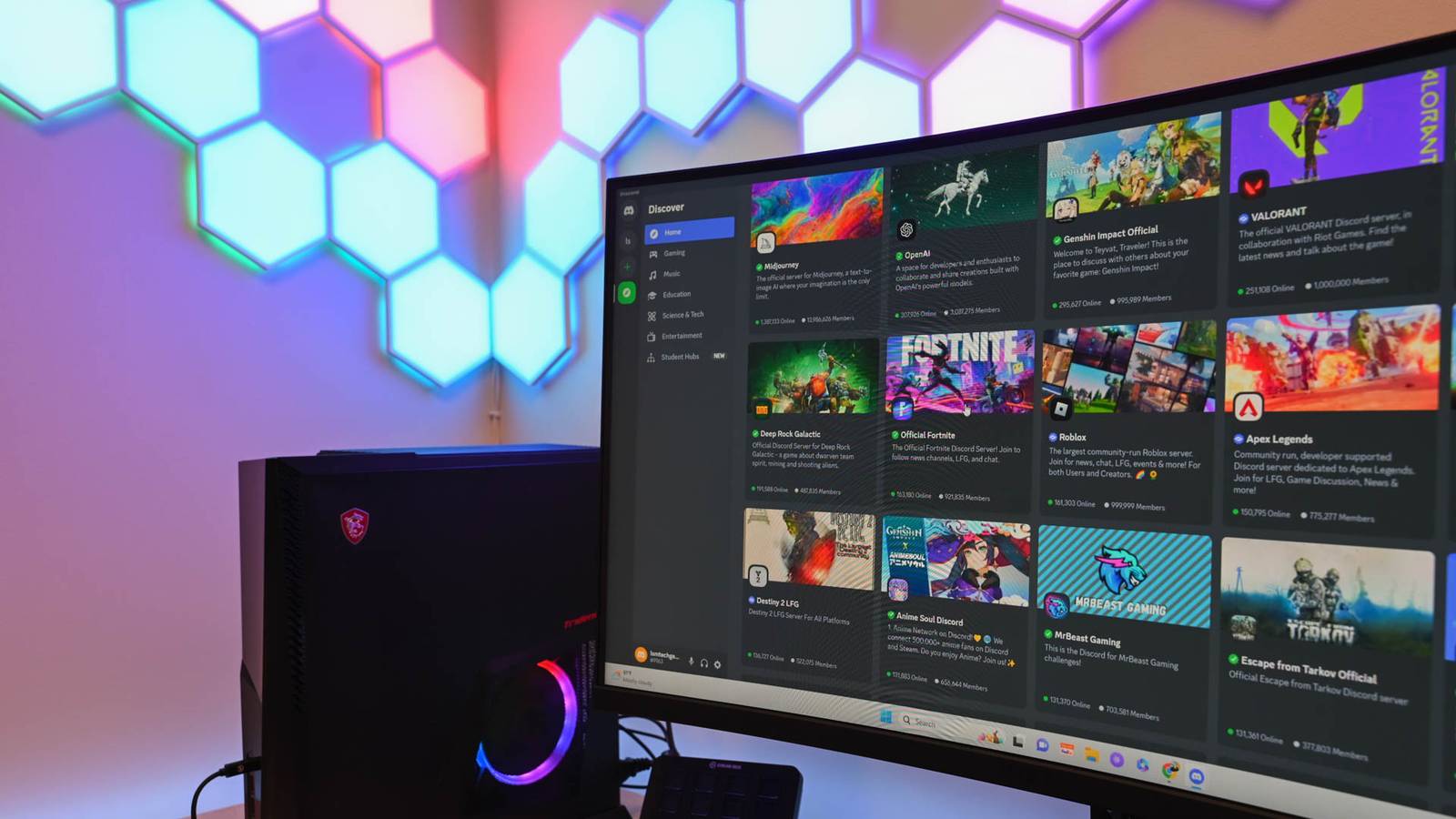
Published Aug 17, 2026, 12:30 PM EDT Aggy is a veteran writer and editor in the technology and gaming space. Having served as a Managing Editor for high-traffic digital publications, alongside being an editor and consultant for over a dozen sites. Aggy's published work spans a wide and respected array of tech and gaming outlets, including WePC, Screen Rant, How-To Geek, Android Police, PC Invasion, and Try Hard Guides. Beyond editorial work, Aggy's direct experience in the tech sphere extends to app development. Aggy has published two games under Tales and is always eager to learn and do more. He also likes working on computers and researching in his spare time. He knows about Windows, Linux, Audio, Video, and much more. Windows gets blamed a lot for high RAM usage, and sometimes that's fair. However, if you've ever watched Task Manager fill up with processes from Slack, Discord, and VS Code all running at the same time, the operating system isn't really the culprit. Those are Electron apps, and each one quietly loads an entire browser engine into memory just to run a chat window or a code editor and eats up RAM. Electron apps use so much memory Running a few of these apps eats up your RAM Electron works by combining two pieces of software that don't naturally belong together, which are Google's Chromium browser engine and Node.js. Bundling them together lets developers build desktop apps using JavaScript, HTML, and CSS. This is technology most developers would already be familiar with. The best part is that you can use these without writing separate code for each operating system. Inside any Electron app, there are always at least two distinct processes running. The main process has full access to your computer's file system, hardware, and operating system. Then there are one or more renderer processes, which are essentially web pages responsible for drawing the interface you actually see. Since those renderer processes are kept isolated from the rest of the system for security reasons, they have to pass messages back and forth to the main process through a communication layer rather than talking to the system directly. Getting Node.js and Chromium to cooperate on the same machine means you need some behind-the-scenes threading work to keep their two very different event systems from stepping on each other. The big downside of all this is Electron bloat. A native app compiled for your operating system can share libraries already loaded in memory by other apps and the OS itself. Electron apps can't do that. Every single one ships with its own self-contained copy of a web browser, and none of them share anything. So when you open one Electron app, you're actually starting an entire family of processes. You have one to run the app itself, one for each window, one to handle graphics, and several more for networking, audio, and storage. If you're running Slack, Discord, and VS Code at the same time, your computer has to hold three completely separate copies of the same browser engine, three JavaScript runtimes, and three independent thread pools all in memory simultaneously. As all of these process trees pile up, they eat through your available RAM fast. Electron is different when compared to normal Windows apps Your PC will stutter when your RAM fills up Credit: Jorge Aguilar / HowToGeek There's more to why Electron uses so much memory than just blaming native Windows frameworks. The oldest and most lightweight option is Win32, where applications compile directly to machine code and talk to the operating system through system libraries like user32.dll and kernel32.dll. There's no managed runtime, garbage collector, or anything in between; it just has the app and the OS. That simplicity keeps idle memory usage low. Windows Presentation Foundation adds a layer on top of that by running on the .NET runtime, but that doesn't make it slow. WPF also keeps itself from allocating full memory weight for properties that are just sitting at their default values, and it caches rendering trees so it isn't constantly redoing work. WinUI 3 is in a similar position. Electron is a different story entirely. A typical Electron app idles at much higher memory usage, and if it hasn't been optimized, you could be looking at trouble. The way it operates just isn't built for idle use like most other programs. The situation gets noticeably worse once you have many of these apps running at the same time. On an 8 GB laptop, that would all add up too fast. Once available RAM fills up, Windows starts moving the memory pages of background applications out to the page file on disk to make room for whatever's in focus. That's where things go wrong, because the moment you switch back to one of those background apps, Windows has to pull all those pages back off the disk and into RAM before anything can happen. That read-back process is what causes the stuttering, lag, and momentary freezes that tend to follow switching between Electron apps on a loaded system. V8's garbage collector makes this worse. It periodically sweeps through memory to clean up short-lived and long-lived objects, and doing that scan forces the operating system to pull swapped-out pages back from disk. You can cut down on Electron RAM usage There are lighter options you can switch to instead Credit: Jorge Aguilar / How-To Geek Developers write the software, but you've still got options as the user. Since Electron apps respond to standard command-line switches, you can launch them from a terminal or edit their desktop shortcuts to pass in specific flags. When fiddling with flags stops being enough, switching to lighter software can make a real difference. With apps like Slack or Discord, the easiest win is just using them in a browser tab instead of the desktop app. These platforms already run fine over WebSockets, so opening them in a tab you already have opened means you're not loading another full copy of Chromium and Node.js just to run a chat window. If you do need a proper desktop app, it's worth looking at ones built with Tauri instead of Electron. Tauri uses whatever webview is already on your system, which shrinks install sizes and the apps have lower memory use. This isn't the end of the world That doesn't mean Electron apps are badly made, or that the developers made bad calls. The tradeoffs that make cross-platform development faster and cheaper are real, and for a lot of teams, they're worth it. The cost gets passed to your hardware. The flags covered here don't need any technical background to use, and swapping even one Electron app for a browser tab or a Tauri-based alternative can free up enough memory to make the rest of your system noticeably more responsive.
Hate Windows' RAM usage? Wait until you find out about Electron apps
Full Article
Original Source
Read the full article at Howtogeek →KhanList aggregates and links to publicly available news content. We do not host full articles from third-party sources. Always verify important information with original sources.