
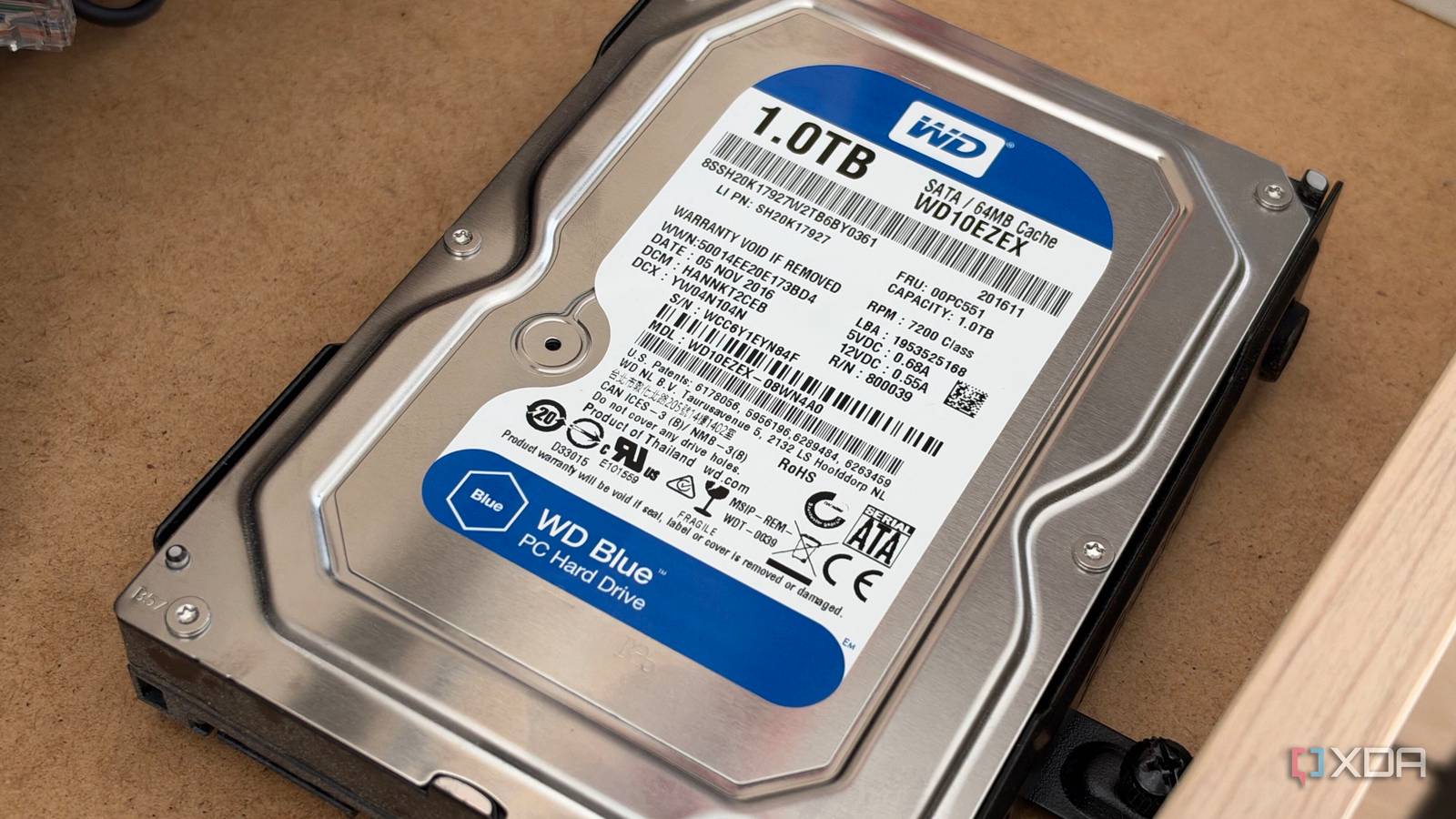
Published Nov 13, 2026, 7:00 AM EST His love of PCs and their components was born out of trying to squeeze every ounce of performance out of the family computer. Tinkering with his own build at age 10 turned into building PCs for friends and family, fostering a passion that would ultimately take shape as a career path. Besides being the first call for tech support for those close to him, Ty is a computer science student, with his focus being cloud computing and networking. He also competed in semi-pro Counter-Strike for 8 years, making him intimately familiar with everything to do with peripherals. Most PC builds that were parted out in the few years rely completely on flash storage and lack any kind of spinning disk, and that's in part due to flash storage becoming more affordable up until very recently, when AI demand drove up the price of NAND and DRAM. For your boot drive, an SSD is a must, but if you look at most of what your computer stores, the majority of it doesn't actually benefit from sitting on flash. By volume, most of what’s on a typical PC is photos, videos, music, downloads, installers, old projects, and games that haven’t been launched in months. A modest SSD for the operating system, your apps, and whatever you’re playing right now, backed by a large hard drive for everything else, is still the smarter setup for most people, and the recent price hikes back that up. Most of your data doesn't care how fast the drive is SSDs don't help for the majority of your data Solid state drives are perfect for any kind of random access, where the drive accesses a bunch of files that are scattered across the file system. That's exactly the kind of thing that happens when you boot Windows or are in the midst of a game loading screen, and having a hard drive in those instances can slow things down to a crawl. A drive with a moving read head and spinning disk simply can't keep up with flash, but when it comes to a movie, a folder of RAW photos or footage, and backups, those are read sequentially, and that's where an HDD can be fast enough. If you store that kind of data on flash, you're paying for speed you won't notice. You might open that vacation album of RAW shots maybe once a year, and that backup archive will load start to finish fast enough to be reasonable. The cost between the two kinds of storage is way more significant than the speed difference in these cases. The quickest way to see this on your own machine is to open the storage page in Windows settings and look at what’s using the space. On most full drives, the answer is media and downloads, not Windows itself. Your game library is bigger than what you're playing It's time to admit you're probably hoarding games on your SSD that you won't launch Besides the OS, games are the other use case that many PC owners use to justify grabbing a big, fast drive. There are some games that list an SSD as a hard requirement, and that's only becoming more common with the latest triple-A releases. Microsoft’s DirectStorage technology can technically run on SATA SSDs and even hard drives, but its biggest performance gains are reserved for NVMe drives. The games you're actually playing, though, are usually a small slice of what's actually installed. Your backlog is full of stuff you just don't touch that often, like the RPG you started last year but stopped playing, a pile of indie games, and that shooter that was a fad for a hot minute. Keeping it on the SSD is, more or less, a waste of that fast storage space if all you're trying to do is avoid a re-download. The alternative is to create a separate library on your HDD, and Steam makes that incredibly easy. In your Steam Settings under Storage, you're able to create another library for your HDD to hold games, and from there you can move games from your SSD onto your HDD with no re-download necessary. Park the backlog on the hard drive and move a game back to the SSD when you’re ready to play it again, or, if your connection is faster than a SATA HDD, you can just delete it and opt to re-download. Going all-flash might be a necessity Your build might require it In a small-form-factor build or even some more sleek ATX builds, 3.5-inch drive bays are becoming a lot less common, and depending on the chassis you choose, you might not have a choice but to go all-in on solid-state storage. Motherboards also keep adding M.2 slots, so adding a second drive that doesn't need a power connector or a dedicated cable for data might be more attractive anyway. The value case also isn't totally clean in favor of HDDs. 1TB M.2 NVMe SSDs can be found for not much more than their hard drive counter-parts. The further you go up the capacity chain, though, the more expensive flash storage becomes, so that's something to keep in mind if you have a lot to store. Why the hard drive is still a mainstay HDDs aren't worthy of being your boot drive, but they absolutely are worthy of holding most of your data. An all-SSD build is a common practice today, but the HDD is far more cost-effective for holding the things you don't access that often, which happens to be the majority of the stuff you're probably storing.
Hard drives still make more sense than SSDs for most of what's sitting on your PC
Full Article
Original Source
Read the full article at Xda-developers →KhanList aggregates and links to publicly available news content. We do not host full articles from third-party sources. Always verify important information with original sources.