
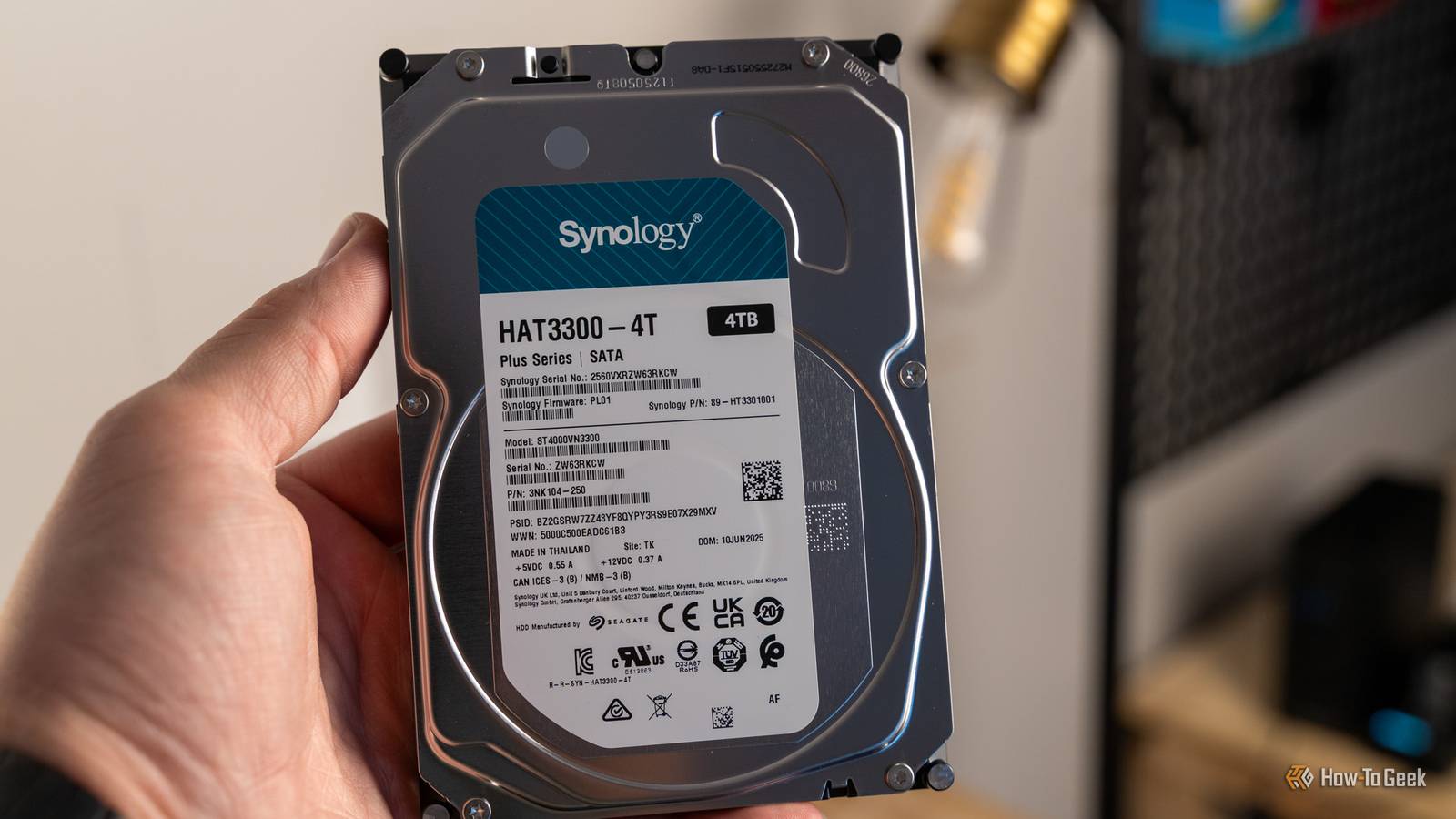
Published Oct 6, 2026, 11:30 AM EDT Ismar is a Senior Author at How-To Geek. He previously worked as a writer, editor, and general manager at a content agency before joining the team in 2023. He began his writing career in 2021 after completing a BA in English Language and Literature. Beyond How-To Geek, Ismar has contributed to Red Stag Fulfillment and Authority Hacker. He has also worked on various SEO projects to help clients improve their search visibility. Ismar has been around Windows PCs since the age of three, so friends and family naturally chose him as the resident tech support. His projects often involve tinkering, such as disassembling mechanical keyboards and gaming mice to mod his beloved gear. He also enjoys pushing hardware to the max through overclocking while staying on a reasonable budget. An avid gamer, Ismar has logged thousands of hours across various genres, including first-person shooters, RPGs, racing games, and roguelites. When he is not at his desk, he is probably exploring other people’s phones to discover their quirks and features or experimenting with the latest AI tools. In his free time, Ismar enjoys spending time with his wife, working out at the gym, playing guitar and bass, cooking gourmet meals, and traveling. Above all else, he’s a proud cat owner. Partitioning your storage drive from one large volume into multiple smaller ones seems like an unnecessary step on modern PCs that can often create more problems than it solves. But back when hard drives were the mainstream storage medium, partitions were surprisingly common — you'd be hard-pressed to find a Windows PC that didn't have multiple partitions. So, why was splitting your hard drive into C:, D:, and potentially several additional partitions such a common practice? Old file systems couldn't use the full capacity of newer hard drives 2GB wasn't enough Before NTFS became the standard file system for Windows, FAT16 was the file system used by MS-DOS and consumer Windows PCs throughout the late 1980s and early 1990s. Despite having a maximum partition size of 2GB on MS-DOS and the Windows 9x that followed, and up to 4GB on Windows NT with 64KB clusters, the format held on for a surprisingly long time. However, as larger hard drive capacities started becoming mainstream, FAT16 became a major limiting factor. If you had a hard drive with a 6GB capacity but ran an older OS that only supported FAT16 for hard drive volumes, such as the original Windows 95, the only solution was to split the 6GB drive into three partitions. There was another problem with using FAT16 for larger drives, though. FAT16 used larger clusters as partition sizes increased, making it an extremely wasteful file system for drives with lots of small files. If you stored a tiny 1KB text document on a FAT16-formatted drive with 32KB clusters, it would take up the entire 32KB cluster. That wastefulness could add up rather quickly in an office environment. The workaround was to format a hard drive into multiple partitions with smaller cluster sizes, reducing the amount of wasted space. FAT32 alleviated this problem by increasing the number of addressable clusters, which allowed it to use smaller cluster sizes even as drive sizes increased. Windows couldn't create FAT32 partitions larger than 32GB Partitioning made it possible to run old and new Windows together While FAT32 was a major upgrade over the old FAT16 file system, it didn't come without its own set of quirks. Despite technically supporting much higher volume sizes of up to 2TB (or 16TB with a 4KB sector size), Windows' built-in formatting tools only let you go up to 32GB, and that same restriction applied when creating partitions during Windows installation. It's worth noting that some of these versions of Windows, such as Windows 2000 and XP, already supported NTFS, which is still widely used today. So why would anyone deliberately choose FAT32 instead? Simple: compatibility. The late '90s and 2000s were the peak of the dual-booting era, when it was common to have two operating systems on a single PC. This was a transitional period where many people relied on older versions of Windows (particularly DOS and Windows 9x) to run specific software or games that didn't work on the new operating systems. By creating a FAT32 partition, you could install an older version of Windows on that partition and continue using the older software. The partition would still remain visible in the newer system that ran on NTFS, so you wouldn't necessarily "lose" that section of the hard drive in your day-to-day use. Keeping Windows separate made reinstalls much less destructive It made clean installs a lot less painful Credit: Ismar Hrnjicevic / How-To Geek One of the most common reasons people partitioned their hard drives was to reserve the C: partition solely for Windows, while keeping D: and other partitions for your actual programs and files. These days, you can easily find a solution to almost any Windows-related problem on your machine with a quick Google search or a prompt in ChatGPT. But twenty years ago, Windows' system recovery and diagnostic tools were much more basic, so they weren't always able to recover a broken machine to a healthy state. When a driver issue, accumulated system junk, bugs, or potential malware caused your machine to break, installing a fresh copy of Windows was often the most straightforward solution. If you remember how much faster a PC felt with a fresh copy of Windows, you know exactly what I'm talking about. By reserving the C: partition for just Windows and perhaps a few core tools, while leaving your personal files on D:, you could reformat that primary partition while leaving your files intact. This also made it easier to move to a newer version of Windows without having to worry about your personal files on the Windows partition. Short-stroking traded storage capacity for faster hard-drive performance The need for speed While many people partitioned their drives for convenience, compatibility, or easier file organization, there was a small subset of people who did it with a single goal in mind: improving performance. Hard drives are mechanical storage devices that use spinning platters, and because they rotate at a constant speed, the surface of the platter contains more sectors and moves faster under the read/write heads toward the outer edge. Hard drives typically started filling the platter from the outer section first, so as the drive filled up, new data would eventually be written to the slower inner portion. Disk fragmentation that accumulated over time also made performance worse by forcing the heads to jump between different parts of the disk. So, by creating a small partition of around 10–20% while leaving the rest of the drive unallocated, the drive would be forced to use only that outer portion for storage. The read/write heads didn't have to travel as far between accesses, reducing seek distances and improving access times. That's where the term "short-stroking" comes from. With this setup, a 1TB hard drive would only give you around 100–200GB of usable storage, but it could also increase throughput by around 20–30% or more, depending on the drive and workload. Sacrificing such a large portion of the drive didn't make much sense for most people, but if you needed the best possible performance from a mechanical hard drive for a specific workload, it was surprisingly effective. Needless to say, SSDs have made this wasteful performance trick completely obsolete. Today, partitioning a drive can create more problems than it solves While there are still some legitimate reasons to use multiple partitions on a storage drive today, like dual-booting Windows and Linux, most people are better off with a single partition. The most annoying thing about splitting a drive into multiple smaller partitions is that you can run out of space on one while the other still has plenty available. With a single unified partition, you don't have to deal with that issue.
Hard drive partitions used to solve 4 big problems that don't exist anymore
Full Article
Original Source
Read the full article at Howtogeek →KhanList aggregates and links to publicly available news content. We do not host full articles from third-party sources. Always verify important information with original sources.