
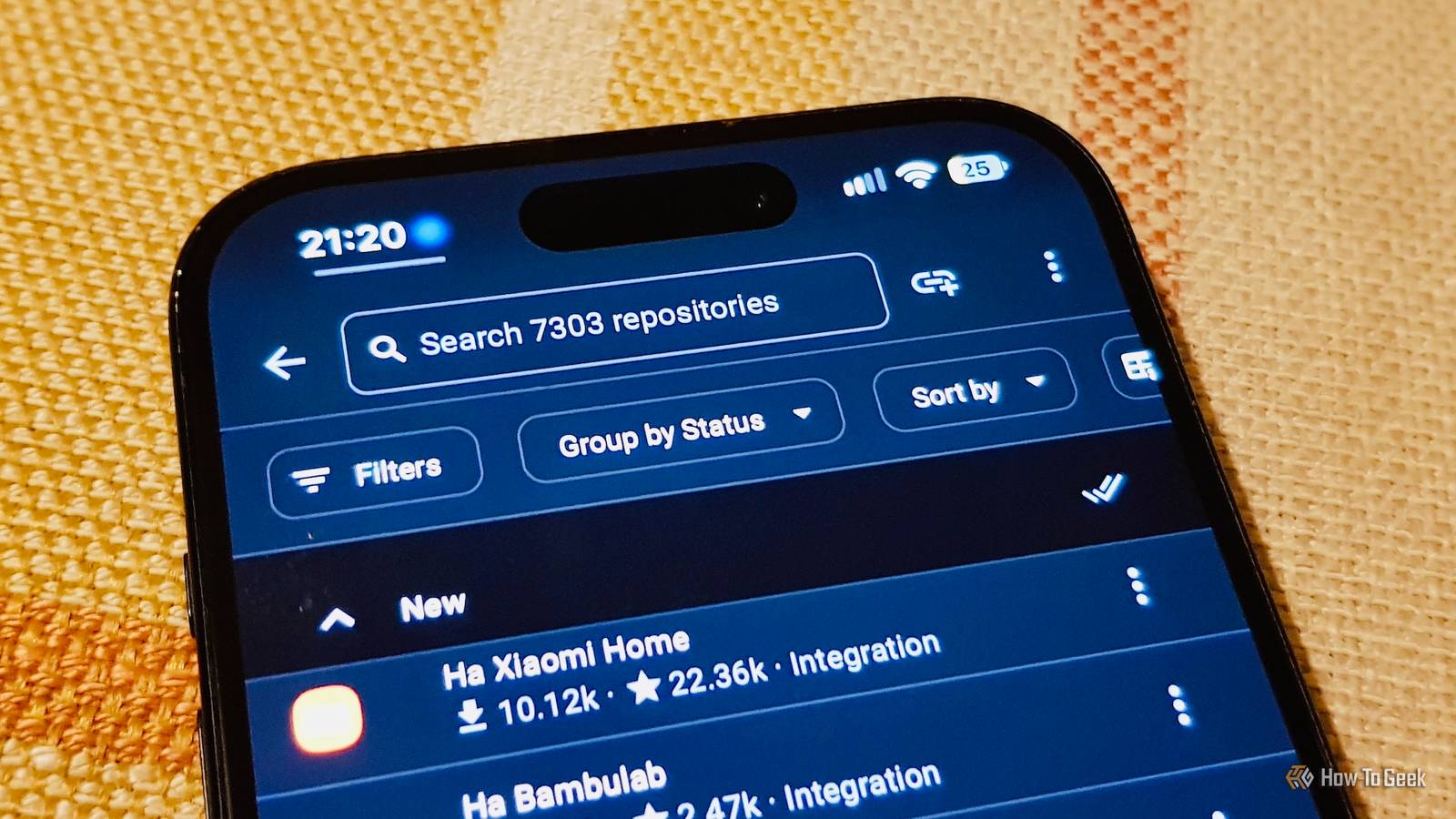
Published Nov 27, 2026, 12:00 PM EST Adam has a degree in Engineering and has a life-long interest in technology. He has been writing for over a decade for various print and online publications, with a focus on consumer tech. He joined How-To Geek in 2024 while working at Pocket-lint. As well as being a long-term fan of Apple products, he also has a strong interest in smart home tech, running a Home Assistant server at home to automate all his smart home devices. He believes that the ideal smart home should work with minimal interaction from the user, with automations running as if by magic rather than requiring you to push buttons on a control panel. You can find more of his work on Muck Rack. After years of being the go-to source for custom integrations and other components, the Home Assistant Community Store (HACS) is now built into Home Assistant. With the new name of Marketplace, HACS is part of every new install. If you've never explored the incredible tools available in HACS, then there's never been a better time to start. There are more than 7,000 repositories currently listed in Marketplace, but here are the things I would install first. Spook A toolkit of things that the core software can't do This is one of the most useful things that you could install via HACS, and you can now do so directly from Marketplace. Spook is a collection of tools created by Home Assistant project lead Frenck. He built the tools he wanted to use but that weren't ideally suited to the core Home Assistant software. Spook can do a ton of stuff, from finding orphaned and unused entities to adding new features to automation actions. There are even some additional helpers, including the very useful Time in State helper. It's one of the first things I'd install if I were starting again from scratch. Adaptive Lighting Make your smart lighting feel truly smart Some integrations can give your smart home a real wow factor, and Adaptive Lighting is one of them. The integration automatically adjusts the brightness and color temperature of your smart bulbs and other smart lights throughout the course of the day. In the morning, they start out dim and warm, gradually getting brighter and cooler toward midday, and then slowly becoming dimmer and warmer again toward the evening. The intent is to mimic the natural light of the sun, and once you've set it up, you don't need to do anything other than enjoy the perfect lighting throughout the day. Battery Notes Keep tabs on which batteries are low and what types you need Battery-powered smart home devices can be really useful because you don't have to worry about where you put them. There's no need to worry about how far away the nearest power outlet is; you can place them wherever you most need them. The downside is that batteries don't last forever, and when they die, so does your smart home device. Battery Notes can track the levels of your batteries, and it also uses a community-maintained library of devices to automatically identify which types of batteries your device uses. When your batteries get low, you can see exactly how many batteries you need and of what type they are. Battery Notes can even keep track of when you last replaced the batteries in a device. You can use this information to create alerts to remind you when it's time to replace the batteries in each device. Auto Entities Make dashboard cards populate themselves The information that Battery Notes provides can be displayed on a dedicated dashboard, but if you have a lot of battery-powered devices, you don't necessarily want to see all of them at once. You just want to see the ones that are running low. Using the Auto Entities card, that's exactly what you can do. The card dynamically diplays entities based on specific filters. If you set a filter for batteries that have a charge of 20% or less, for example, then the dashboard will only show the devices with low batteries. If you add new devices to your smart home, they will automatically appear without needing to update the dashboard, as long as they meet the filter criteria. Waste Collection Schedule Never forget to put the trash out again This is an integration that I use every single week, and before I started using it, I was using my own inferior automations to do the same job. It's a simple but effective idea: the Waste Collection Schedule integration pulls collection dates from a huge collection of different sources, including official waste collection providers and calendar feeds. Once you select a source, you get sensors showing your upcoming collection dates and the type of collection for each date. You can then use this to create automations that ensure you don't miss another trash collection again. PowerCalc Monitor energy consumption even without smart plugs Home Assistant has a dedicated Energy dashboard, and with the cost of energy going through the roof, it's never been more important to monitor what you use. The Energy dashboard is only as good as the data you feed into it, however. You can use energy-monitoring smart plugs, but adding them to every device in your home is impractical, and some devices aren't compatible. PowerCalc gives you a way to estimate energy usage without the need for additional hardware. It creates virtual power and energy sensors by estimating consumption based on a library of power profiles for different smart home devices. If you use smart bulbs at a specific brightness and color temperature, for example, then PowerCalc can estimate how much power is being consumed. While this isn't the same as using data that's measured at the source, it can give you a general picture of how energy is being used in your home. These insights can be incredibly useful even without exact accuracy. Marketplace is waiting to be explored These are just a handful of the excellent custom components available in Marketplace. It's definitely worth exploring what's on offer.
HACS is finally built into Home Assistant—these are the 6 things you should install first
Full Article
Original Source
Read the full article at Howtogeek →KhanList aggregates and links to publicly available news content. We do not host full articles from third-party sources. Always verify important information with original sources.