
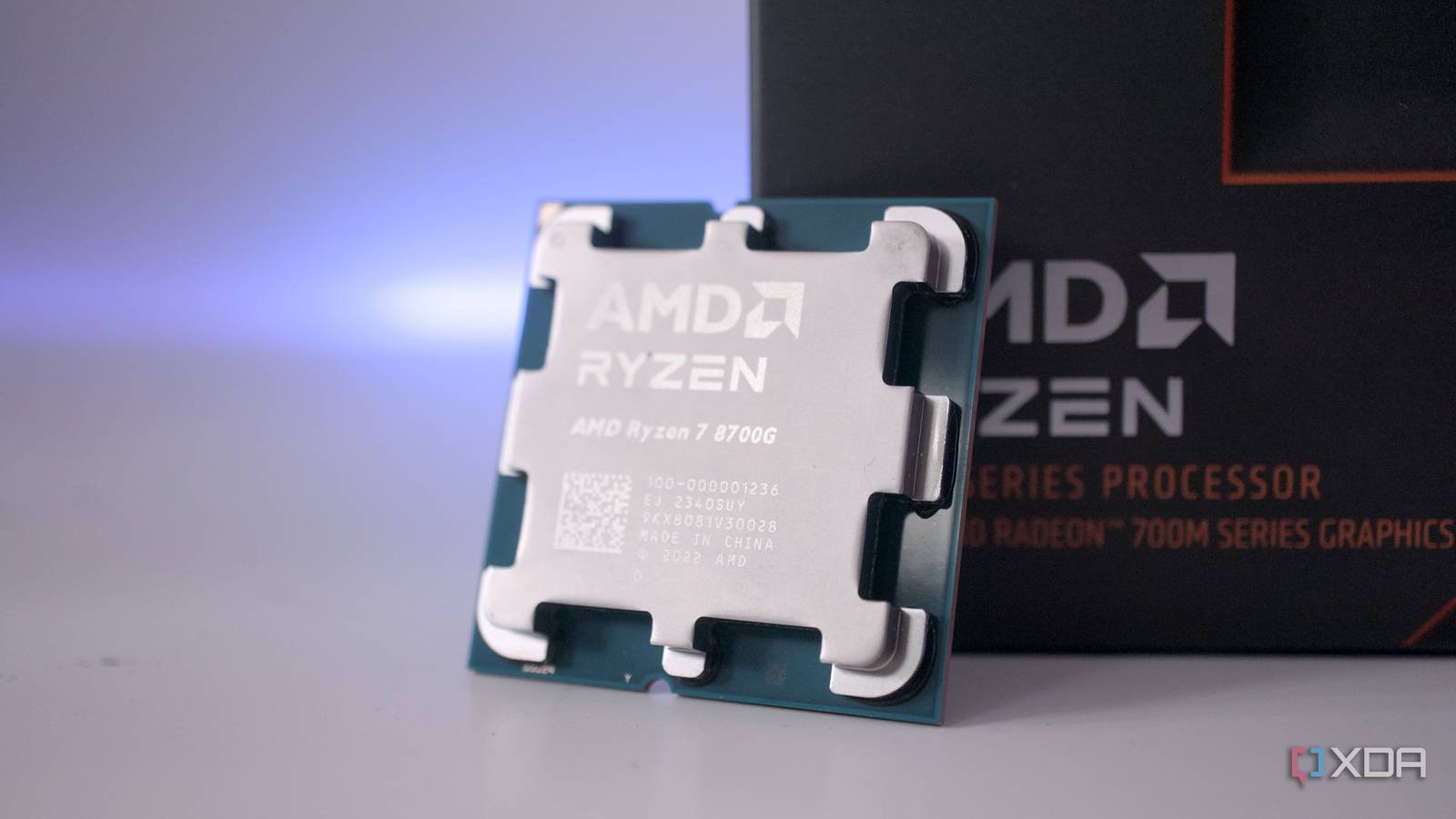
Published Sep 27, 2026, 3:00 PM EDT Abid covers consumer hardware, gaming, and platform updates with an emphasis on accuracy, clarity, and reader-first context. He holds a BSc in Computer Science and Engineering, and his work can be found in multiple publications, including Notebookcheck. Outside of work, he enjoys exploring new gaming hardware, testing system performance, and keeping up with developments across the broader tech landscape. A common rule of thumb for PC building was to allocate anywhere between 30% to 40% of the budget towards the GPU for a balanced build, but this advice doesn't really hold much ground anymore. Alongside other hardware, graphics card prices are seeing hikes quite frequently, and mid-range GPUs aren't affordable anymore. So, it goes without saying that building a budget gaming PC is more challenging than it was a couple of years back. The good part is that modern integrated graphics are changing the equation and playing a big role in keeping budget PC builds alive. Integrated graphics have become more than good enough to handle casual gaming An iGPU isn't just for display output anymore Old integrated GPUs that used to ship with Intel and AMD APUs could barely handle anything beyond displaying the desktop, but that's not true of modern iGPUs. Recent Intel Arc and AMD Radeon integrated graphics are surprisingly capable. Of course, on the desktop end, there aren't many options, but the Zen 4-based AMD Ryzen 8000G series is still holding its ground in the current market. The Ryzen 7 8700G, in particular, is a decent pick for anyone who is looking to build a budget gaming PC. This APU packs the Radeon 780M, which is the same iGPU that powers popular gaming handhelds like the Asus ROG Ally X and Lenovo Legion Go. It's also not far behind the newer Radeon 890M in the current-gen Xbox Ally X and Legion Go 2. Specifically, per gaming benchmarks, the difference can be anywhere between 20% and 35% in 1080p gaming. The Ryzen 5 8600G is also a good pick, especially for those with a very tight budget. It comes with the slightly less capable Radeon 760M, comparable to the iGPU in the custom APU inside the Steam Deck. Upscaling and frame generation give modern iGPUs the push they need Modern gaming features can make up for limited graphics power to some degree Needless to say, the Radeon 780M or the 760M can't smoothly handle everything you throw at it. Even with the visual settings turned down, the iGPUs can struggle to offer a playable experience on some titles. The good part is that technologies such as AMD FSR can make up for the lack of raw power to some degree. These technologies don't suddenly turn an iGPU into a dGPU, but they can improve perceived smoothness through frame generation and upscaling. Of course, not all games come with AMD FSR baked into them, and that's where tools like Lossless Scaling and Optiscaler step in. With the right combination of settings and frame generation technologies, the expectations around budget gaming can change. It's always possible to add a dGPU later Integrated GPUs make it easier to wait A dedicated GPU can take up a significant portion of the budget in a new PC build, which can leave less money for the other core parts. An APU with a capable iGPU, on the other hand, lets you spread that cost over time. It wouldn't be a good idea to buy whatever graphics card fits the budget now and settle for a setup that can't deliver the desired level of performance. This also makes sense given the current GPU market, as buying GPUs at retail prices isn't the wisest move for those seeking the best bang for the buck. However, it's important to pair the APU with the right memory, as it can make or break the iGPU performance. Integrated graphics aren't the right answer for every budget build A discrete GPU can still make more sense While integrated graphics play a big role in budget PC builds, an APU isn't always the better choice. For instance, a build that focuses on 1440p or 4K gaming can't really rely on the iGPU if it's expected to run anything beyond indie games or old-school emulation. Integrated graphics also share system memory with the CPU, whereas dGPUs have dedicated VRAM, which matters for tasks such as 3D rendering, video editing, and AI workloads. Even so, if you mainly want to play lighter games, handle lightweight workloads, and plan to add a dGPU later, starting with integrated graphics can be a sensible approach.
GPU prices are awful, and integrated graphics are saving budget PCs
Full Article
Original Source
Read the full article at Xda-developers →KhanList aggregates and links to publicly available news content. We do not host full articles from third-party sources. Always verify important information with original sources.