
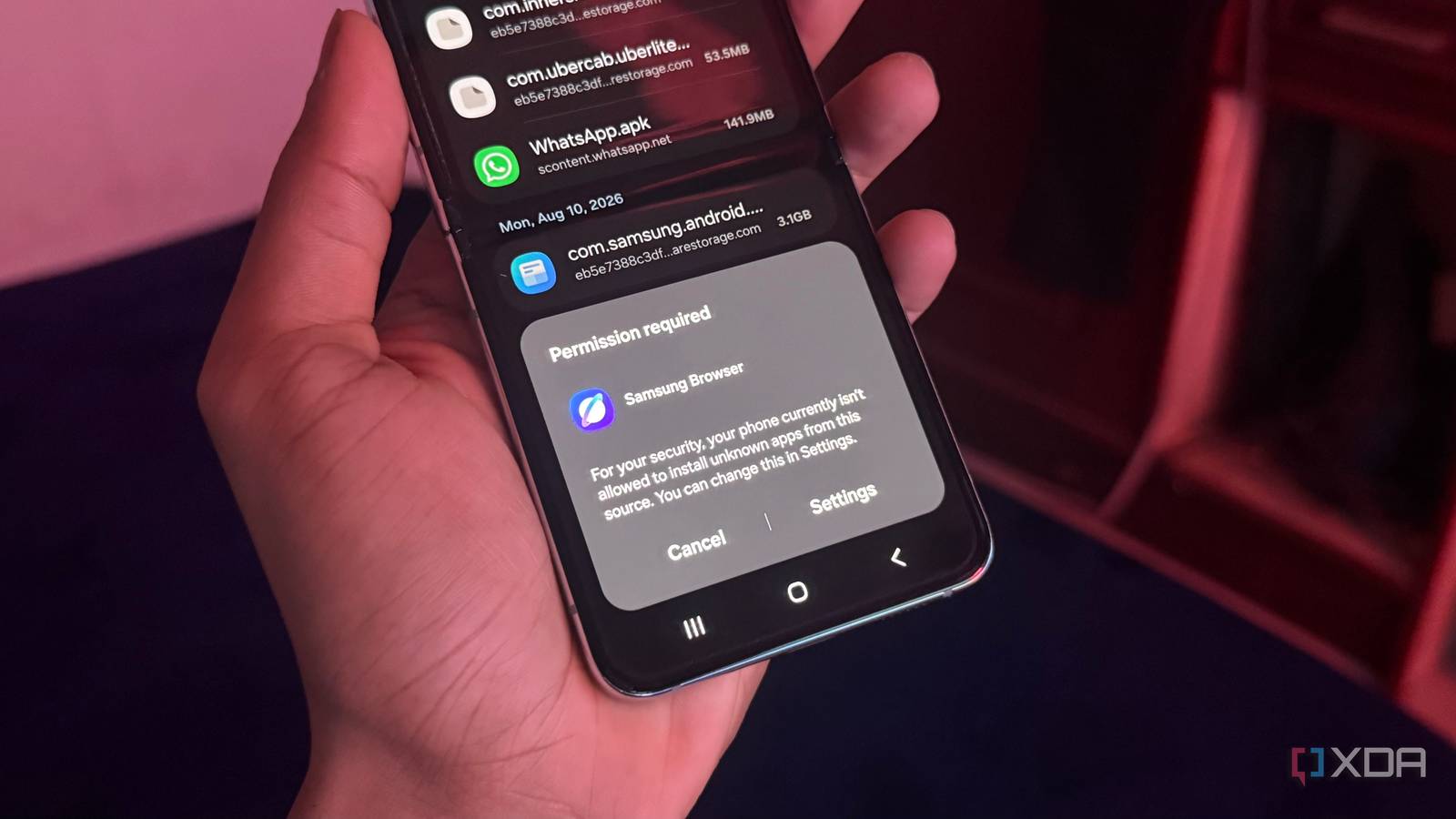
Published Aug 23, 2026, 5:00 PM EDT Hamlin has been in the tech field for over nine years. Since 2017, his work has appeared on MakeUseOf, Android Police, OSXDaily, Beebom, and more. He served as the Senior Editor at Valnet's MakeUseOf for over two years before joining XDA. He uses a high-end gaming rig for desktop use and a MacBook for traveling, but dislikes some of the quirks of macOS. You're more likely to catch him at the gym or on a flight than anywhere else. My very first smartphone was a Google Nexus One, which my dad bought me when I was 16. Back then, I would install APKs from outside the Play Store all the time, mainly because some of them weren't available in my region. Even though Android has come a long way since the early 2010s, this part of the experience has largely stayed the same. Yes, the OS will warn you about the risks when you try to install an app from an unknown source, but overriding that warning and going ahead has always been easy. That's set to change soon, as Google starts to enforce its developer verification program, which it first announced last year. Sideloading isn't completely going away, but the process of installing apps from unverified developers is about to get a lot more complicated. Google has legitimate security reasons for adding friction to this process, and I get why it's making this change. But at the same time, I'm not going to act like this doesn't take away from some of the freedom Android users have had for so long. Google's advanced flow complicates sideloading You can't just allow installs from unknown sources and call it a day anymore Credit: Google Up until this point, sideloading an app has been pretty straightforward. If you download an APK through your browser, your phone will stop you the first time and ask you to allow the browser to install apps from unknown sources. Once you've given it permission, you can go back to the APK and proceed with the installation. But that's not going to be enough once Google rolls out this change. In fact, Android won't even point you toward its new advanced flow, so you need to know what to do to bypass it. Basically, you need to enable Developer options on Android like you normally do. Then, go to Settings -> System -> Developer options, find Allow Unverified Packages, and toggle it on. That's already more work, but that's still not enough. You need to confirm that you aren't being coached into changing this setting, enter your PIN or password, restart your phone, and wait through a 24-hour security delay. After that, you need to head to the unverified packages menu again, scroll past additional warnings, and choose either Turn on temporarily (7 days) or Turn on indefinitely. This entire process is what Google calls its advanced flow, and I'd argue it's a lot more involved than sideloading needs to be, even for power users. Sideloading loses its appeal with this many hoops The freedom to do what you want is why many people choose Android Many people choose Android over iPhone because of the freedom it gives them to use their phone however they want. You can replace your launcher, install third-party app stores, and even customize your home screen to your heart's content. And for me, sideloading has always been a big part of that freedom, even though I rarely need to use it these days. It's always good to know that when an app isn't available on the Play Store or in my region, I can just get it from a source I trust, like APKMirror or F-Droid. Google putting more roadblocks in the way, especially in the form of a 24-hour security delay, takes away from that experience. On the bright side, choosing Turn on indefinitely means I'll only need to go through the advanced flow once, so it's not like I'll be waiting 24 hours every time I want to install an unverified app. Still, I'm not a fan of Google intervening and making me wait an entire day to do what I want. Sure, this won't kill sideloading, but it makes something that used to feel like an integral part of Android feel more like an unnecessary workaround. A little less freedom for a little bit more security That annoying 24-hour delay could actually protect users from scams Credit: Google As much as I dislike the 24-hour delay, I get why Google is implementing it. Scammers usually rely on creating a sense of urgency and then coaching their victims through disabling security features or installing malicious apps while they're still on the phone. That's much harder to pull off when Android forces you to restart your phone, interrupting the call, and then wait an entire day. That gives you enough time to realize something isn't right and confirm that you aren't actually in any trouble by contacting your bank or a loved one. For power users, these safeguards are more likely to feel like unnecessary friction. But you don't need to wait until you need to install an unverified app to go through the advanced flow. You can handle the security delay once and then forget about it. And let's not forget that you can still install apps from verified developers through their official channels without going through the advanced flow. You can even install apps via ADB without dealing with these restrictions at all, although connecting your phone to a PC and running commands isn't nearly as convenient. You probably won't need to go through the advanced flow until next year Google will begin enforcing its developer verification program starting September 30, 2026, in Brazil, Singapore, Thailand, and Indonesia, where these scams have had an impact. The company plans to expand this enforcement globally in 2027, when these changes will start becoming relevant to many more Android users, especially those in the United States. That said, the advanced flow itself is rolling out globally ahead of that, so you'll have plenty of time to decide whether you want to enable it before you actually need it. So these changes won't matter much to me once I go through that process, but I still hope Google doesn't keep making its OS more restrictive in the name of safety.
Google's new Android sideloading rules could undermine the OS' biggest strength
Full Article
Original Source
Read the full article at Xda-developers →KhanList aggregates and links to publicly available news content. We do not host full articles from third-party sources. Always verify important information with original sources.