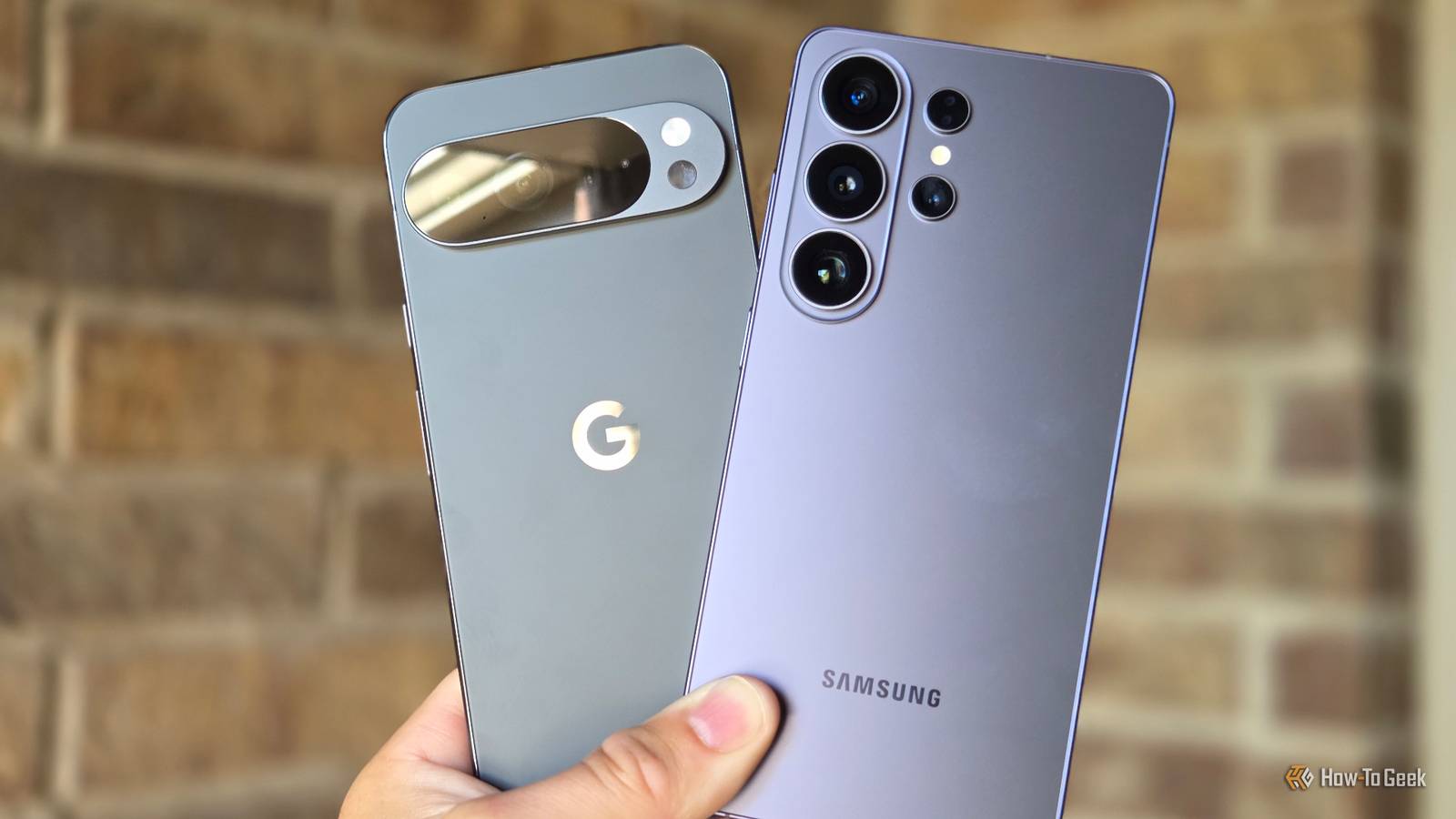
Credit: Cory Gunther / How-To Geek Published Jul 30, 2026, 3:49 PM EDT Jon is a seasoned journalist who has written definitive coverage of consumer tech at publications like Engadget, Android Authority, and BetaKit. He's an expert on making tech accessible ranging from mobile and PCs to emerging platforms like wearables. When he's not writing, he's going on adventures with ihis family and is an avid photographer. Sign in to your How-To Geek account Google and Samsung are both trying to address battery drain issues on their Android phones, and not always successfully. The two have released July 2026 software updates that have alternately fixed and created battery problems. Google says in an issue update that its July patch has fixed a "severe idle drain" bug affecting most of the Pixel 9 and Pixel 10 series. The Pixel 9a and 8a will receive their solution with a September update, the company adds. Google Pixel 10 $599 $799 Save $200 Whether the fix is completely effective isn't clear. While some owners are reporting success, some commenting on Google's bug tracker say they're still having problems. Pixel 7 users also say they've been suffering similar battery drain trouble with no answer so far. Samsung Galaxy battery drain: what is the cause? WhatsApp backups might be to blame At the same time, Galaxy phone owners on Reddit and Samsung's forums have complained that a July 2026 update to One UI 8.5 is leading to high battery drain, even with reduced use. The glitch mainly appears to affect Galaxy S24 and S25 models, but this isn't a comprehensive list. The runaway power consumption might be tied to WhatsApp. Users say the messaging app is getting stuck in its backup process following Samsung's software release. Some also mention overheating. How-To Geek has asked Meta and Samsung for comment and will update if there's a response. Whether you use a Google Pixel or Samsung Galaxy, the easiest solutions are to either avoid the July 2026 update or, if it's already installed, to wait for either the usual August release or an interim patch. With Samsung phones, you also have the choice of waiting for a WhatsApp fix or using the app's web version on your phone by enabling desktop mode in your browser. The web client isn't always practical (you'll typically need a secondary phone to scan a QR code), but it should avoid excess drain without forcing you to disable or uninstall the native app until there's a permanent remedy.
Google says it fixed Pixel battery drain issues—now Samsung Galaxy owners are complaining
Full Article
Original Source
Read the full article at Howtogeek →KhanList aggregates and links to publicly available news content. We do not host full articles from third-party sources. Always verify important information with original sources.