
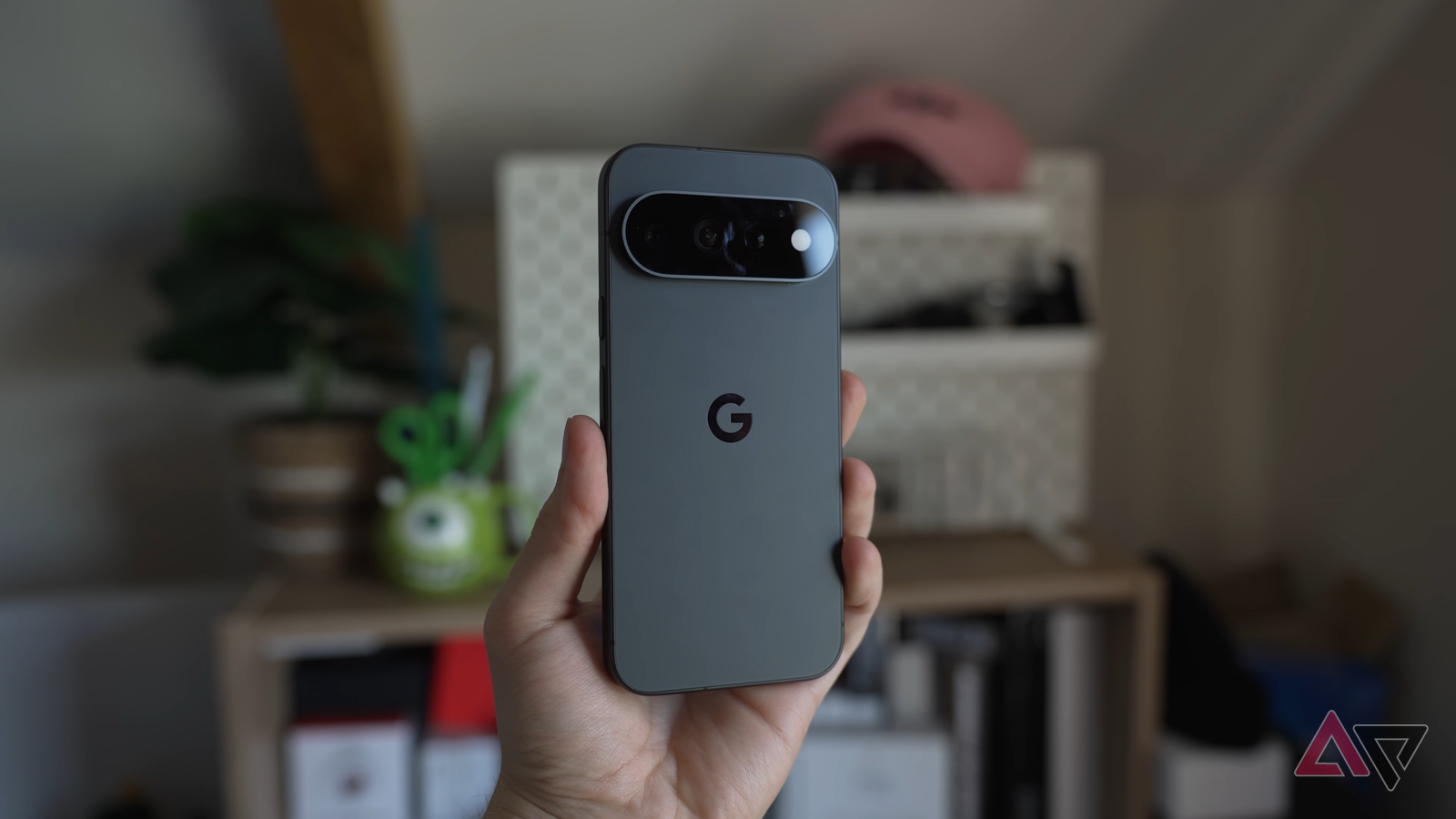
Published Nov 14, 2026, 1:32 AM EST I've been writing about Android since 2011, with a focus on device reviews, Samsung and Google Pixel hardware, and the latest happenings in the ecosystem. In my entire writing career, I've reviewed more than 75 Android phones. Carrying both a Samsung or Pixel flagship and an iPhone as a daily driver provides me with deep insight into how Android works and how it compares to iOS. I have been writing for Android Police since 2021, covering news, how-tos, and features. You can find my previous work on Neowin, AndroidBeat, Times of India, iPhoneHacks, MySmartPrice, and MakeUseOf. When not working, I tend to mindlessly scroll through X, play with new AI models, or go on long road trips. You can reach out to me on X or drop a mail at rajesh@androidpolice.com. HiLight is one of the Pixel 11 Pro’s most pointless features. The LED light on the back has plenty of potential, but Google’s limited implementation holds it back. Thankfully, that’s starting to change. With Android 17 QPR2, Google expanded HiLight’s capabilities to work with the Messages app. But that's not the only addition. HiLight now also works with WhatsApp, the world’s most popular messaging app. Until now, Pixel 11 Pro's HiLight would only glow when you received a WhatsApp call. In a post on X, Shenaz Zack, Pixel's Senior Director of Product Management, confirmed that the feature now works with WhatsApp messages as well. While a small change, it makes HiLight a wee bit more useful, especially since WhatsApp is among the most widely used messaging apps worldwide. If you rely heavily on WhatsApp to stay in touch with your friends and family, you can set up HiLight to glow when you receive a message from one of your VIP contacts. The latest HiLight upgrade appears linked to Android 17 QPR2, so ensure that your Pixel is updated before trying to customize HiLight for WhatsApp messages. If you regularly leave your Pixel face down on a desk, HiLight support for WhatsApp will give you a visual cue that someone important has messaged you. Ideally, Google should have expanded HiLight support to include more messaging apps, such as Telegram, Signal, Snapchat, and even Instagram. But that's not the case. In this day and age, people use more than just one messaging app to stay in touch with their friends and family. Worse, the pace of improvements is painfully slow. The Pixel 11 Pro launched in August this year, and HiLight is getting its first meaningful improvement three months later, and even that does not go far enough. Use this third-party app to make the most of HiLight Thankfully, you don't have to wait for Google to get around to improving HiLight. Instead, a third-party vibe-coded app, HiLight Studio, unlocks the rear LED light to work with any app you want. Plus, you can select a specific light effect for an app. That way, you will know which app has triggered the alert. Even better, you can use presets to set up apps in a group, so that you don't have to manually set up everything yourself initially. Then, as you get used to HiLight's expanded capabilities, you can customize it to your liking.
Google Pixel 11 Pro's most pointless feature just got a useful upgrade
Full Article
Original Source
Read the full article at Androidpolice →KhanList aggregates and links to publicly available news content. We do not host full articles from third-party sources. Always verify important information with original sources.