
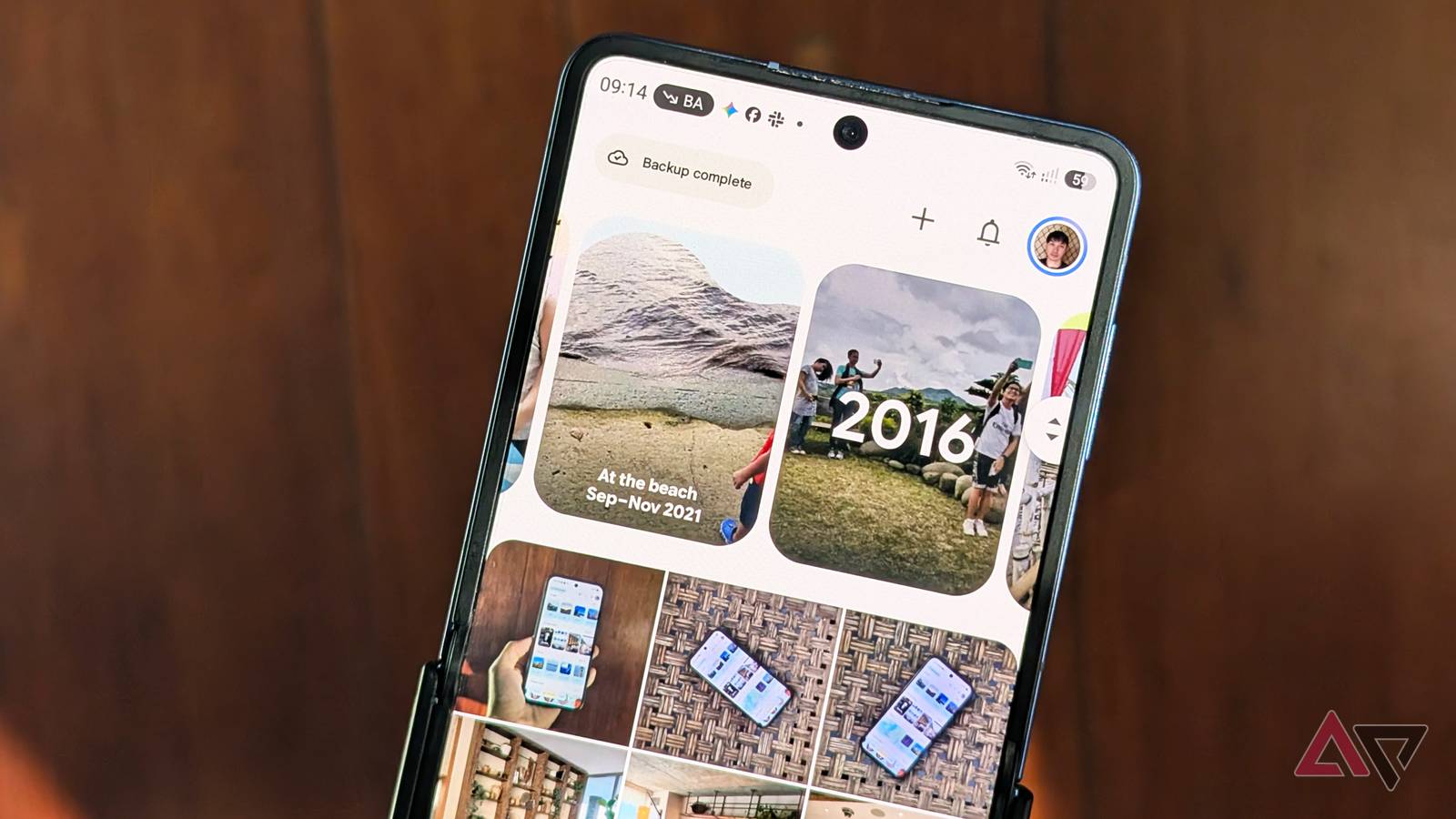
Google Pixel smartphone with the latest Google Photos cloud photo library app Published Nov 4, 2026, 2:45 PM EST Timi is the news and deals reporter for Android Police, who has been reporting on technology since 2008. He has worked in tech retail and also the IT space, providing hardware and software support, which gives him a unique perspective on the tech that he covers. This allows him to effectively break down complex subjects into easy-to-read pieces that even casual readers can enjoy. Before joining Android Police, he was a news writer for XDA, where he eventually transitioned to covering deals. He also worked as an editor and reporter for Neowin, where he covered news and attended major tech events like CES. He also reviewed phones, tablets, PC products, and other devices. In addition, he also created video content for the Neowin YouTube channel. Sign in to your Android Police account My NAS is my primary way of backing up my photos and videos. I didn't make the change because of privacy concerns. I just wanted another backup of all the photos and videos I've collected over the years. And for the most part, it's been good. But I still keep Google Photos on all my devices because the interface is easier to deal with and there are always great updates. It's not just a place to view my photos anymore; I can also edit and create custom projects when I need to. Memories is getting a change we all wanted Google Pixel smartphone with the latest Google Photos cloud photo library app Memories is a feature I don't dive into often, but it's worth checking out if you want a nice little mishmash of relevant memories in one place. Photos has made some interesting creations that have made me recall good times I had completely forgotten about. Of course, sometimes music that gets automatically added can take me out of the mood, and I just wish there was a way to keep things as is. Google listened to its users by adding an option that will now disable background music in your Memories (via 9to5Google). "When turned off, this feature prevents extra music tracks from playing during your Memories. If your Memory includes a video, you'll still be able to hear its original audio." This change is rolling out to all platforms, so check it out if you're using the web, Android, or iOS. It's yours to control If you're using the app, go to the Settings menu of the Google Photos app and toggle Background music off. One thing Google does point out is that since this is a global setting, it will remove music from your "End of Year Recap." If you do like the music, Google has added more music to experiment with. If you don't see what you like, you can always provide Google with some suggestions. However, for my own use, I'll skip the music because I just want to relive the memories without a backing track. Make some custom Memories for friends and family The great things about Memories is that you don't have to take what's given to you. Sure, Google's AI is usually pretty good about what it creates, but sometimes your own spin on it can be a little better. If you didn't know, you can always edit your Memories. You can control how long videos are and how long images appear in the montage. You can even add your own text overlays. Sure, this type of control isn't for everyone, but it's a nice option to have.
Google Photos finally lets you silence Memories
Full Article
Original Source
Read the full article at Androidpolice →KhanList aggregates and links to publicly available news content. We do not host full articles from third-party sources. Always verify important information with original sources.